Free ice cream SVG files
Free ice cream SVG files: scoops on waffle cones, a soft-serve swirl, a melting cone, a sundae, a milkshake, a snow cone and ice lollies on sticks. Scoops, cones and sticks are welded into one piece. Download as SVG, PNG or DXF.
17 designs. Free for personal and commercial use, no sign-up. What you can do with them.
-
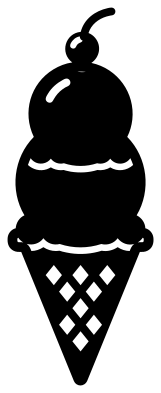 Ice cream cone with two scoops Solid · one piece
 -
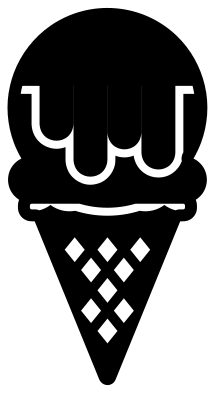 Ice cream cone with one scoop Solid · one piece
 -
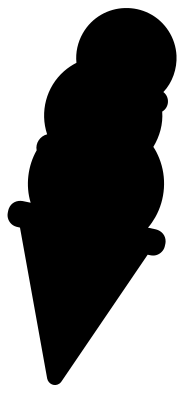 Ice cream cone silhouette Solid · one piece
 -
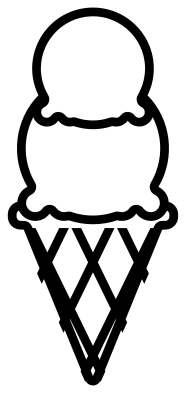 Ice cream cone outline Outline · one piece
 -
 Soft-serve ice cream cone Solid · one piece
 -
 Melting ice cream cone Solid · one piece
 -
 Waffle cone Solid · one piece
 -
 Cute ice cream cone with a face Solid · one piece
 -
 Ice cream sundae Solid · one piece
 -
 Bowl of ice cream Solid · one piece
 -
 Milkshake with cream and a cherry Solid · one piece
 -
 Popsicle on a stick Solid · one piece
 -
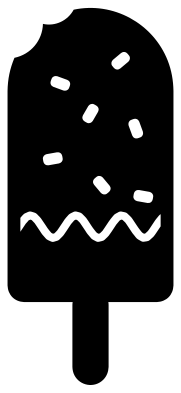 Chocolate-dipped ice cream bar Solid · one piece
 -
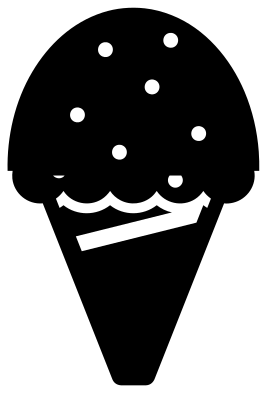 Snow cone Solid · one piece
 -
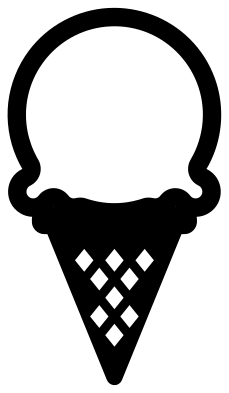 Ice cream monogram frame Solid · one piece
 -
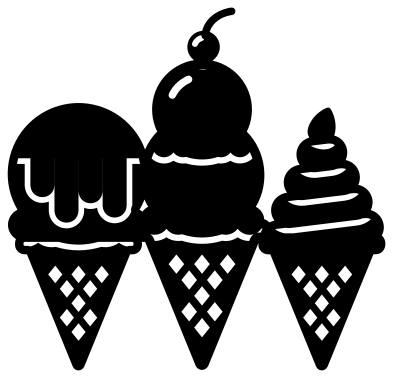 Three ice cream cones Solid · one piece
 -
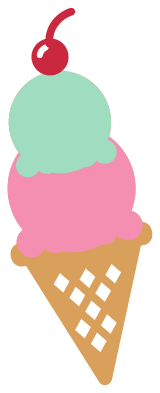 Layered ice cream cone in four colours Layered · 4 pieces
Waffle cones that stay in one piece
The usual way to draw a waffle cone is with crossing lines, and if you cut those lines the cone falls into dozens of loose diamonds. These cones are cut the other way round: the diamonds are small holes and the waffle between them is solid. The bars between the holes are about 3 mm wide when the cone is 100 mm tall, which holds in card, vinyl and 3 mm plywood. Below about 60 mm the diamonds are fiddly to weed, so pick the ice cream cone silhouette.
Each scoop sits on the one below with a cut line about 2 mm wide between them. The line stops about 3 mm short of the outside on both sides, and those two bridges are what join the scoops. Weed the line out gently, from the middle.
Lollies and sticks
The ice lollies are the sturdiest shapes here: a solid block on a stick nearly 10 mm wide at full size. They suit felt, craft foam and thick card, and they work as gift tags if you punch a hole in the stick. Cut the block in a bright colour and the stick in kraft card for a two-colour lolly, joining them behind the block.
How to open the files
- Cricut Design Space: choose Upload, pick the SVG, and add it to the canvas. Set the width you want; the shape is already welded.
- Silhouette Studio: Designer Edition and above open the SVG. The free Basic Edition does not, so open the DXF instead.
- LightBurn, xTool Creative Space and Glowforge: import the SVG, then set the layer to cut, score or engrave.
- Inkscape, Illustrator and Affinity: open the SVG. It is a plain filled path, so you can recolour it, add a stroke or combine it with your own work.
- Printing or sublimation: use the PNG, which has a transparent background.
Each design page lists the file’s narrowest part at seven sizes, so you can tell whether it will survive at the size you plan to cut.
Questions
How do I make each scoop a different colour?
Use the layered ice cream cone, which gives you the cone, each scoop and the cherry as separate layers. With a single-colour design, cut it once per colour and trim each copy along the cut lines between the scoops.
Which ice cream is best for a small sticker?
The ice cream cone silhouette or the popsicle on a stick. Both read clearly at 25 mm tall. The waffle cones and the sundae have small cuts and need about 60 mm.
Can I fill the empty waffle cone with my own scoops?
Yes, that is what it is for. Cut the cone from kraft or tan card, then cut circles or the scoops from another design in your own colours and glue them behind the scalloped rim.
 Pineapple SVG
  Coffee cup SVG
  Wine glass SVG
  Beer mug SVG
  Cupcake SVG
  Donut SVG