Free coffee cup SVG files
Free coffee cup SVG files: mugs with steam, takeaway cups with plain sleeves, cups on saucers, an espresso, an iced coffee and coffee beans. The steam is welded to the cup, and no cup carries a logo. Download as SVG, PNG or DXF.
19 designs. Free for personal and commercial use, no sign-up. What you can do with them.
-
 Coffee mug with steam Solid · one piece
 -
 Plain coffee mug silhouette Solid · one piece
 -
 Coffee mug outline with steam Outline · one piece
 -
 Coffee mug with a heart Solid · one piece
 -
 Coffee mug monogram frame Solid · one piece
 -
 Cute coffee mug with a face Solid · one piece
 -
 Cup of coffee on a saucer Solid · one piece
 -
 Espresso cup Solid · one piece
 -
 Latte from above with a heart Solid · one piece
 -
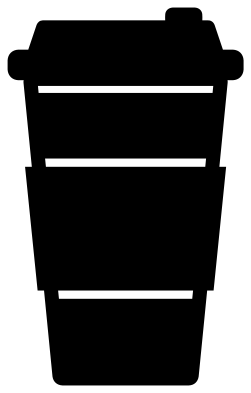 To go coffee cup Solid · one piece
 -
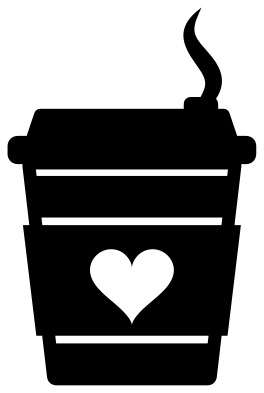 Small takeaway coffee cup with a heart Solid · one piece
 -
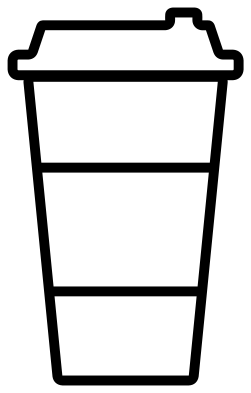 Takeaway coffee cup outline Outline · one piece
 -
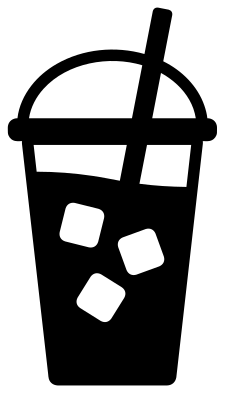 Iced coffee cup with a straw Solid · one piece
 -
 Hot chocolate mug with cream Solid · one piece
 -
 Coffee beans Solid · one piece
 -
 Scattered coffee beans Solid · 7 pieces
 -
 Stovetop coffee pot Solid · one piece
 -
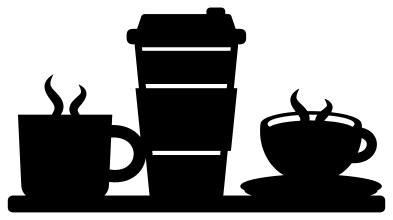 Three coffee cups on a shelf Solid · one piece
 -
 Layered latte from above in four colours Layered · 5 pieces
Steam that stays attached
On most coffee cup files the steam floats above the cup as loose pieces, which have to be placed one at a time. Here each wisp grows out of the coffee or stands on the rim, so cup and steam lift off the mat together. The wisps taper to a point at the top and are about 5 mm wide at their widest when the design is 100 mm tall. In vinyl that is no trouble; in wood, cut at 80 mm or more, or pick the plain mug silhouette or the takeaway cup, which have no steam.
The mugs with a looped handle have one enclosed hole, inside the handle. Remember to weed it, and on a laser check that the handle, about 9 mm thick at full size, is not left too thin after scaling.
Blank sleeves and labels
The takeaway cups have a plain sleeve and the monogram mug has an open front, so you can add your own name, initial or shop name in your cutting software. The sleeve is about 33 mm tall when the cup is 100 mm tall. For a coffee station sign, the row of three cups makes a header and the scattered beans fill the corners.
How to open the files
- Cricut Design Space: choose Upload, pick the SVG, and add it to the canvas. Set the width you want; the shape is already welded.
- Silhouette Studio: Designer Edition and above open the SVG. The free Basic Edition does not, so open the DXF instead.
- LightBurn, xTool Creative Space and Glowforge: import the SVG, then set the layer to cut, score or engrave.
- Inkscape, Illustrator and Affinity: open the SVG. It is a plain filled path, so you can recolour it, add a stroke or combine it with your own work.
- Printing or sublimation: use the PNG, which has a transparent background.
Each design page lists the file’s narrowest part at seven sizes, so you can tell whether it will survive at the size you plan to cut.
Questions
Can I put a name on the takeaway cup sleeve?
Yes. Type the name in your cutting software, size it to fit between the two cut lines of the sleeve and either cut it out of the sleeve or cut it from a second colour and lay it on top. Keep the letters at least 6 mm tall so they weed cleanly.
Which design works on a real mug?
The solid shapes with few inside cuts: the plain mug silhouette, the mug with a heart and the coffee beans. Use permanent vinyl, keep the design under about 75 mm so it sits flat on the curve, and wash the mug by hand.
Why does the coffee bean have a crease that stops short?
If the crease ran the whole length, the bean would fall into two halves. It stops a few millimetres short of each end, so the bean cuts as one piece and still reads as a bean.
 Pineapple SVG
  Wine glass SVG
  Beer mug SVG
  Cupcake SVG
  Donut SVG
  Lemon SVG