Free pineapple SVG files
Free pineapple SVG files: lattice and solid pineapples, outlines, monogram frames, a slice and a crown of leaves on its own. Every fruit is the same on both sides and the leaves are welded on. Download as SVG, PNG or DXF.
17 designs. Free for personal and commercial use, no sign-up. What you can do with them.
-
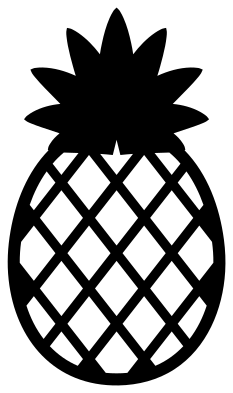 Pineapple with a diamond lattice Solid · one piece
 -
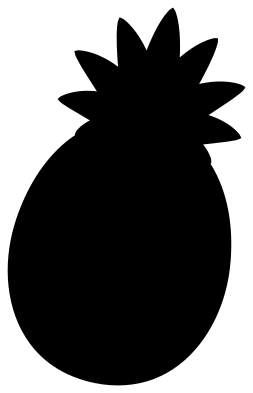 Pineapple silhouette Solid · one piece
 -
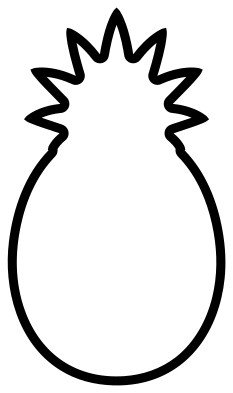 Pineapple outline Outline · one piece
 -
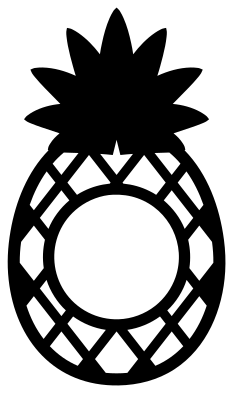 Pineapple monogram frame Solid · one piece
 -
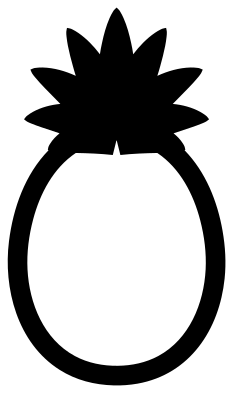 Hollow pineapple for initials Solid · one piece
 -
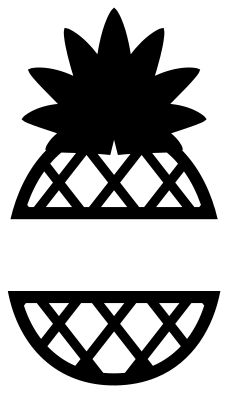 Split pineapple for a name Solid · 2 pieces
 -
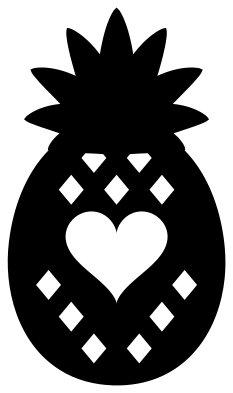 Pineapple with a heart Solid · one piece
 -
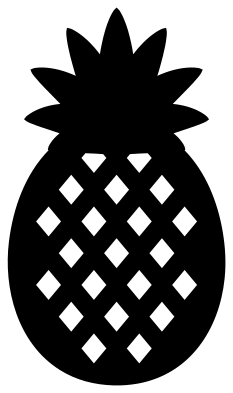 Bold pineapple with diamond marks Solid · one piece
 -
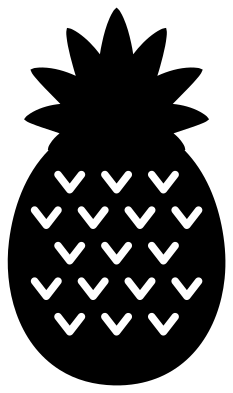 Simple pineapple with V marks Solid · one piece
 -
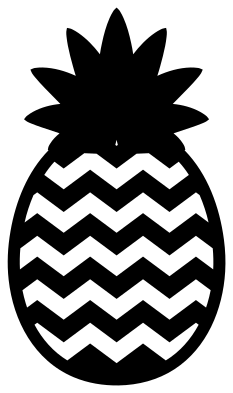 Chevron pineapple Solid · one piece
 -
 Cute pineapple with a face Solid · one piece
 -
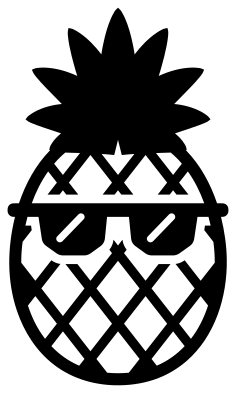 Pineapple with sunglasses Solid · one piece
 -
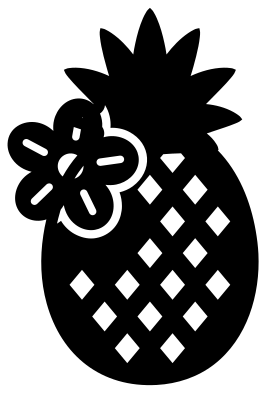 Pineapple with a flower Solid · one piece
 -
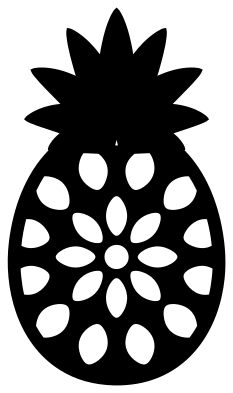 Mandala pineapple Solid · one piece
 -
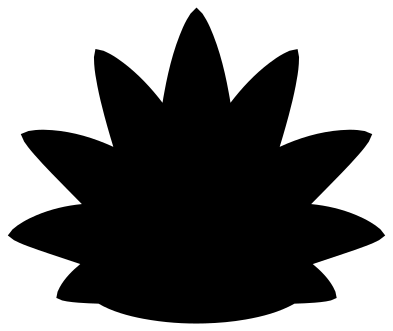 Pineapple top Solid · one piece
 -
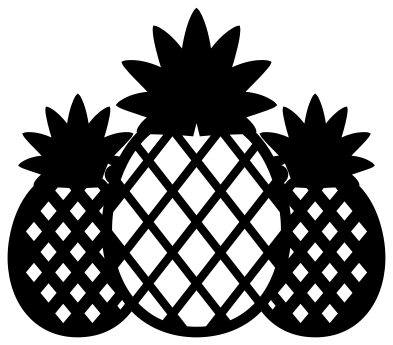 Three pineapples in a row Solid · one piece
 -
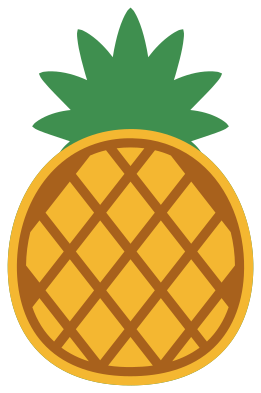 Layered pineapple in three colours Layered · 3 pieces
Lattice or solid: choosing a pineapple to cut
The skin of a pineapple can be cut two ways. On the lattice designs the crossing bands are the material and the diamonds between them are holes, so the fruit looks light and wants a backing colour. The bands are about 2.5 mm wide when the pineapple is 100 mm tall: fine in vinyl and card from about 60 mm, and in 3 mm plywood at full size. On the bold pineapple the fruit is solid and each eye is a small diamond hole, which leaves far more material and cuts well down to about 40 mm.
The leaves end in sharp points. In vinyl, weed from the fruit towards the tips so they do not lift. In wood and acrylic the tips are the first thing to scorch, so lower the power or cut the pineapple a little larger.
Room for a name or an initial
Three designs leave space for lettering. The monogram frame has a round window in the lattice, the hollow pineapple is open all the way across, and the split pineapple has a clear band for a name. The pineapple is an old sign of welcome, so these suit door signs, guest room gifts and housewarming cards.
How to open the files
- Cricut Design Space: choose Upload, pick the SVG, and add it to the canvas. Set the width you want; the shape is already welded.
- Silhouette Studio: Designer Edition and above open the SVG. The free Basic Edition does not, so open the DXF instead.
- LightBurn, xTool Creative Space and Glowforge: import the SVG, then set the layer to cut, score or engrave.
- Inkscape, Illustrator and Affinity: open the SVG. It is a plain filled path, so you can recolour it, add a stroke or combine it with your own work.
- Printing or sublimation: use the PNG, which has a transparent background.
Each design page lists the file’s narrowest part at seven sizes, so you can tell whether it will survive at the size you plan to cut.
Questions
How do I cut a pineapple in yellow and green?
Use the layered pineapple, which has the fruit, the leaves and the lattice as separate layers. With a single colour design, cut it twice, once in each colour, and trim both where the leaves meet the fruit. Overlap the two by a millimetre when you stick them down.
Which pineapple works for a small sticker?
The pineapple silhouette, which has no inside cuts, or the bold pineapple with diamond marks. Both hold up at 30 mm tall. The lattice and mandala pineapples have thin bands and need 60 to 80 mm.
What goes behind the lattice pineapple?
A second colour. Cut the pineapple silhouette from yellow or gold and lay the lattice over it: both are drawn from the same fruit and crown, so the edges line up exactly.
 Coffee cup SVG
  Wine glass SVG
  Beer mug SVG
  Cupcake SVG
  Donut SVG
  Lemon SVG