Bayer 4×4 dithering
A 4×4 threshold matrix with 17 tones. At 50% grey it gives the exact checkerboard pixel artists draw by hand, and the same tone always makes the same pattern.
Good for pixel art, sprites and tiles.
How it decides
 0   8   2  10
12   4  14   6
 3  11   1   9
15   7  13   5      thresholds (n + 0.5) ÷ 16
Crisp, stable and editable afterwards, with a visible crosshatch grid.
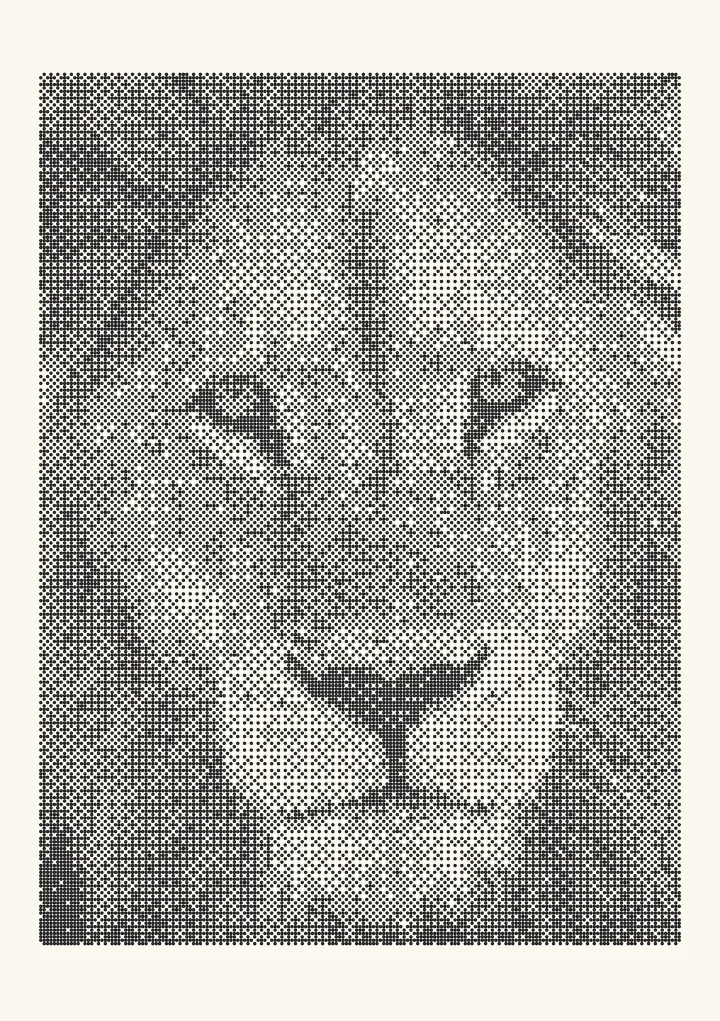

Why pixel artists use it
Because every pixel is decided by its own value and a fixed pattern, a flat tone always comes out as the same tidy texture: 25% as a sparse grid, 50% as a checkerboard. Animation stays still, hand edits stay local, and the result looks like the patterns people draw by hand. Pixel art dithering covers the patterns, when they help and when they are just noise.
Try it live
This runs in your browser. Change the algorithm, the number of cells or the threshold, or put a second algorithm next to it.
Rendered in 0.0 ms on your machine. Every dot here is what a pen or laser would put down.
All algorithms
Every one is an option in the Dither style: dither an image online and export a 1-bit PNG for a laser or SVG dots for a plotter.