Sierra dithering
Frankie Sierra’s three-row kernel gives smooth tone close to Jarvis–Judice–Ninke with fewer neighbours.
Good for photos.
How it decides
         #  5  3
   2  4  5  4  2
      2  3  2         ÷ 32
Ten neighbours, two rows ahead, mild worms.
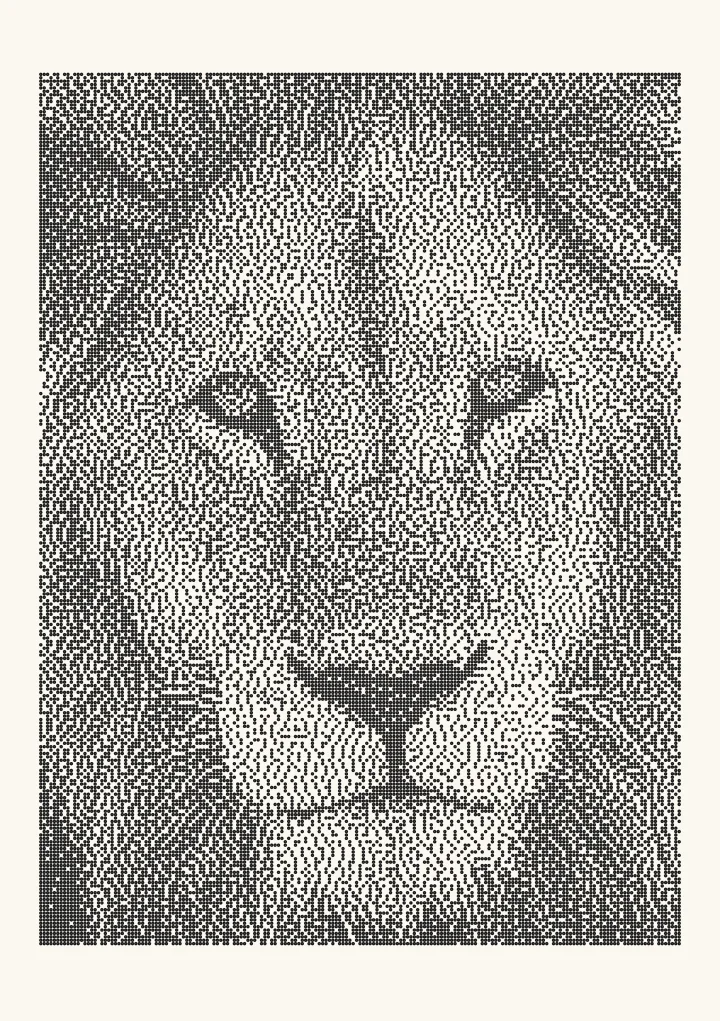

Sierra in laser software
Some laser software, such as xTool Creative Space, offers a Sierra image mode, so the texture may already look familiar. Here you can put it next to the other error diffusion kernels on the same photo before you engrave, and export a 1-bit PNG at your laser’s DPI.
Try it live
This runs in your browser. Change the algorithm, the number of cells or the threshold, or put a second algorithm next to it.
Rendered in 0.0 ms on your machine. Every dot here is what a pen or laser would put down.
All algorithms
Every one is an option in the Dither style: dither an image online and export a 1-bit PNG for a laser or SVG dots for a plotter.