Free scarf SVG files
Free scarf SVG files: a knitted scarf looped at the neck, a simple scarf, a chunky wrapped scarf, a long striped scarf, a check scarf on a hook, a snowman’s scarf, a supporter’s scarf with a blank middle, a scarf tied in a heart, two bandanas and a scarf and hat set. Stripes are open bands and every fringe is heavy enough to cut.
13 designs. Free for personal and commercial use, no sign-up. What you can do with them.
-
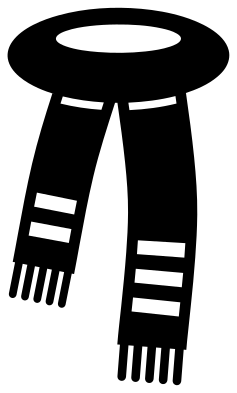 Knitted scarf looped at the neck Solid · one piece
 -
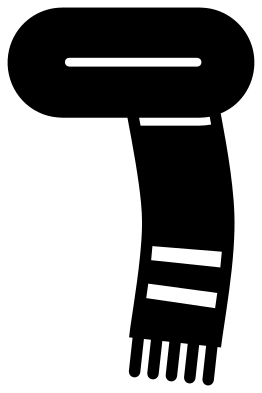 Simple scarf with one end Solid · one piece
 -
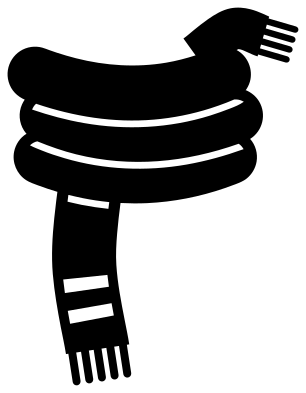 Wrapped scarf wound three times Solid · one piece
 -
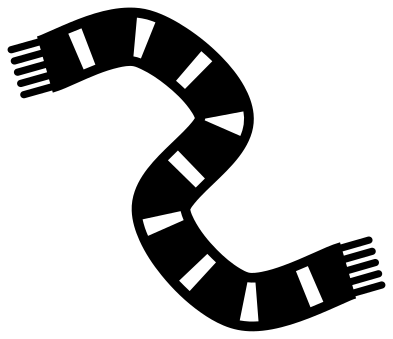 Long striped scarf Solid · one piece
 -
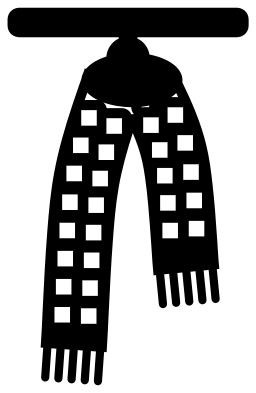 Check scarf hanging on a peg rail Solid · one piece
 -
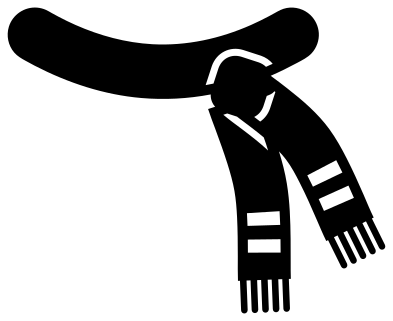 Snowman scarf blowing in the wind Solid · one piece
 -
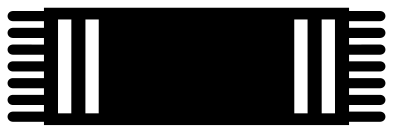 Supporter scarf with a blank middle Solid · one piece
 -
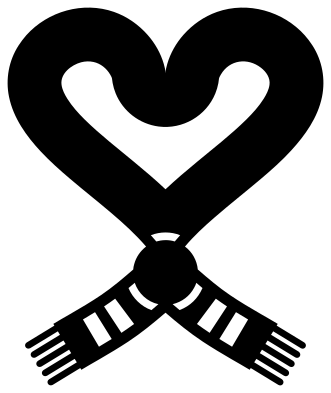 Scarf tied in a heart Solid · one piece
 -
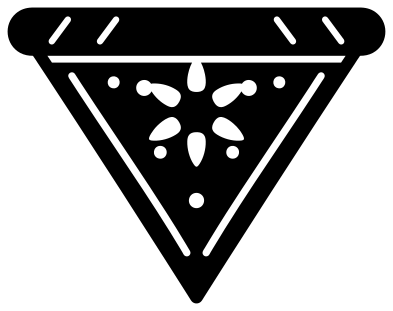 Bandana scarf folded in a triangle Solid · one piece
 -
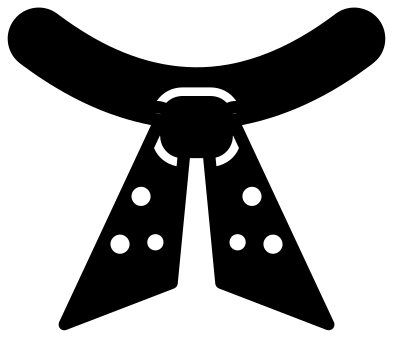 Neck scarf with a knot Solid · one piece
 -
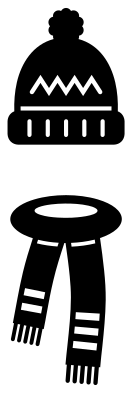 Scarf and bobble hat set Solid · 2 pieces
 -
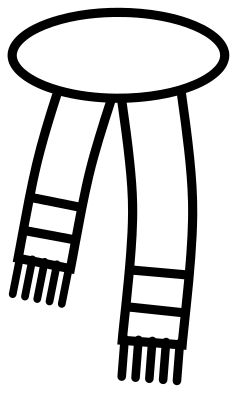 Scarf outline Outline · one piece
 -
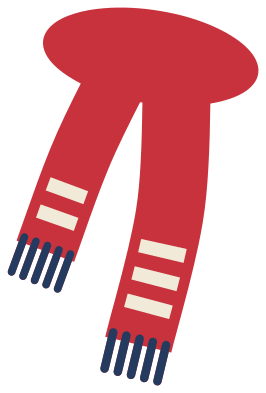 Layered scarf in three colours Layered · 19 pieces
Tassels and stripes that survive the blade
A scarf is a long band with a fringe, and the fringe is where cut files usually fail: threads drawn as hairlines tear the moment you weed them. Here every tassel is a rounded bar about 2 mm wide at 100 mm, welded into the end of the scarf, and there are five to an end, or seven on the supporter’s scarf. Stripes are open bands about 3.5 mm tall that stop short of both edges, so the cloth on either side of a stripe stays joined.
Where one part of a scarf lies over another, a slim line is cut round the upper part and stops before the edge. That is what makes the looped and wrapped scarves read as cloth folded over itself and not as a flat blob, and it is why they still lift in one piece. In iron-on, press these with firm, even pressure and peel the carrier along the scarf and not across the tassels.
Dressing something else in a scarf
The snowman’s scarf, the neck scarf with a knot and the bandana are drawn to be laid over another shape. Size the curved band to the neck of a snowman, a penguin, a dog or a letter, and let the ends hang over it. The supporter’s scarf has a clear middle about 50 mm wide when the whole scarf is 100 mm across, which takes a short name in bold lettering.
How to open the files
- Cricut Design Space: choose Upload, pick the SVG, and add it to the canvas. Set the width you want; the shape is already welded.
- Silhouette Studio: Designer Edition and above open the SVG. The free Basic Edition does not, so open the DXF instead.
- LightBurn, xTool Creative Space and Glowforge: import the SVG, then set the layer to cut, score or engrave.
- Inkscape, Illustrator and Affinity: open the SVG. It is a plain filled path, so you can recolour it, add a stroke or combine it with your own work.
- Printing or sublimation: use the PNG, which has a transparent background.
Each design page lists the file’s narrowest part at seven sizes, so you can tell whether it will survive at the size you plan to cut.
Questions
How do I fit the snowman scarf to my own snowman?
Open both files in your cutting software and stretch the scarf until its curved band is a little wider than the snowman’s neck, then tip it so the band follows the bottom of the head. Cut it in a second colour and layer it on top. The ends are meant to overhang the body.
Can I put a name on the supporter scarf?
Yes. The middle of that scarf is left plain between the two pairs of stripes. Set the name in bold capitals no taller than half the height of the scarf, and either cut it from a contrasting colour to go on top or subtract it so the backing shows through.
How small will the tassels cut?
In adhesive vinyl the simple scarf and the supporter’s scarf hold their tassels down to about 40 mm overall. The looped scarf, the wrapped scarf and the scarf on a hook have more of them in less space, so keep those at 70 mm or more.
 Turkey SVG
  Easter egg SVG
  Firework SVG
  Mardi Gras mask SVG
  Valentine card SVG
  Mother’s Day card SVG