Free robot SVG files
Free robot SVG files: a boxy toy robot, a robot head and a robot face, a simple icon, a cartoon robot on tracks, a robot with a heart, a factory robot arm, a robot dog, a robotics badge in a gear and a robot holding a blank sign. Every robot here is our own design.
14 designs. Free for personal and commercial use, no sign-up. What you can do with them.
-
 Toy robot Solid · one piece
 -
 Robot head Solid · one piece
 -
 Robot face Solid · one piece
 -
 Simple robot icon Solid · one piece
 -
 Cartoon robot waving Solid · one piece
 -
 Robot with a heart Solid · one piece
 -
 Robot arm Solid · one piece
 -
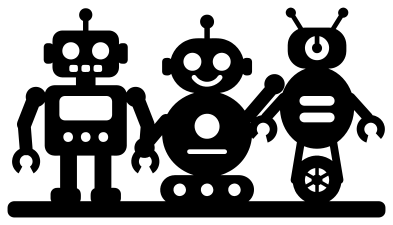 Three robots in a row Solid · one piece
 -
 Robotics badge with a gear Solid · one piece
 -
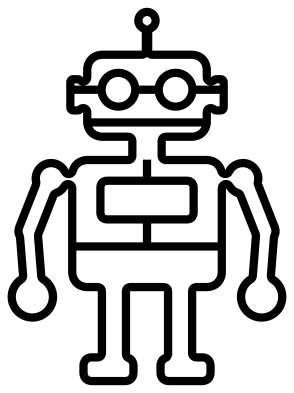 Robot outline Outline · one piece
 -
 Robot on one wheel Solid · one piece
 -
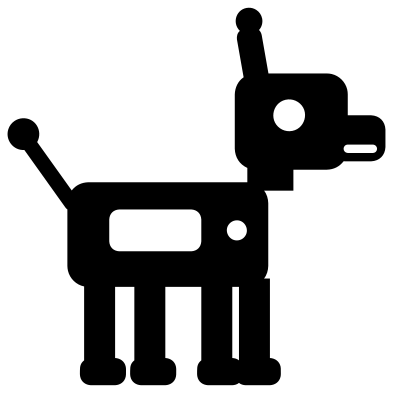 Robot dog Solid · one piece
 -
 Robot holding a blank sign Solid · one piece
 -
 Layered robot in four colours Layered · 15 pieces
Robots built from simple shapes
These robots are made the way a child draws one: boxes for the head and body, rods for the arms, circles for the joints and eyes. That makes them easy to cut. The eyes of the toy robot are about 9 mm across when the robot is 100 mm tall and the smallest holes, the slots of its mouth, are about 4 mm wide, so it weeds cleanly from about 70 mm tall. The simple robot icon and the robot face have much bigger features and can go down to 30 mm.
Because the eyes, screen and buttons are cut-outs, they show in whatever is behind the robot. Back it with a bright card, glitter or glow-in-the-dark vinyl and the robot looks switched on.
For clubs, parties and bedrooms
The robotics badge and the robot arm are for teams and classrooms: the badge has a head inside a ring of sixteen gear teeth, and the arm is a factory arm with a gripper. The robot holding a blank sign takes a name or an age on its board for a birthday. The cartoon robot, the robot dog and the three robots in a row suit a bedroom wall, a toy box or party bags.
How to open the files
- Cricut Design Space: choose Upload, pick the SVG, and add it to the canvas. Set the width you want; the shape is already welded.
- Silhouette Studio: Designer Edition and above open the SVG. The free Basic Edition does not, so open the DXF instead.
- LightBurn, xTool Creative Space and Glowforge: import the SVG, then set the layer to cut, score or engrave.
- Inkscape, Illustrator and Affinity: open the SVG. It is a plain filled path, so you can recolour it, add a stroke or combine it with your own work.
- Printing or sublimation: use the PNG, which has a transparent background.
Each design page lists the file’s narrowest part at seven sizes, so you can tell whether it will survive at the size you plan to cut.
Questions
Are these robots from a film or a toy brand?
No. Every robot in this set was drawn for this library from plain boxes, rods and circles. None copies a character, so you can use them without worrying about someone else’s design.
How do I put a name on the robot’s sign?
The board is an open frame about 68 mm wide inside when the design is 100 mm tall. Type the name in your cutting software and place it in the frame. Cut it from a second colour, or make the letters overlap the frame and weld them for one piece.
Which robot is best for a team shirt?
The robotics badge with a gear. It is round, bold and reads from a distance, and its narrowest parts are thick enough for heat transfer vinyl at 80 mm across. Add the team number underneath in your own lettering.
 Camera SVG
  Guitar SVG
  Music note SVG
  Stethoscope SVG
  Tooth SVG
  Light bulb SVG