Free leopard SVG files
Free leopard SVG files: the animal itself, walking, prowling, sitting, leaping and asleep along a branch, with a face, a cub and a snow leopard. The rosettes are cut as broken rings that stop short of the outline, so every leopard lifts as one piece.
12 designs. Free for personal and commercial use, no sign-up. What you can do with them.
-
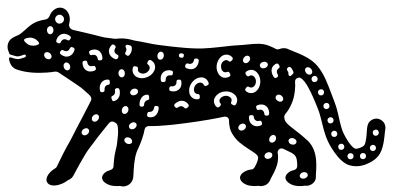 Walking leopard with rosettes Solid · one piece
 -
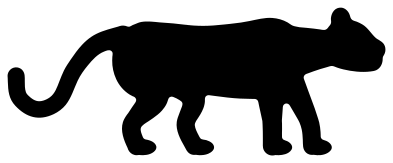 Leopard silhouette Solid · one piece
 -
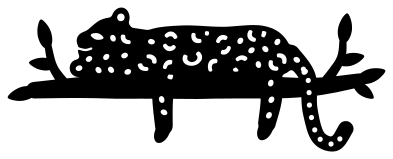 Leopard resting on a branch Solid · one piece
 -
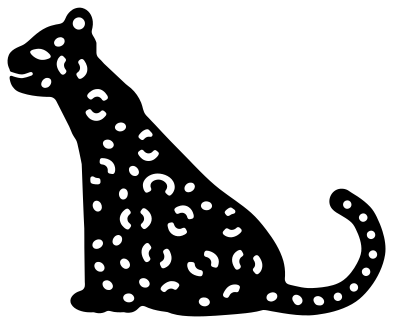 Sitting leopard Solid · one piece
 -
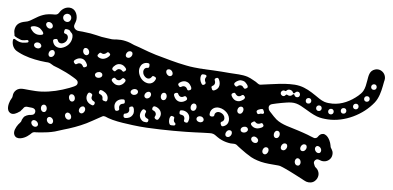 Leaping leopard Solid · one piece
 -
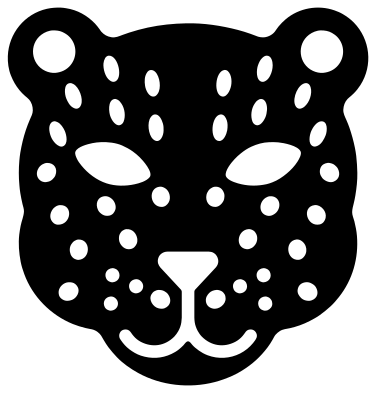 Leopard face Solid · one piece
 -
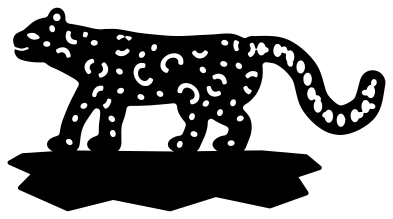 Snow leopard on a rock ledge Solid · one piece
 -
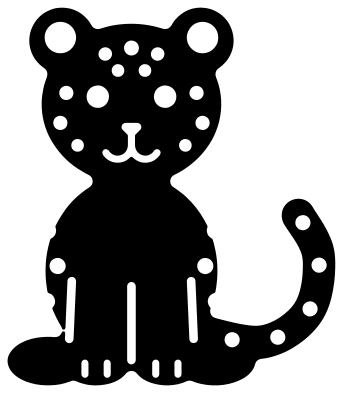 Leopard cub sitting Solid · one piece
 -
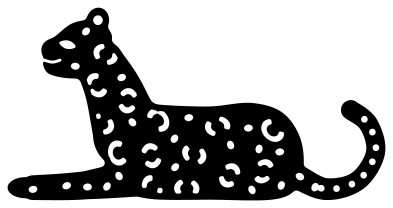 Leopard lying down Solid · one piece
 -
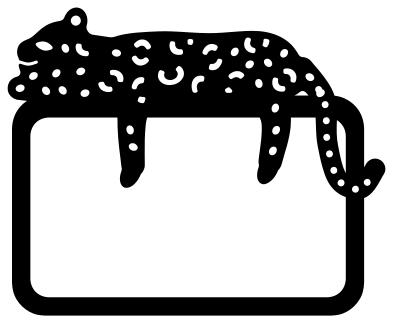 Leopard monogram frame Solid · one piece
 -
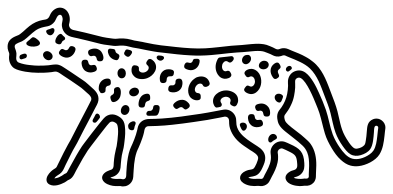 Leopard outline with spots Outline · 39 pieces
 -
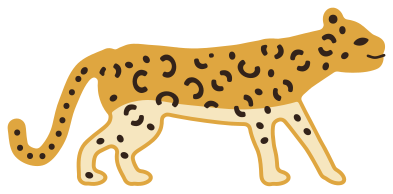 Layered leopard in three colours Layered · 59 pieces
Cutting the rosettes
A leopard is a long, low cat with heavy shoulders, short legs and a tail nearly as long as its body, and its coat is covered in rosettes: rings of dark blotches round a tawny centre. Here each rosette is a ring broken into two arcs, or a C, cut as holes. The centre stays joined to the body through the breaks, so nothing falls out. Every file is 100 mm on its longer side. On the walking leopard the arcs are about 1.4 mm wide and the narrowest bridge between two cuts is 1.5 mm, which vinyl and card manage well from 100 mm long. Below that, the rosettes get fiddly to weed: use the leopard silhouette or the cub face.
Weed the plain dots on the legs and tail first, then lift each arc from one end with a hook. For wood or acrylic, engrave the rosettes and cut only the outline.
Leopard, cheetah or jaguar
The spots tell them apart. A leopard has open rosettes with nothing inside them, a jaguar has larger rosettes with a dot in the middle, and a cheetah has plain round spots and a black line from each eye to the mouth. The build differs too: the leopard is the stocky one that hauls its kill into a tree, which is why the leopard on a branch is the pose people know best. For repeating spot patterns without the animal, see the leopard print set.
How to open the files
- Cricut Design Space: choose Upload, pick the SVG, and add it to the canvas. Set the width you want; the shape is already welded.
- Silhouette Studio: Designer Edition and above open the SVG. The free Basic Edition does not, so open the DXF instead.
- LightBurn, xTool Creative Space and Glowforge: import the SVG, then set the layer to cut, score or engrave.
- Inkscape, Illustrator and Affinity: open the SVG. It is a plain filled path, so you can recolour it, add a stroke or combine it with your own work.
- Printing or sublimation: use the PNG, which has a transparent background.
Each design page lists the file’s narrowest part at seven sizes, so you can tell whether it will survive at the size you plan to cut.
Questions
How do I make a golden leopard with dark spots?
Cut any of the spotted leopards from gold or tan and lay it over black or dark brown: the rosettes are holes, so the dark shows through them. It is one cut, not two layers. If you want the spots as their own pieces, use the layered leopard, which also gives a pale underside.
What is different about the snow leopard?
It is drawn stockier, with shorter and thicker legs, bigger paws, larger rosettes and a tail about as thick as its legs, standing on a ledge of rock. Cut it from white or pale grey over charcoal. Because everything on it is thicker, it is also the spotted leopard that holds up best at small sizes.
Which leopard suits a shadow box?
The leopard silhouette. It has no inside cuts, all four paws sit on one level line so it can stand on a strip of ground, and its neck, legs and tail are all well over 2 mm wide at 100 mm long. The leopard on a branch also works as a top layer, glued by the ends of the branch.
 Owl SVG
  Bird SVG
  Cat SVG
  Dog SVG
  Elephant SVG
  Fish SVG