Free eagle SVG files
Free eagle SVG files: a bald eagle head, soaring and flying eagles, an eagle landing with its talons out, a perched eagle, a spread eagle and a pair of wings. The wings are built feather by feather, so the primaries spread into fingers as they do on the real bird.
15 designs. Free for personal and commercial use, no sign-up. What you can do with them.
-
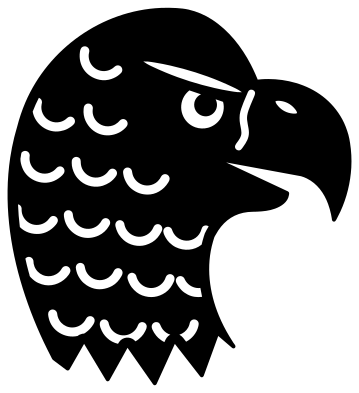 Bald eagle head with feathers Solid · one piece
 -
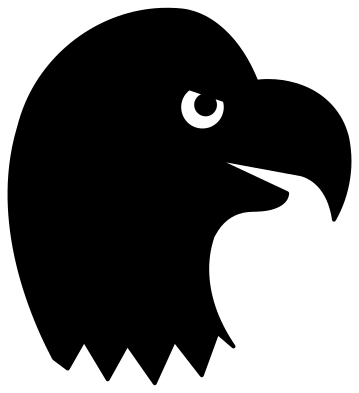 Eagle head silhouette Solid · one piece
 -
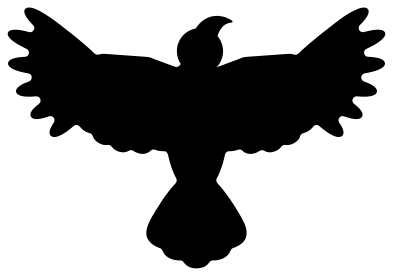 Soaring eagle silhouette Solid · one piece
 -
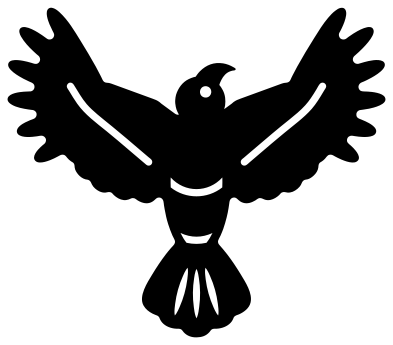 Gliding eagle with wings in a V Solid · one piece
 -
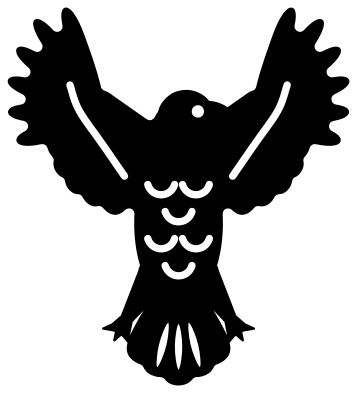 Spread eagle with raised wings Solid · one piece
 -
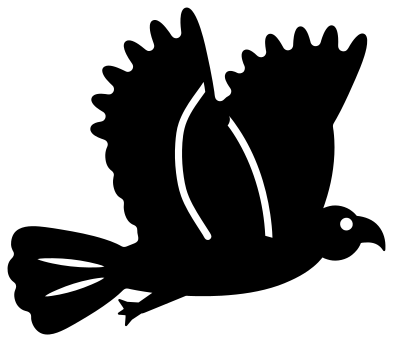 Flying eagle from the side Solid · one piece
 -
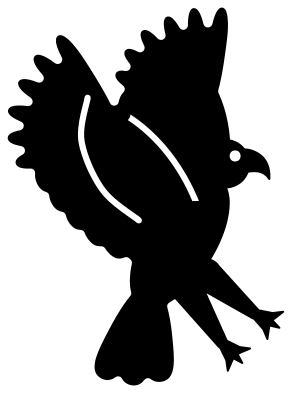 Eagle landing with talons out Solid · one piece
 -
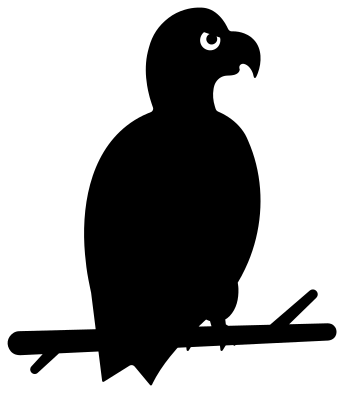 Eagle perched on a branch Solid · one piece
 -
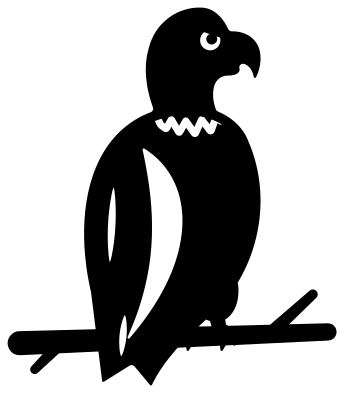 Bald eagle on a branch Solid · one piece
 -
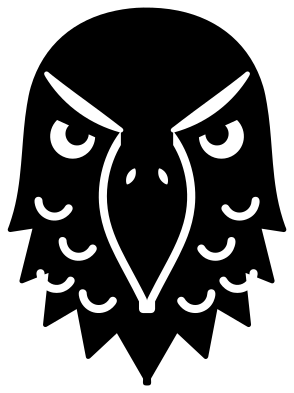 Eagle face from the front Solid · one piece
 -
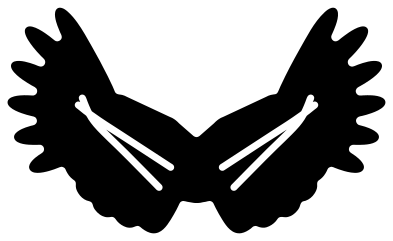 Eagle wings Solid · one piece
 -
 Eagle over mountains in a ring Solid · one piece
 -
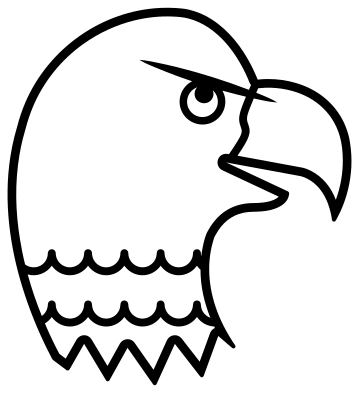 Eagle head line drawing Outline · one piece
 -
 Eagle outline Outline · one piece
 -
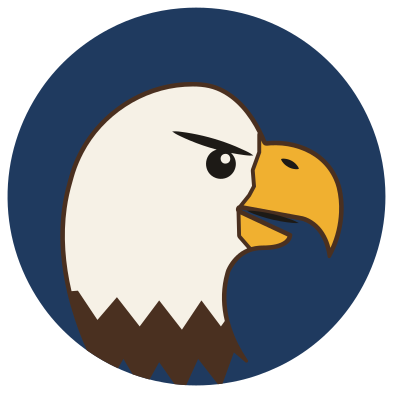 Layered bald eagle badge in five colours Layered · 8 pieces
Finger feathers and how small you can cut them
What makes a soaring eagle look like an eagle and not a crow is the wing tip: the six long primaries spread apart like fingers. In these files each of those feathers is about 4 mm wide at the 100 mm size, with gaps between them that narrow towards the wing. That cuts well in vinyl at 100 mm and in card or thin wood at 150 mm or more. Below 80 mm the gaps between the fingers start to close, so for small decals use the eagle head silhouette or the eagle perched on a branch, which have no fine feathers at all.
The eagle heads face right and the flying eagle flies to the right. Mirror them in your cutting software if you want the bird to look into the page from the other side. Nothing is lettered, so a mirrored eagle is just as correct.
Showing the white head of a bald eagle
A one-colour cut cannot paint a head white, so the bald eagle on a branch marks the edge of the white with a ragged collar line, and the bald eagle head with feathers stays mostly solid with feather tips cut into it. For a true white head use the layered badge: brown card for the neck, cream for the head and yellow for the beak, with the black details on top and a navy disc behind. On a dark shirt, cutting the eagle head silhouette from white vinyl does the same job in one layer.
How to open the files
- Cricut Design Space: choose Upload, pick the SVG, and add it to the canvas. Set the width you want; the shape is already welded.
- Silhouette Studio: Designer Edition and above open the SVG. The free Basic Edition does not, so open the DXF instead.
- LightBurn, xTool Creative Space and Glowforge: import the SVG, then set the layer to cut, score or engrave.
- Inkscape, Illustrator and Affinity: open the SVG. It is a plain filled path, so you can recolour it, add a stroke or combine it with your own work.
- Printing or sublimation: use the PNG, which has a transparent background.
Each design page lists the file’s narrowest part at seven sizes, so you can tell whether it will survive at the size you plan to cut.
Questions
Is this a bald eagle or a golden eagle?
The heads and the perched bird are drawn as bald eagles: a heavy hooked beak, a flat brow and a clear edge where the white head meets the dark body. The soaring, flying and landing eagles are plain shapes, so they pass for either. Cut one from brown card with nothing white behind it and it reads as a golden eagle.
Which eagle works as a stencil?
The soaring eagle silhouette is the safest: it is a single shape with no holes, so a stencil cut from it has nothing to fall out. The eagle head silhouette also works, but its eye is a hole in the design, so on a stencil the eye becomes a small loose piece. Leave it out and dab the eye in afterwards.
Can I add a name between the eagle wings?
Yes. The two wings are joined by a small round centre. Place your text, a heart or a badge over that centre in your cutting software and weld it to the wings, or cut the wings and the middle piece from different colours and layer them.
 Owl SVG
  Bird SVG
  Cat SVG
  Dog SVG
  Elephant SVG
  Fish SVG