Free branch SVG files
Free branch SVG files: a bare tree branch, a leafy one, a blossom branch, pine and fir, a branch with a nest, a bird, three birds, an owl and a beehive, a curved branch and a wreath. The side branches all start flat at the left edge and reach to the right.
16 designs. Free for personal and commercial use, no sign-up. What you can do with them.
-
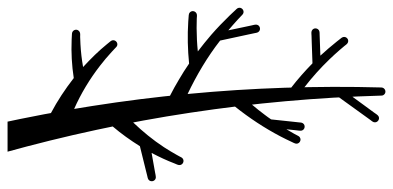 Bare tree branch Solid · one piece
 -
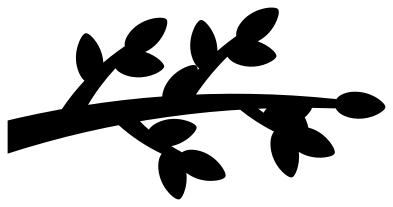 Tree branch silhouette with broad leaves Solid · one piece
 -
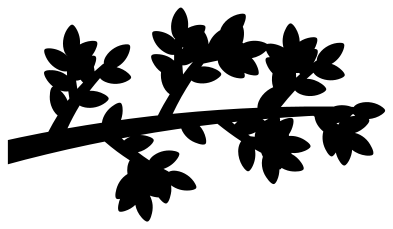 Leafy branch in summer Solid · one piece
 -
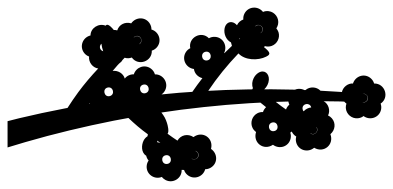 Blossom branch with buds Solid · one piece
 -
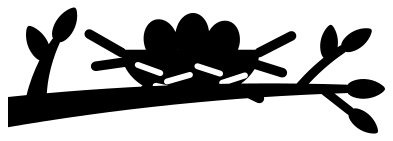 Branch with a bird’s nest and eggs Solid · one piece
 -
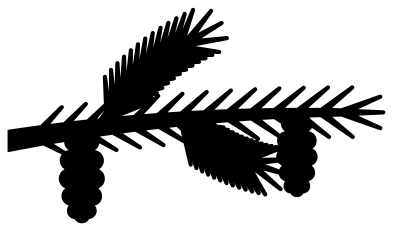 Pine branch with two cones Solid · one piece
 -
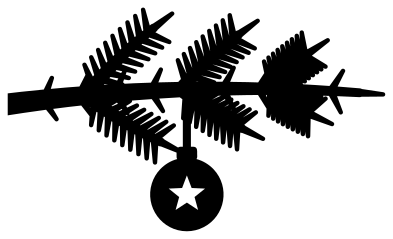 Fir branch with a hanging bauble Solid · one piece
 -
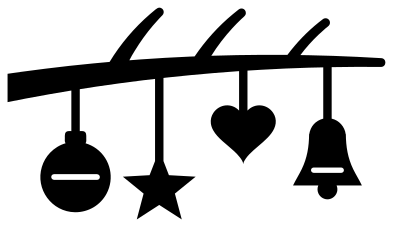 Christmas branch hung with ornaments Solid · one piece
 -
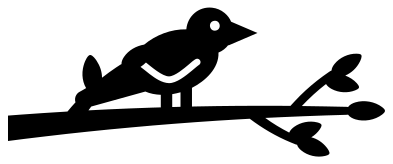 Bird on a branch Solid · one piece
 -
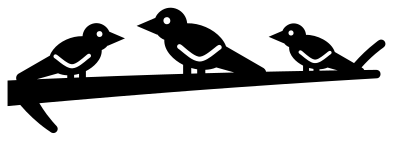 Three birds on a branch Solid · one piece
 -
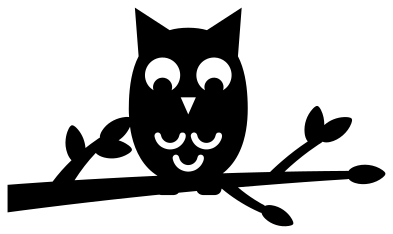 Owl on a branch Solid · one piece
 -
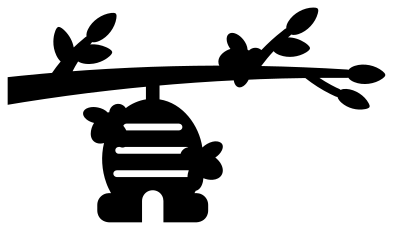 Branch with a hanging beehive Solid · one piece
 -
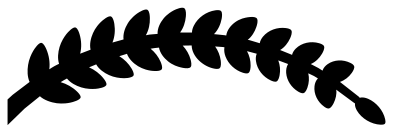 Curved branch with paired leaves Solid · one piece
 -
 Branch wreath, open at the top Solid · one piece
 -
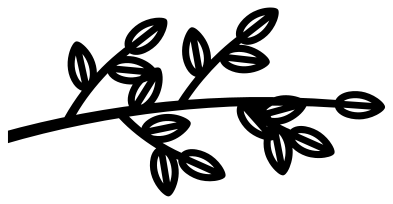 Branch outline with open leaves Outline · one piece
 -
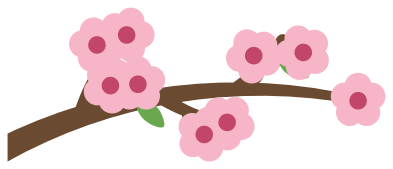 Layered blossom branch in four colours Layered · 17 pieces
Branches that reach in from the edge
A branch on its own has to come from somewhere. Each of these enters at the left with its thick end sawn off square, so it can sit against the edge of a card, a frame, a window or a layer of a paper scene and look as if the tree is just out of sight. Mirror the file in your cutting software for a branch that comes in from the right.
The limbs taper as they go. The main limb is 7 to 9 mm wide at the cut end and the finest twigs are about 2.2 mm wide when the branch is 100 mm long, with the tree branch silhouette a little heavier at 2.3 mm and more. Cut the bare, leafy and blossom branches at 90 mm or longer in vinyl and card, and at 150 mm or more in wood.
Leaves, needles and what sits on the branch
Leaves are set with their bases inside the wood, so each joins the limb across its full width rather than by a thread. Pine and fir needles are tapered slivers, the most delicate things here: slow the blade down for those two. Birds, the owl, the nest and the beehive overlap the wood they rest on, which is why none of them comes loose.
How to open the files
- Cricut Design Space: choose Upload, pick the SVG, and add it to the canvas. Set the width you want; the shape is already welded.
- Silhouette Studio: Designer Edition and above open the SVG. The free Basic Edition does not, so open the DXF instead.
- LightBurn, xTool Creative Space and Glowforge: import the SVG, then set the layer to cut, score or engrave.
- Inkscape, Illustrator and Affinity: open the SVG. It is a plain filled path, so you can recolour it, add a stroke or combine it with your own work.
- Printing or sublimation: use the PNG, which has a transparent background.
Each design page lists the file’s narrowest part at seven sizes, so you can tell whether it will survive at the size you plan to cut.
Questions
How do I make the branch come in from the right instead?
Mirror it. In your cutting software choose flip horizontal and the flat sawn end moves to the right edge with the branch reaching left. Do this before you add any lettering.
Can I use the three birds on a branch for a family?
Yes, that is what it is drawn for. The birds are three different sizes, so two parents and a child read straight away. For a bigger family, cut the file twice and overlap the flat end of the second branch on the tip of the first.
Which branch suits a paper shadow box?
The tree branch silhouette. It is one solid piece with thick limbs and broad leaves, it starts at the left edge and nothing on it is thinner than 2.3 mm at 100 mm, so it survives being scaled down to sit in a corner of the scene.
 Camera SVG
  Guitar SVG
  Music note SVG
  Stethoscope SVG
  Tooth SVG
  Light bulb SVG