Free vine SVG files
Free vine SVG files drawn by code: leafy trails, a curved vine, an ivy trail, borders, corners, a swag and hanging vines, plus vine frames, a wreath, a heart and a monogram frame. Each is a single welded piece with leaves on proper stalks.
15 designs. Free for personal and commercial use, no sign-up. What you can do with them.
-
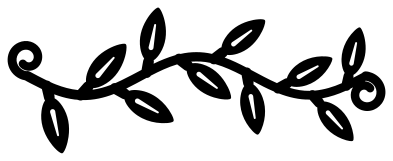 Leafy vine with tendrils Solid · one piece
 -
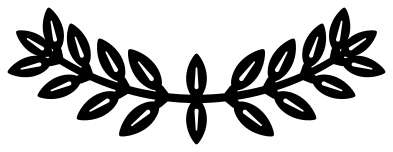 Curved vine Solid · one piece
 -
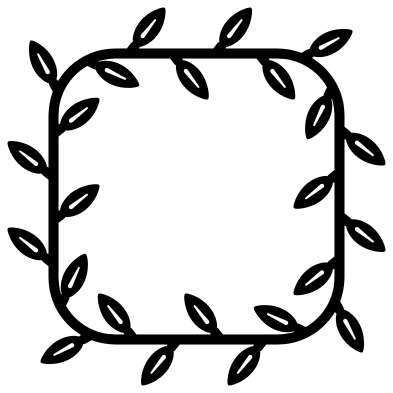 Vine frame Solid · one piece
 -
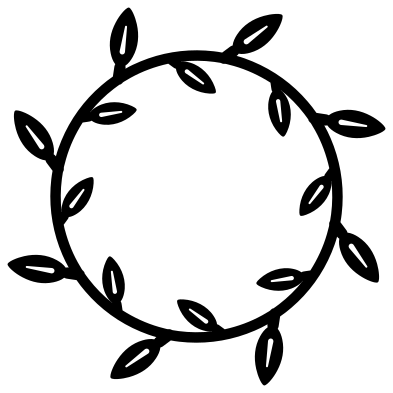 Vine wreath Solid · one piece
 -
 Vine border Solid · one piece
 -
 Heart vine Solid · one piece
 -
 Flower vine Solid · one piece
 -
 Corner vine Solid · one piece
 -
 Ivy vine Solid · one piece
 -
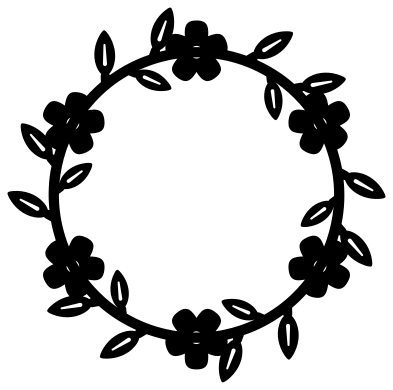 Flower vine circle Solid · one piece
 -
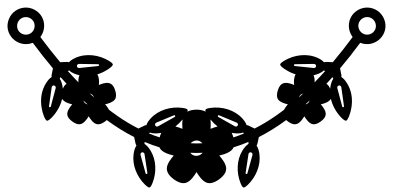 Vine swag with flowers Solid · one piece
 -
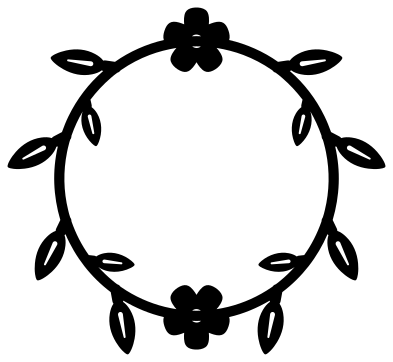 Vine monogram frame Solid · one piece
 -
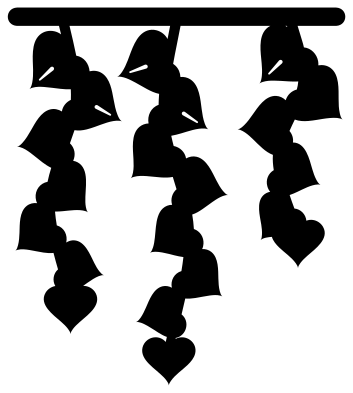 Three hanging vines Solid · one piece
 -
 Grape vine with a bunch of grapes Solid · one piece
 -
 Hand-drawn vine outline Outline · one piece
Thin stems, and how to keep them whole
A vine is a long thin stem, so it is the stem that decides how small you can cut. Here stems are 2.6 mm wide when the file is 100 mm across, and every leaf sits on a short stalk at least 2 mm wide, so nothing is held on by a point. In vinyl the vines work from about 60 mm wide. In card or thin wood keep them at 100 mm or more, and use transfer tape or a backing sheet when you lift them, because a long stem bends easily.
Most leaves have a slit for the midrib. If you are cutting small, pick the hand-drawn outline for pens and foil, or leave the slits unweeded in vinyl and they will hardly show.
Making longer runs and bigger frames
The leafy vine, the border and the corner are drawn so that copies can be joined. Overlap the round ends of two stems by a millimetre or two and weld them, and the join disappears under a leaf or a curl. Four corner vines, each turned a quarter, make a frame of any proportion: slide them apart to fit a rectangle and bridge the gaps with a short length of the leafy vine.
How to open the files
- Cricut Design Space: choose Upload, pick the SVG, and add it to the canvas. Set the width you want; the shape is already welded.
- Silhouette Studio: Designer Edition and above open the SVG. The free Basic Edition does not, so open the DXF instead.
- LightBurn, xTool Creative Space and Glowforge: import the SVG, then set the layer to cut, score or engrave.
- Inkscape, Illustrator and Affinity: open the SVG. It is a plain filled path, so you can recolour it, add a stroke or combine it with your own work.
- Printing or sublimation: use the PNG, which has a transparent background.
Each design page lists the file’s narrowest part at seven sizes, so you can tell whether it will survive at the size you plan to cut.
Questions
How do I fit a monogram inside the vine frames?
The wreath, the vine frame, the heart and the monogram frame are all open in the middle. Size your lettering to leave a few millimetres clear of the inner leaves, centre it, and cut it as a separate piece, or weld a touching letter to the vine if you want one piece.
Which vine works along a curved edge, like a round sign?
Use the curved vine. Its arc matches a circle about 145 mm across when the file is at its own size; scale the file up or down and the curve scales with it. For a full circle use the vine wreath.
Can I cut the ivy vine as a stencil?
Not as it is, because a stencil needs the shapes as holes with bridges between them. For paint, cut the ivy from removable vinyl and use it as a mask instead: stick it down, paint over it and peel it away.
 Flower SVG
  Sunflower SVG
  Butterfly SVG
  Rose SVG
  Daisy SVG
  Leaf SVG