Free tombstone SVG files
Free tombstone SVG files: round, pointed, shouldered and cross-shaped stones, with a crack, a skull, a cobweb, a raven, a ghost or a hand, plus a row of three, a graveyard scene and a blank frame for a name. Each is drawn by code as clean closed shapes.
13 designs. Free for personal and commercial use, no sign-up. What you can do with them.
-
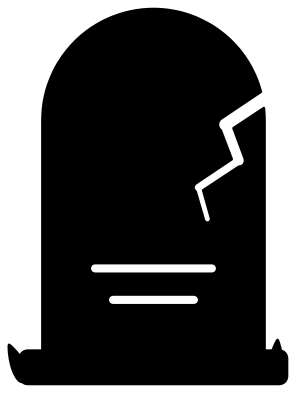 Tombstone with a crack Solid · one piece
 -
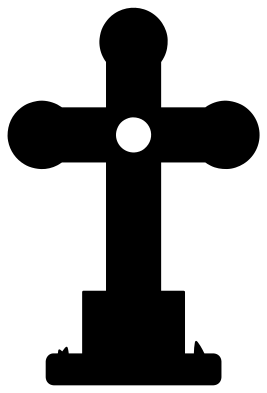 Tombstone with a stone cross Solid · one piece
 -
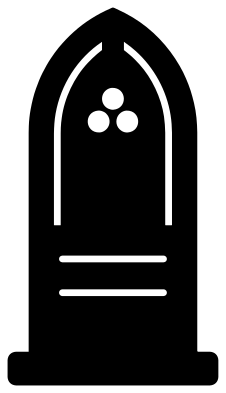 Gothic tombstone with a pointed top Solid · one piece
 -
 Tombstone with a skull Solid · one piece
 -
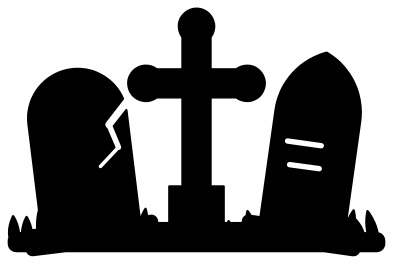 Three tombstones in a row Solid · one piece
 -
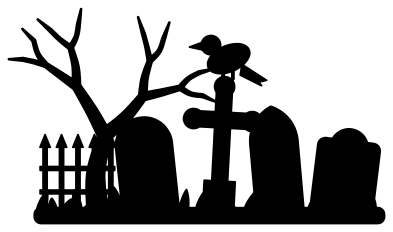 Graveyard with tombstones and a tree Solid · one piece
 -
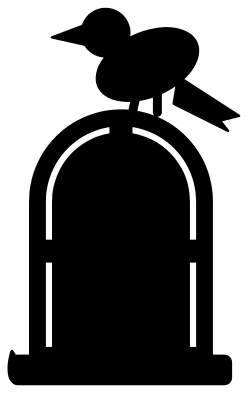 Tombstone with a raven Solid · one piece
 -
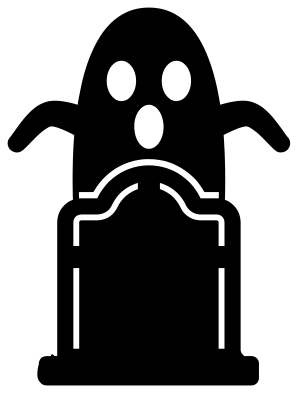 Tombstone with a ghost Solid · one piece
 -
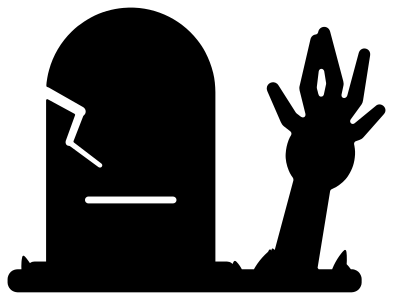 Tombstone with a hand from the grave Solid · one piece
 -
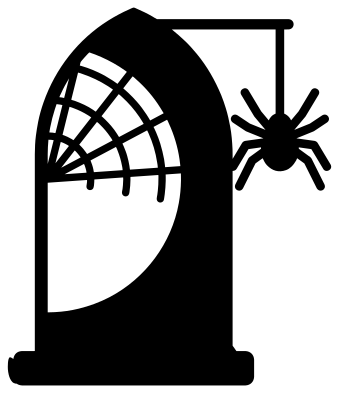 Tombstone with a cobweb and a spider Solid · one piece
 -
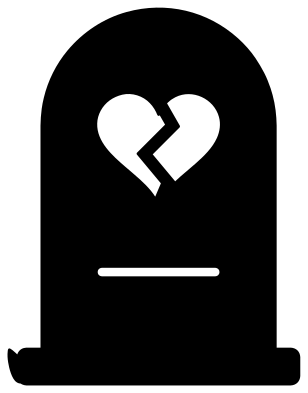 Tombstone with a broken heart Solid · one piece
 -
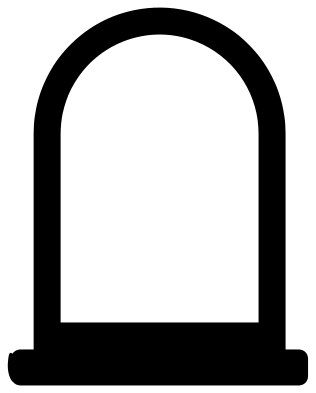 Tombstone frame for a name Solid · one piece
 -
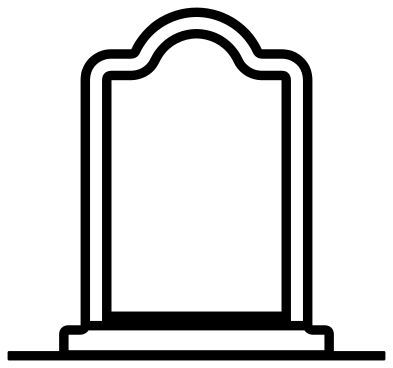 Tombstone outline Outline · one piece
Blank on purpose
None of these tombstones has lettering on it. That is deliberate: a stone that already says something cannot say what you want. Leave the face blank, or add a name, a pair of dates or a silly epitaph in your own font. The tombstone frame is made for that: it is a thick outline with an open middle, so text welded inside it becomes part of one piece. On the solid stones, cut your lettering out of the face instead, and it will glow when the stone is lit from behind.
Every file is 100 mm on its longer side. The border lines are about 1.6 mm wide and are broken in four places so the middle of the stone stays attached. The blades of grass taper to a point, so they cut cleanly in card and vinyl, and should be trimmed off for thick wood.
Yard signs and table scenes
For a yard, scale a single stone to 600 mm or more and cut it from foam board or plywood, then paint it grey and dry-brush the edges. For a table, cut the row of three or the graveyard scene from black card at 200 mm wide, fold a strip at the base and stand it in front of a string of lights. The round and pointed stones also make good cupcake toppers at 50 mm.
How to open the files
- Cricut Design Space: choose Upload, pick the SVG, and add it to the canvas. Set the width you want; the shape is already welded.
- Silhouette Studio: Designer Edition and above open the SVG. The free Basic Edition does not, so open the DXF instead.
- LightBurn, xTool Creative Space and Glowforge: import the SVG, then set the layer to cut, score or engrave.
- Inkscape, Illustrator and Affinity: open the SVG. It is a plain filled path, so you can recolour it, add a stroke or combine it with your own work.
- Printing or sublimation: use the PNG, which has a transparent background.
Each design page lists the file’s narrowest part at seven sizes, so you can tell whether it will survive at the size you plan to cut.
Questions
How do I add a name to a tombstone?
Use the tombstone frame. Type the name in a bold font, scale it to fill the opening so that it overlaps the frame on both sides, and weld. If the letters do not reach the frame, add a thin bar under them. On the solid stones, set the text on the face and use slice or subtract.
What is the difference between a tombstone, a gravestone and a headstone?
In everyday use, nothing. A headstone stands at the head of a grave, a gravestone once meant the slab laid over it, and a tombstone was the lid of a stone tomb. All three words now mean the upright marker, and these files suit any of them.
Which tombstone is best for small toppers?
The tombstone with a broken heart, the tombstone with a skull and the gothic tombstone have the boldest cut-outs and work at 50 mm. The tombstone with a cobweb has fine lines and needs to be 100 mm or more.
 Pumpkin SVG
  Ghost SVG
  Bat SVG
  Spider web SVG
  Witch hat SVG
  Skull SVG