Free pumpkin SVG files
Free pumpkin SVG files for autumn and Halloween: round, tall and squat pumpkins, jack-o-lanterns, loose carving faces, outlines and stacks. Each one is drawn by code and welded into clean closed shapes, ready to download as SVG, PNG or DXF.
23 designs. Free for personal and commercial use, no sign-up. What you can do with them.
-
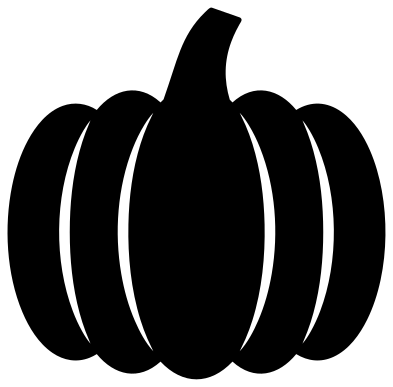 Classic round pumpkin Solid · one piece
 -
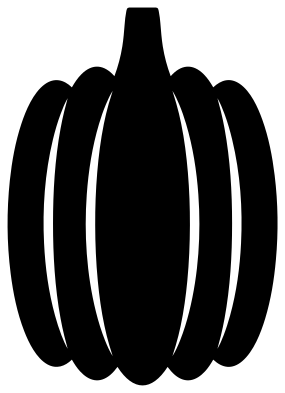 Tall pumpkin Solid · one piece
 -
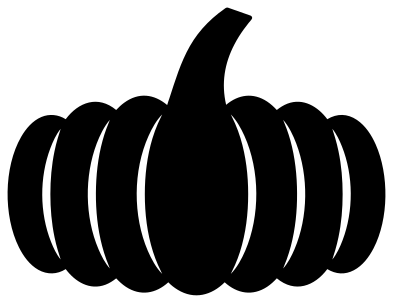 Squat fairytale pumpkin Solid · one piece
 -
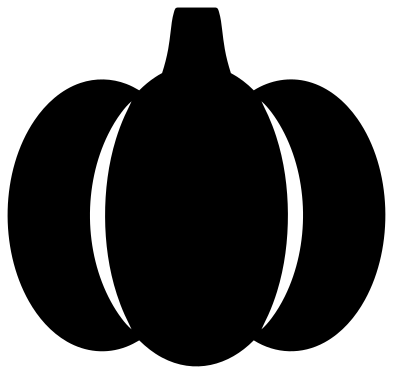 Simple chunky pumpkin Solid · one piece
 -
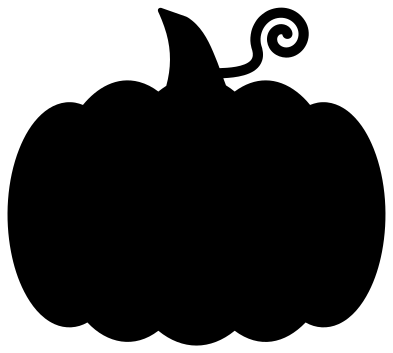 Pumpkin silhouette with a curly vine Solid · one piece
 -
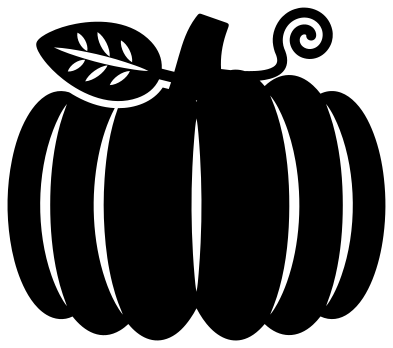 Pumpkin with vine and leaf Solid · one piece
 -
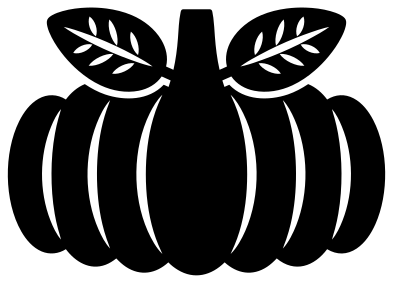 Pumpkin with two leaves Solid · one piece
 -
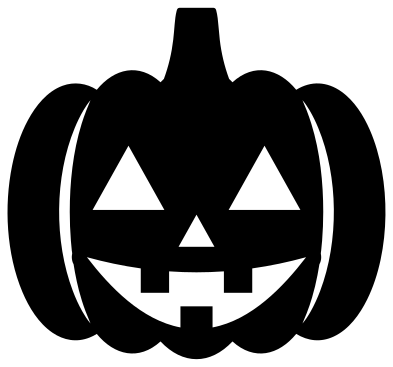 Jack-o-lantern with a toothy grin Solid · one piece
 -
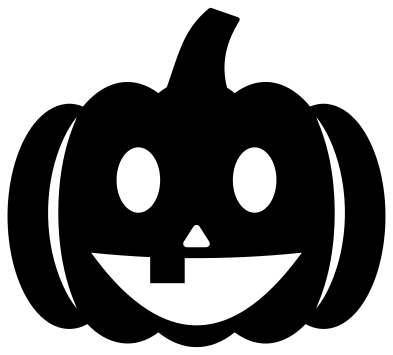 Happy jack-o-lantern Solid · one piece
 -
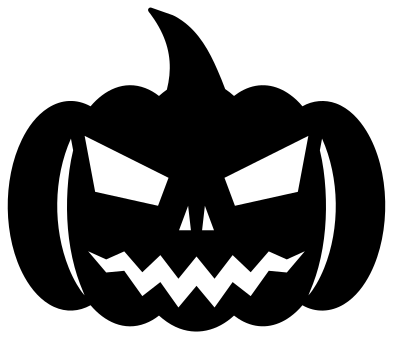 Scary jack-o-lantern Solid · one piece
 -
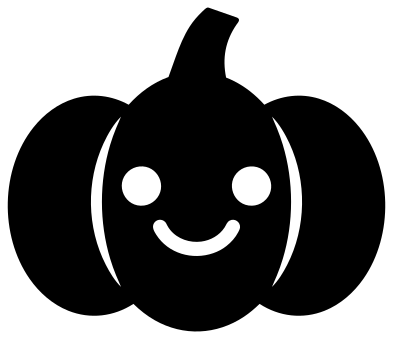 Cute little pumpkin with a smile Solid · one piece
 -
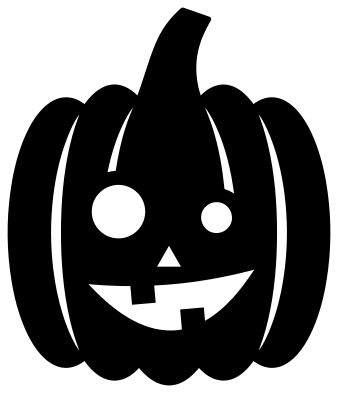 Silly jack-o-lantern Solid · one piece
 -
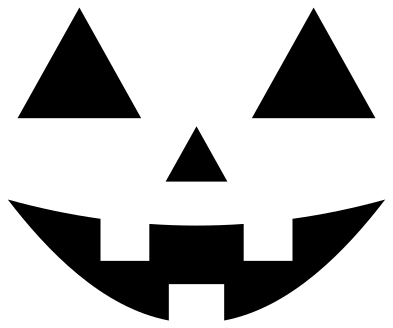 Jack-o-lantern face on its own Solid · 4 pieces
 -
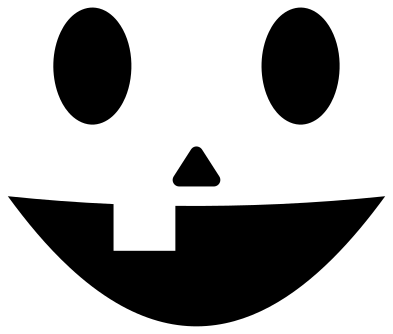 Happy pumpkin face on its own Solid · 4 pieces
 -
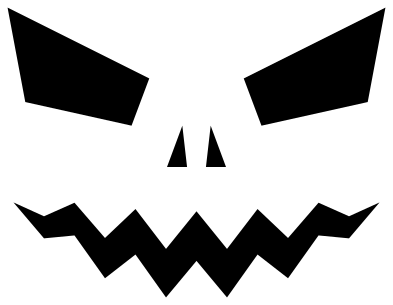 Scary pumpkin face on its own Solid · 5 pieces
 -
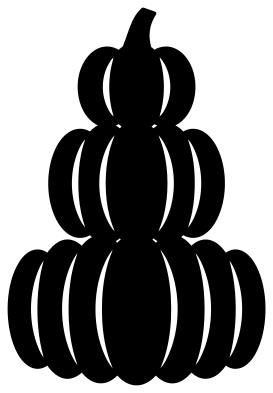 Three stacked pumpkins Solid · one piece
 -
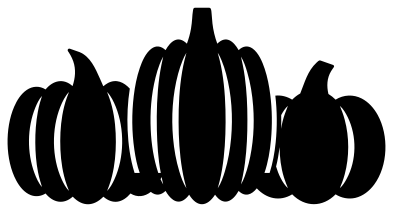 Three pumpkins in a row Solid · one piece
 -
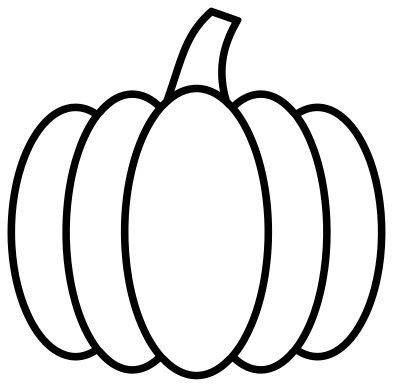 Pumpkin outline Outline · one piece
 -
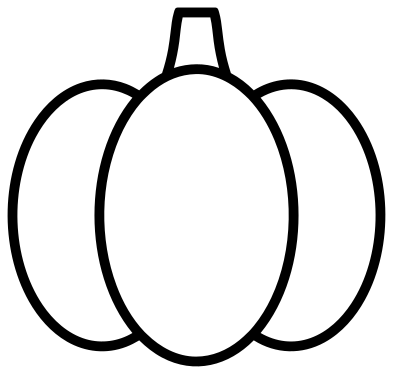 Simple pumpkin outline Outline · one piece
 -
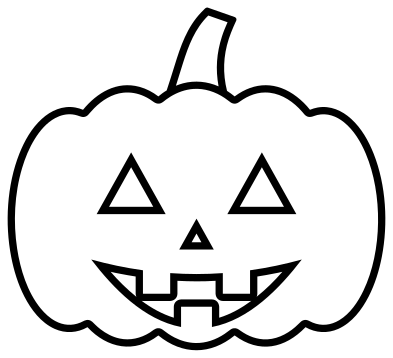 Jack-o-lantern outline Outline · 5 pieces
 -
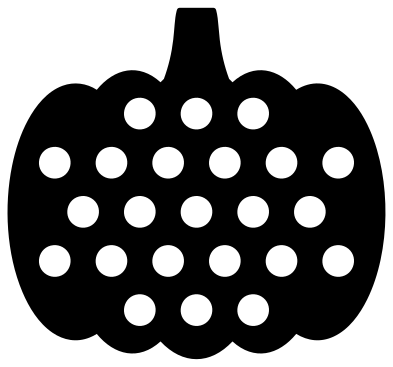 Polka dot pumpkin Solid · one piece
 -
 Pumpkin monogram frame Solid · one piece
 -
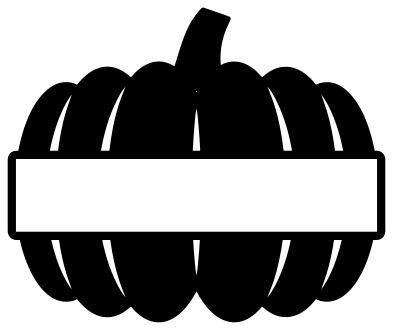 Split pumpkin for a name Solid · one piece
Choosing a pumpkin for your size and material
Every pumpkin here is 100 mm on its longer side. The rib lines are slits that taper to a point at both ends and stop short of the edge, so the pumpkin stays in one piece and the lobes cannot fall apart. In vinyl the slits weed out as thin slivers; lift them from the middle, not from a tip.
For anything under about 50 mm across, pick the pumpkin silhouette, which has no inside cuts at all, or the simple chunky pumpkin, whose two ribs are about 4 mm wide at full size. The squat pumpkin, the stack and the row of three have the most ribs and want to be cut larger. On a laser, the slits cut cleanly in 3 mm plywood at 100 mm and the piece stays strong, because every lobe is joined to its neighbours above and below each rib.
Jack-o-lanterns and loose faces
On the jack-o-lanterns the eyes, nose and mouth are holes, and the teeth are tabs that stay joined to the pumpkin. Glue yellow or orange card or vellum behind the face and it reads as lit. For a paper lantern use a battery tea light, never a flame.
The three faces on their own are loose pieces by design. Cut them from black permanent vinyl to dress a real pumpkin without carving it. Wipe the skin clean and dry first, as vinyl will not grip a damp or dusty pumpkin.
How to open the files
- Cricut Design Space: choose Upload, pick the SVG, and add it to the canvas. Set the width you want; the shape is already welded.
- Silhouette Studio: Designer Edition and above open the SVG. The free Basic Edition does not, so open the DXF instead.
- LightBurn, xTool Creative Space and Glowforge: import the SVG, then set the layer to cut, score or engrave.
- Inkscape, Illustrator and Affinity: open the SVG. It is a plain filled path, so you can recolour it, add a stroke or combine it with your own work.
- Printing or sublimation: use the PNG, which has a transparent background.
Each design page lists the file’s narrowest part at seven sizes, so you can tell whether it will survive at the size you plan to cut.
Questions
Which pumpkin is easiest to cut and weed?
The pumpkin silhouette with a curly vine: it is one outline with nothing inside to weed. Next is the simple chunky pumpkin, which has only two rib slits and a straight stem. Both work at sticker sizes.
How do I make a pumpkin in two colours?
Cut the classic round pumpkin in orange and the pumpkin outline in brown or black. They are drawn from the same body and stem, so the outline sits exactly on top of the solid shape. The polka dot and monogram pumpkins are made to go over a backing colour that shows through the holes.
Can I use a jack-o-lantern face as a carving stencil?
Yes. Print the PNG of one of the loose faces at the width of your pumpkin, tape it on, and prick along the edges of the eyes, nose and mouth with a pin. Take the paper off and carve along the dots.
 Ghost SVG
  Bat SVG
  Spider web SVG
  Witch hat SVG
  Skull SVG
  Skeleton SVG