Free skull SVG files
Free skull SVG files: plain skulls with and without a jaw, a skull and crossbones, a pirate, sugar skulls with flower cut-outs, a bull skull and a skull in profile. In each one the eyes, nose and teeth are holes, so the skull is a single piece.
16 designs. Free for personal and commercial use, no sign-up. What you can do with them.
-
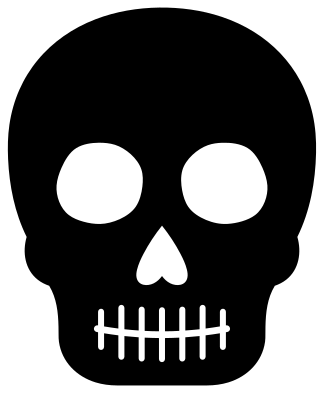 Classic skull with a jaw Solid · one piece
 -
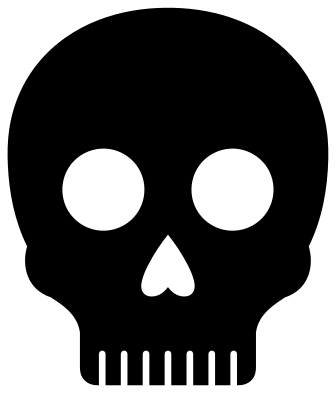 Simple skull with round eyes Solid · one piece
 -
 Skull and crossbones Solid · one piece
 -
 Skull above two crossed bones Solid · one piece
 -
 Pirate skull with a bandana Solid · one piece
 -
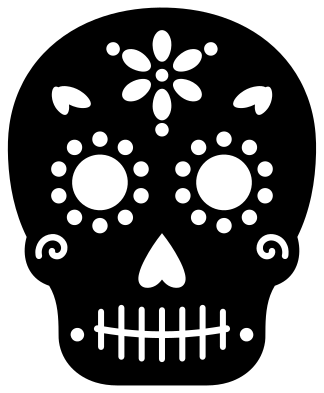 Sugar skull Solid · one piece
 -
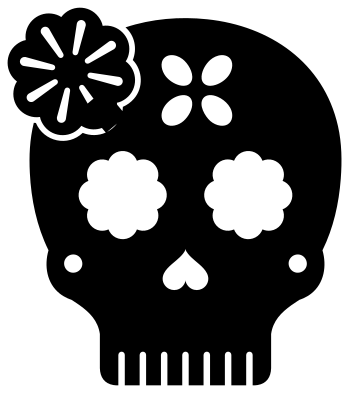 Simple sugar skull with a flower Solid · one piece
 -
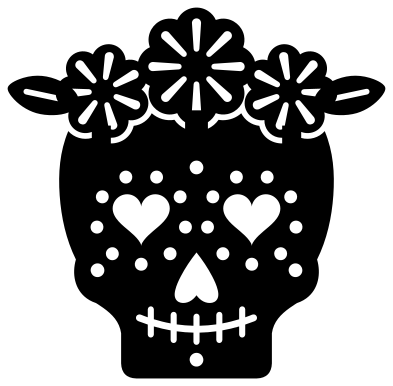 Sugar skull with a flower crown Solid · one piece
 -
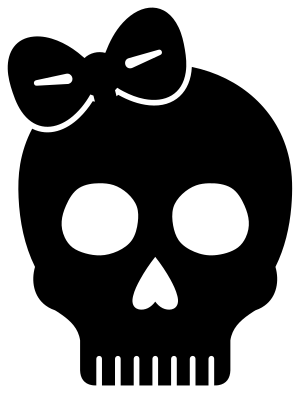 Skull with a bow Solid · one piece
 -
 Cute skull with heart eyes Solid · one piece
 -
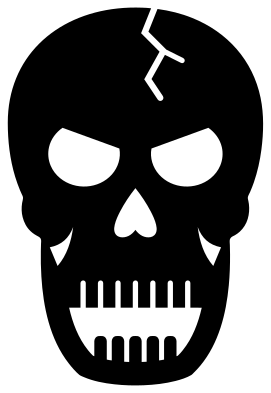 Screaming skull with an open jaw Solid · one piece
 -
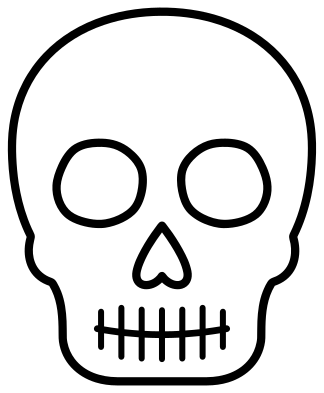 Skull outline Outline · 5 pieces
 -
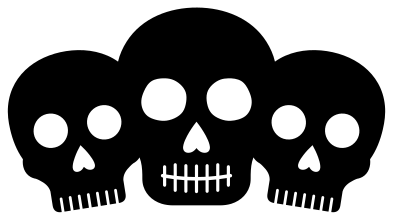 Three skulls in a row Solid · one piece
 -
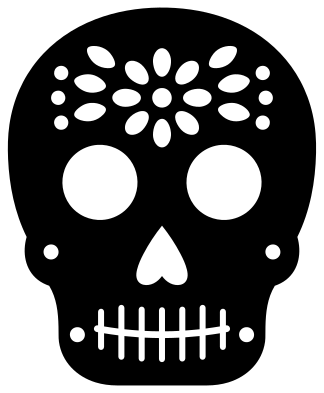 Skull with a mandala forehead Solid · one piece
 -
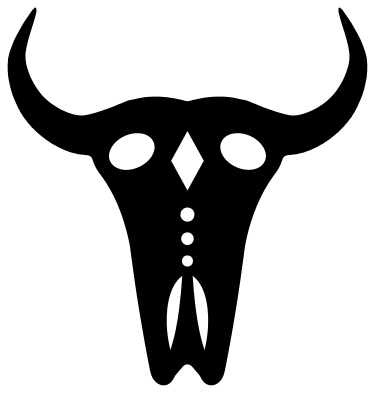 Bull skull with upswept horns Solid · one piece
 -
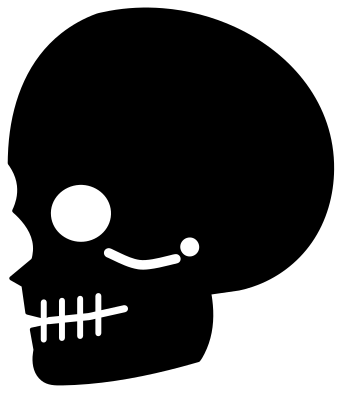 Skull silhouette from the side Solid · one piece
How a one-colour skull works
A skull is pale bone with dark hollows, so in one colour the bone is the solid part and the eye sockets, nose and the gaps between the teeth are holes. Cut it from white vinyl for a dark shirt or window, or from black and let a pale surface show through for a reversed look. Either way it lifts as one piece.
The teeth are the fine part. On the skulls with a jaw they are parted by slits about 1.6 mm wide at 100 mm, so cut those at 80 mm or more in vinyl and at 120 mm or more in wood. The simple skull and the cute skull have wide notches in place of slits and work much smaller.
Sugar skulls
A sugar skull is decorated with flowers, leaves and dots for the Day of the Dead. Here every mark is a hole, which suits layering: cut the skull from white or black and put scraps of bright card or vinyl behind the eyes, the forehead flower and the cheeks. The full sugar skull has about forty small holes to weed, so give it 120 mm or more; the simple sugar skull has fewer and larger ones.
How to open the files
- Cricut Design Space: choose Upload, pick the SVG, and add it to the canvas. Set the width you want; the shape is already welded.
- Silhouette Studio: Designer Edition and above open the SVG. The free Basic Edition does not, so open the DXF instead.
- LightBurn, xTool Creative Space and Glowforge: import the SVG, then set the layer to cut, score or engrave.
- Inkscape, Illustrator and Affinity: open the SVG. It is a plain filled path, so you can recolour it, add a stroke or combine it with your own work.
- Printing or sublimation: use the PNG, which has a transparent background.
Each design page lists the file’s narrowest part at seven sizes, so you can tell whether it will survive at the size you plan to cut.
Questions
How do I make the eyes of the skull black?
The eyes, nose and teeth gaps are holes, so they take the colour of whatever is behind them. Put the skull on a black shirt, a dark window or a piece of black card and they turn black with no second layer.
How do I add colour to a sugar skull?
Cut the skull once in your main colour, then back the holes. For card, glue small pieces of coloured paper behind the flowers and eyes. For vinyl, lay the skull over patches of coloured vinyl a little larger than each group of holes.
Which skull is best for a pirate party?
The skull and crossbones for flags and bunting, the skull above two crossed bones for round labels and cupcake toppers, and the pirate skull with a bandana for invitations and shirts, cut at 120 mm or more so the eye patch and teeth stay clear.
 Pumpkin SVG
  Ghost SVG
  Bat SVG
  Spider web SVG
  Witch hat SVG
  Skeleton SVG