Free ghost SVG files
Free ghost SVG files: friendly sheet ghosts with wavy hems, floating ghosts with tails, and faces cut out as simple ovals and smiles. Every one is drawn by code as a clean welded shape and downloads as SVG, PNG or DXF.
18 designs. Free for personal and commercial use, no sign-up. What you can do with them.
-
 Classic sheet ghost Solid · one piece
 -
 Cute little ghost Solid · one piece
 -
 Floating ghost with a tail Solid · one piece
 -
 Swooping ghost Solid · one piece
 -
 Ghost with arms raised Solid · one piece
 -
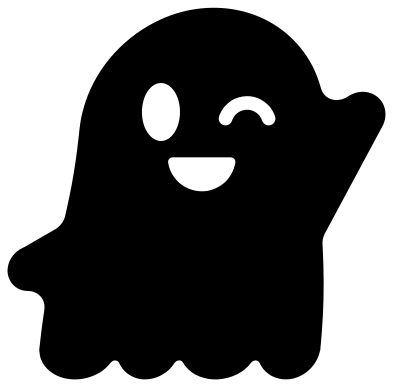 Waving ghost Solid · one piece
 -
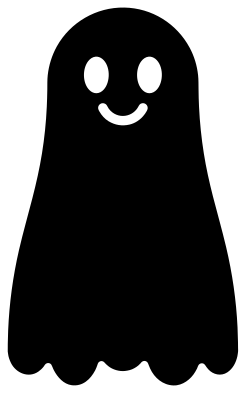 Tall draped sheet ghost Solid · one piece
 -
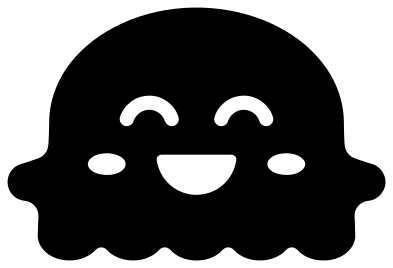 Chubby happy ghost Solid · one piece
 -
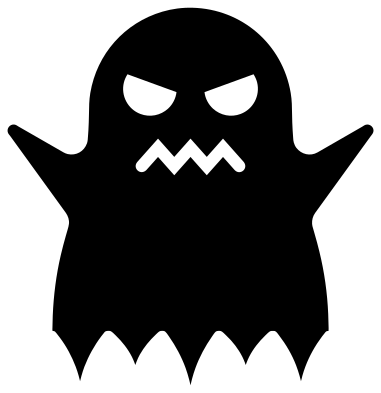 Spooky ghost with a tattered hem Solid · one piece
 -
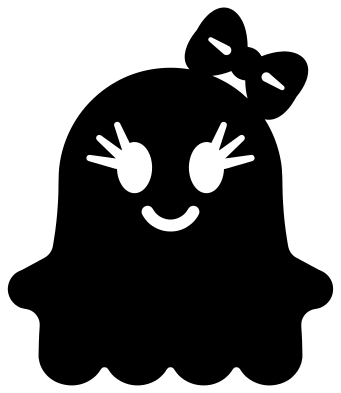 Girl ghost with a bow Solid · one piece
 -
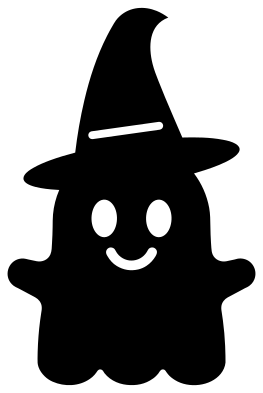 Ghost in a witch hat Solid · one piece
 -
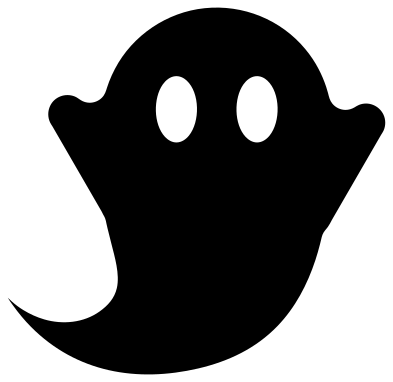 Ghost silhouette with eyes Solid · one piece
 -
 Ghost with a heart Solid · one piece
 -
 Baby ghost Solid · one piece
 -
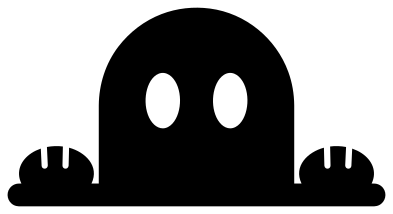 Peeking ghost Solid · one piece
 -
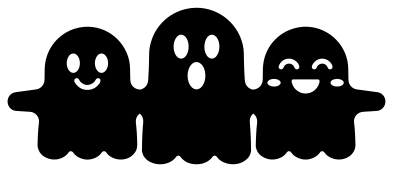 Three ghosts holding hands Solid · one piece
 -
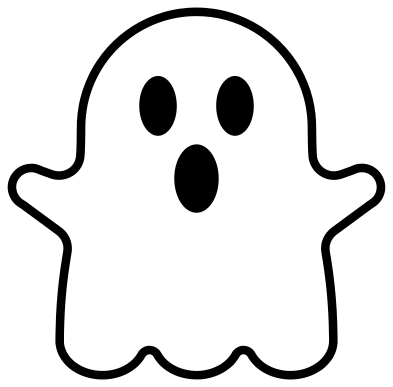 Ghost outline Outline · 4 pieces
 -
 Blank ghost outline Outline · one piece
Cutting ghosts in vinyl, card and wood
A ghost is one of the kindest shapes to cut: a big smooth outline and two or three holes for the face. Every file here is 100 mm on its longer side. The eyes and mouth are holes, so whatever is behind the ghost becomes its face. White vinyl on a dark window or a black door gives the classic look with no second colour.
The notches between the lobes of each hem are rounded a little, so a blade can turn in them without lifting the corner. The smallest parts in the set are the lashes on the girl ghost and the faces of the three ghosts holding hands, so cut those two at 80 mm or more. The classic, cute, chubby and baby ghosts have nothing fine in them and work down to sticker size.
For hanging decorations, white card and stiff felt both cut well. In 3 mm plywood the sheet ghosts are sturdier than the floating ones, whose tails end in a point.
How to open the files
- Cricut Design Space: choose Upload, pick the SVG, and add it to the canvas. Set the width you want; the shape is already welded.
- Silhouette Studio: Designer Edition and above open the SVG. The free Basic Edition does not, so open the DXF instead.
- LightBurn, xTool Creative Space and Glowforge: import the SVG, then set the layer to cut, score or engrave.
- Inkscape, Illustrator and Affinity: open the SVG. It is a plain filled path, so you can recolour it, add a stroke or combine it with your own work.
- Printing or sublimation: use the PNG, which has a transparent background.
Each design page lists the file’s narrowest part at seven sizes, so you can tell whether it will survive at the size you plan to cut.
Questions
How do I give a white ghost black eyes?
The eyes and mouth are holes, so put something dark behind them: a black door, a dark window, or a scrap of black card glued to the back. On the ghost outline the eyes and mouth are solid pieces instead, to cut in black and place by hand.
Which ghost works best at small sizes?
The cute little ghost, the baby ghost, the chubby ghost and the classic sheet ghost. Their faces are made of large round holes and their arms are short and thick, so they weed cleanly at 40 mm tall.
Can I make a longer garland of ghosts?
Yes. Open the three ghosts holding hands in your cutting software, duplicate it, slide the copy along until the end hands overlap, and weld. Repeat until the row is as long as your mat allows.
 Pumpkin SVG
  Bat SVG
  Spider web SVG
  Witch hat SVG
  Skull SVG
  Skeleton SVG