Free gnome SVG files
Free gnome SVG files: Scandinavian gnomes with tall hats pulled over their eyes, round noses and long beards, dressed for Christmas, winter, Valentine's Day, autumn and Halloween. Each gnome is drawn by code and cuts as one piece.
16 designs. Free for personal and commercial use, no sign-up. What you can do with them.
-
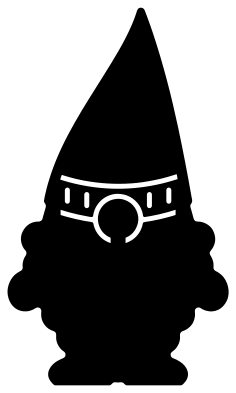 Scandinavian gnome Solid · one piece
 -
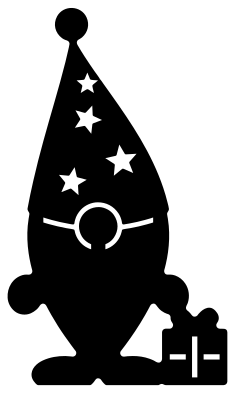 Christmas gnome with a present Solid · one piece
 -
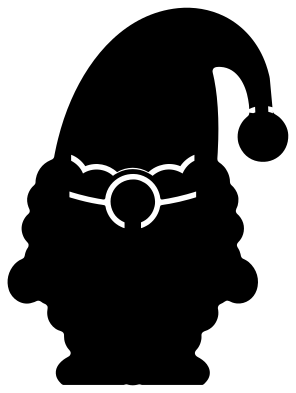 Santa gnome Solid · one piece
 -
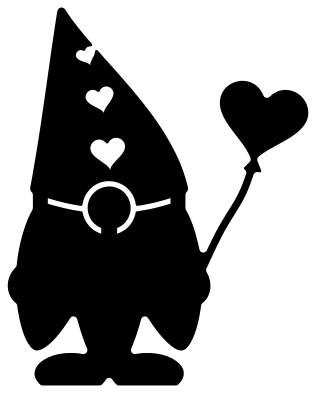 Valentine gnome with a heart balloon Solid · one piece
 -
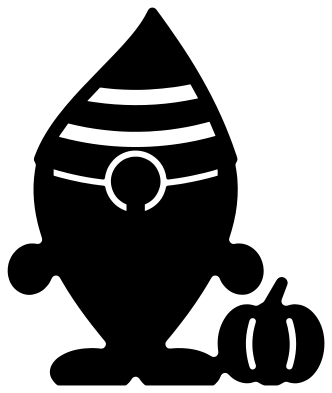 Fall gnome with a pumpkin Solid · one piece
 -
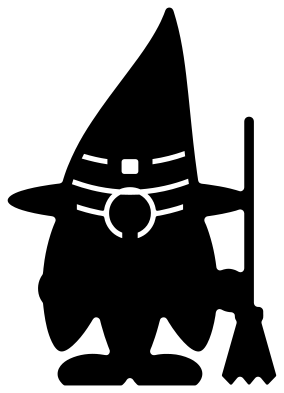 Halloween gnome in a witch hat Solid · one piece
 -
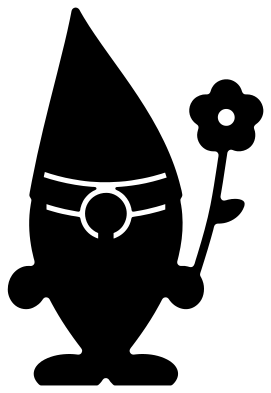 Garden gnome with a flower Solid · one piece
 -
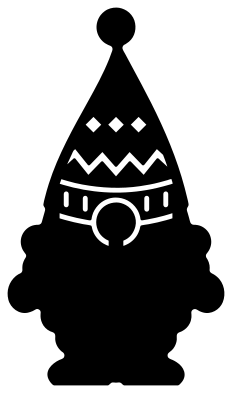 Winter gnome in a knitted hat Solid · one piece
 -
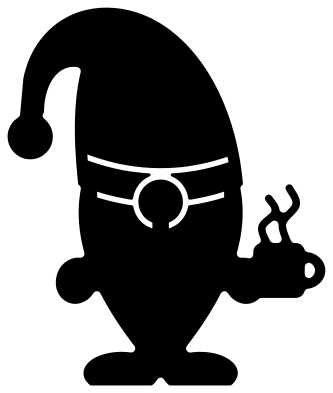 Coffee gnome with a mug Solid · one piece
 -
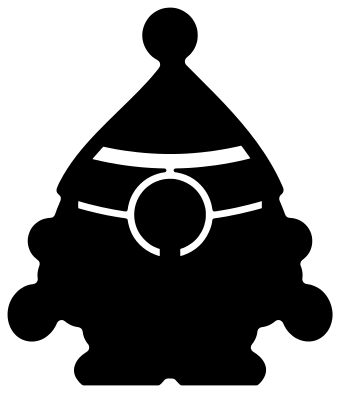 Cute little gnome Solid · one piece
 -
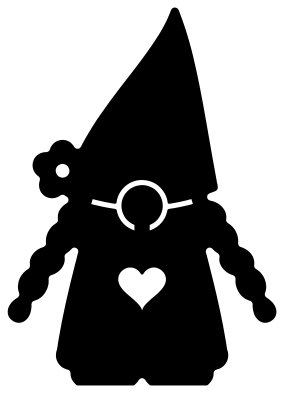 Girl gnome with braids Solid · one piece
 -
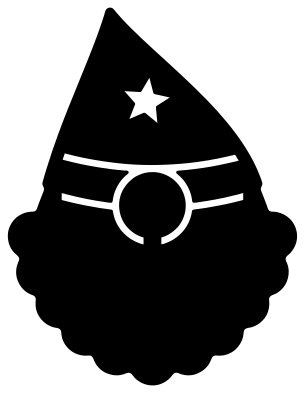 Gnome face Solid · one piece
 -
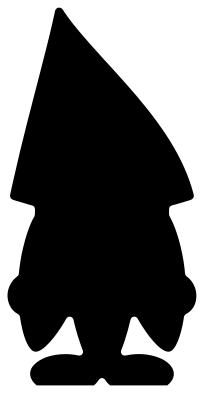 Gnome silhouette Solid · one piece
 -
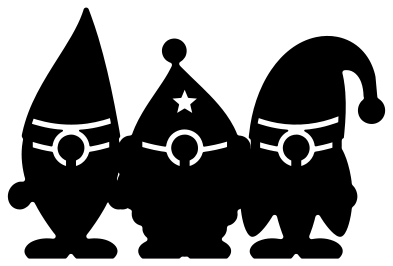 Three gnomes in a row Solid · one piece
 -
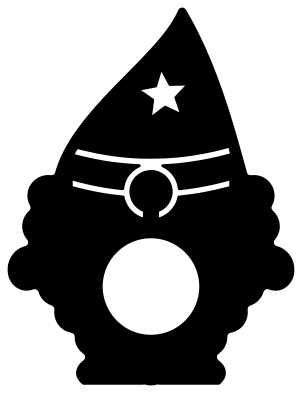 Gnome with a monogram window Solid · one piece
 -
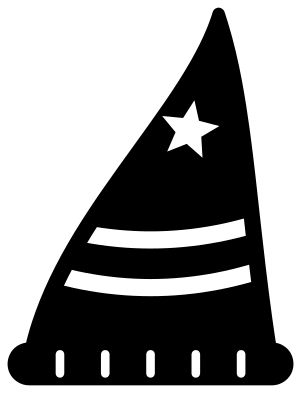 Gnome hat Solid · one piece
How a gnome is cut in one colour
A gnome is three shapes stacked on each other: a hat, a nose and a beard. To keep them apart in a single colour, a thin seam is cut under the edge of the hat and a ring is cut round the nose. Both stop short, leaving bridges at the sides of the hat and under the nose, so the whole gnome lifts off the mat in one piece.
With the file at 100 mm tall those seams are a little over 1 mm wide. That is fine for vinyl and card at 100 mm and above. For anything smaller, or for wood, use the cute little gnome or the gnome silhouette, which have broader cuts or none at all.
Two colours without layers
For a red hat on a white beard, cut the same gnome twice, once in each colour. Keep the hat from the red copy and the beard, hands and feet from the white, trimming along the seam under the hat. The nose can be a third scrap in pink or tan: it is a plain circle, about 10 mm across with the gnome at 100 mm tall.
How to open the files
- Cricut Design Space: choose Upload, pick the SVG, and add it to the canvas. Set the width you want; the shape is already welded.
- Silhouette Studio: Designer Edition and above open the SVG. The free Basic Edition does not, so open the DXF instead.
- LightBurn, xTool Creative Space and Glowforge: import the SVG, then set the layer to cut, score or engrave.
- Inkscape, Illustrator and Affinity: open the SVG. It is a plain filled path, so you can recolour it, add a stroke or combine it with your own work.
- Printing or sublimation: use the PNG, which has a transparent background.
Each design page lists the file’s narrowest part at seven sizes, so you can tell whether it will survive at the size you plan to cut.
Questions
Why does the gnome have no eyes?
That is the Scandinavian style: the hat sits low over the face and only the nose shows. It also makes a gnome easy to cut, because there are no small eye holes to weed.
Can I change what the gnome is holding?
Yes. Start from the Scandinavian gnome, which holds nothing, and place your own shape beside his mitten: a shamrock, a flag, an egg or a book. Overlap it with the hand by a millimetre or two and weld.
How do I put an initial on the monogram gnome?
The gnome with a monogram window has a round hole in his beard. Cut your initial from a second colour, about two thirds as tall as the hole is wide, and stick it to the backing that shows through the window.
 Snowflake SVG
  Christmas tree SVG
  Ornament SVG
  Snowman SVG
  Santa hat SVG
  Candy cane SVG