Free flip flop SVG files
Free flip flop SVG files, drawn from above as left and right pairs: plain, outlined, polka dot and striped flip flops, a pair with plumeria flowers, a monogram frame, a zentangle sole, crossed sandals and a pair beside a starfish. Download as SVG, PNG or DXF.
12 designs. Free for personal and commercial use, no sign-up. What you can do with them.
-
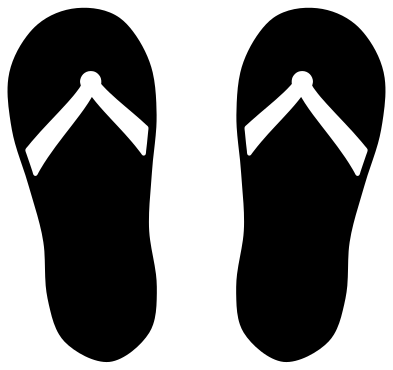 Pair of flip flops Solid · 2 pieces
 -
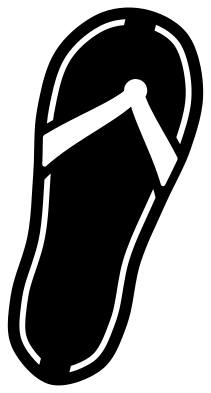 Single flip flop Solid · one piece
 -
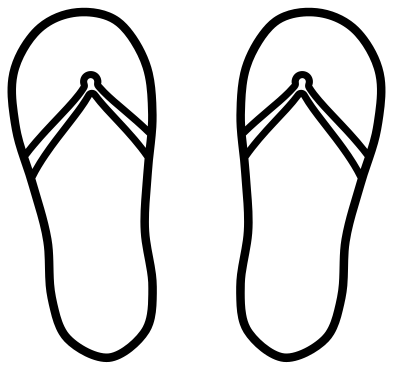 Flip flops outline Outline · 2 pieces
 -
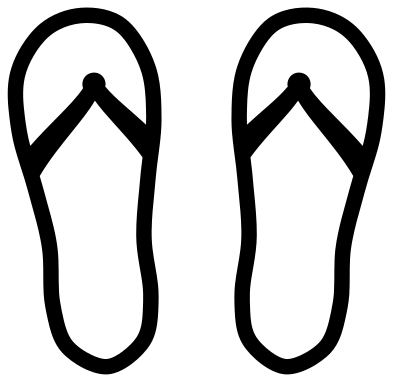 Flip flop monogram frame Solid · 2 pieces
 -
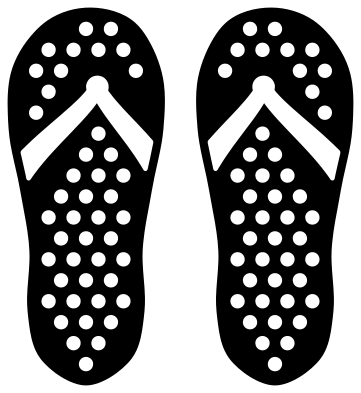 Polka dot flip flops Solid · 2 pieces
 -
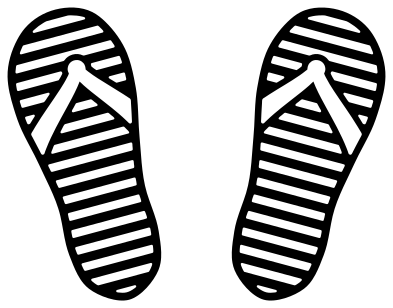 Striped flip flops Solid · 2 pieces
 -
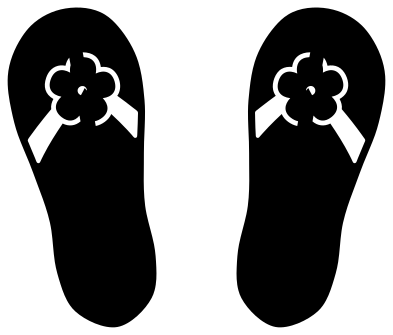 Flip flops with a flower Solid · 2 pieces
 -
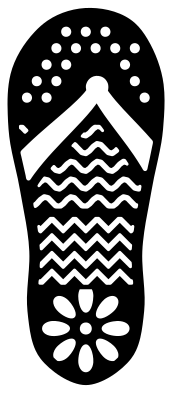 Zentangle flip flop Solid · one piece
 -
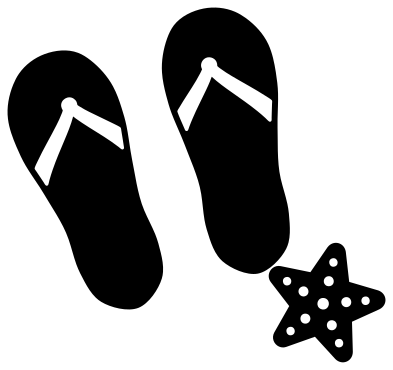 Flip flops with a starfish Solid · 3 pieces
 -
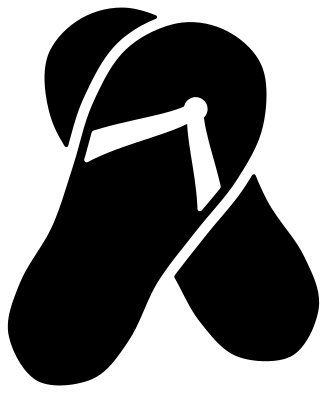 Crossed flip flops Solid · 3 pieces
 -
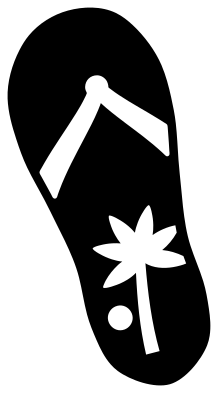 Flip flop with a palm tree Solid · one piece
 -
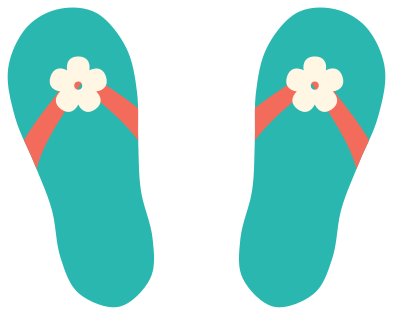 Layered flip flops with flowers Layered · 6 pieces
How the strap is drawn
A flip flop is a sole and a Y strap, and in one colour the strap has to be shown somehow. On the solid designs here the strap is cut out of the sole as a hole that stops about 2 mm short of the edge, so each sandal lifts off the mat as a single piece and whatever is underneath becomes the strap colour. On the monogram frame it is the other way round: the strap is solid and the sole is an open band. If you want real two-colour sandals, use the layered design, which has the soles, the straps and the flowers as separate layers.
Sizes and uses
Each sole is drawn about four tenths as wide as it is long, close to the proportions of a real sandal, so a pair fills a square. For a beach bag or a towel, 150 to 200 mm across the pair reads well from a distance; for a tumbler, 60 to 70 mm. The polka dot, striped and zentangle soles have small pieces to weed, so keep those at 80 mm long or more. The left and right sandals are mirror images, with the toe post nearer the big toe on each.
How to open the files
- Cricut Design Space: choose Upload, pick the SVG, and add it to the canvas. Set the width you want; the shape is already welded.
- Silhouette Studio: Designer Edition and above open the SVG. The free Basic Edition does not, so open the DXF instead.
- LightBurn, xTool Creative Space and Glowforge: import the SVG, then set the layer to cut, score or engrave.
- Inkscape, Illustrator and Affinity: open the SVG. It is a plain filled path, so you can recolour it, add a stroke or combine it with your own work.
- Printing or sublimation: use the PNG, which has a transparent background.
Each design page lists the file’s narrowest part at seven sizes, so you can tell whether it will survive at the size you plan to cut.
Questions
How do I add initials to the monogram flip flops?
Open the monogram frame in your cutting software and type one letter on each sole, below the strap. Size the letters to about 18 mm wide for a 100 mm pair. Cut them from a second colour, or attach them to the soles and cut everything from one.
Can I make the straps a different colour?
Yes. Use the layered design, or cut the plain pair in the sole colour and place a strap-coloured sheet behind it: the strap is a hole, so the colour behind shows through.
Why is the toe post off centre?
On a real flip flop the post sits between the big toe and the second toe, which is to one side of the middle of the sole. That is also how you tell left from right: the post is nearer the inner edge of each sandal.
 Camera SVG
  Guitar SVG
  Music note SVG
  Stethoscope SVG
  Tooth SVG
  Light bulb SVG