Free construction SVG files
Free construction SVG files: a hard hat from the side and the front, a traffic cone, an excavator, a tower crane, a cement mixer, a bulldozer, a forklift, a barricade, a blank warning sign, a wheelbarrow and a crossed shovel and pickaxe. No maker’s names and no lettering.
16 designs. Free for personal and commercial use, no sign-up. What you can do with them.
-
 Construction hard hat Solid · one piece
 -
 Construction hard hat from the front Solid · one piece
 -
 Construction traffic cone Solid · one piece
 -
 Construction excavator Solid · one piece
 -
 Construction tower crane Solid · one piece
 -
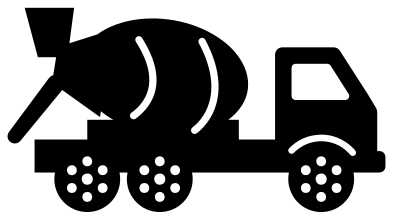 Construction cement mixer truck Solid · one piece
 -
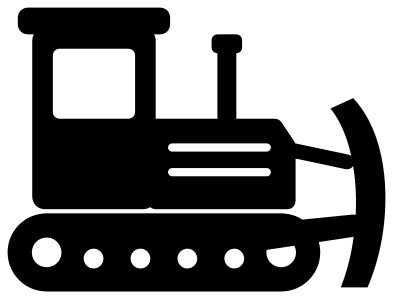 Construction bulldozer Solid · one piece
 -
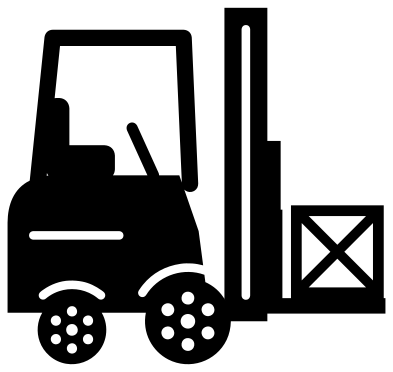 Construction forklift with a crate Solid · one piece
 -
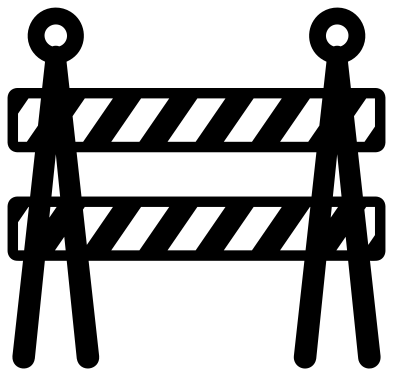 Construction barricade Solid · one piece
 -
 Construction sign, blank diamond Solid · one piece
 -
 Construction wheelbarrow Solid · one piece
 -
 Construction shovel and pickaxe crossed Solid · one piece
 -
 Construction hard hat with hammer and wrench Solid · one piece
 -
 Construction brick wall with a trowel Solid · one piece
 -
 Construction monogram frame Solid · one piece
 -
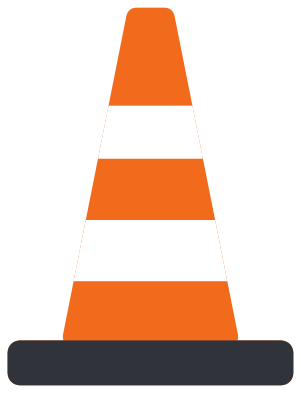 Layered construction cone in three colours Layered · 4 pieces
Machines for birthdays, tools for the trade
Half of this set gets cut for small children who love diggers: the excavator, the bulldozer, the cement mixer and the cone, on birthday shirts, cake toppers and bedroom walls. The machines are drawn from the side with big simple parts, and their wheels and tracks are welded on, so each one lifts as a single piece. For a shirt, 150 to 200 mm wide suits a child’s size.
The other half is for people who do the work: the hard hats, the emblem with a hammer and wrench, and the monogram gear, for lunch boxes, tool chests and truck windows. The tower crane and the brick wall are line drawings with bars about 2.5 mm wide at 100 mm, so cut those two at 120 mm or more in vinyl and larger still in wood.
Stripes that stay in one piece
Cones and barricades are striped, and a stripe cut right across would leave loose pieces. Here every stripe is an open slot that stops just inside the edge, so a thin rim holds the design together. Cut the single-colour cone in orange and stick white behind the slots, or use the layered cone, where the bands are their own pieces.
How to open the files
- Cricut Design Space: choose Upload, pick the SVG, and add it to the canvas. Set the width you want; the shape is already welded.
- Silhouette Studio: Designer Edition and above open the SVG. The free Basic Edition does not, so open the DXF instead.
- LightBurn, xTool Creative Space and Glowforge: import the SVG, then set the layer to cut, score or engrave.
- Inkscape, Illustrator and Affinity: open the SVG. It is a plain filled path, so you can recolour it, add a stroke or combine it with your own work.
- Printing or sublimation: use the PNG, which has a transparent background.
Each design page lists the file’s narrowest part at seven sizes, so you can tell whether it will survive at the size you plan to cut.
Questions
Which construction design is best for a birthday shirt?
The excavator is the favourite, followed by the bulldozer and the cement mixer. All three face right, so a name reads well underneath. Add the birthday number yourself in your cutting software, in a bold face about as tall as the tracks.
Can I put a name on the hard hat?
Yes. Use the hard hat from the front, which has a plain panel either side of the middle rib, or set the name on the brim. Cut the lettering from a second colour and lay it on top, as real hard hat stickers are.
How are the wheels joined to the cement mixer and the forklift?
Each wheel is welded to the body or the chassis where they overlap. Where a wheel sits under bodywork, a thin arch line above it marks the wheel arch. The line stops short at both ends, so the wheel cannot fall away when you weed.
 Camera SVG
  Guitar SVG
  Music note SVG
  Stethoscope SVG
  Tooth SVG
  Light bulb SVG