Free ruler SVG files
Free ruler SVG files: a school ruler, a 10 cm ruler that is true to size, a twelve-inch ruler, two T-shirt placement rulers, a chest logo guide, growth chart marks, a set square, a protractor, a folding ruler and a ruler frame. Marks only, no numerals.
16 designs. Free for personal and commercial use, no sign-up. What you can do with them.
-
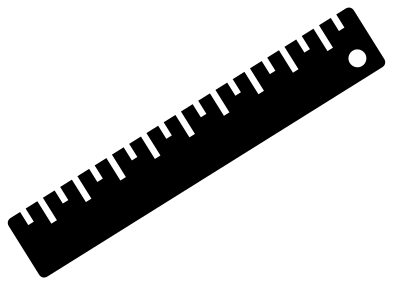 Ruler on a slant Solid · one piece
 -
 Ruler, 10 cm and true to size Solid · one piece
 -
 Ruler with twelve inch marks Solid · one piece
 -
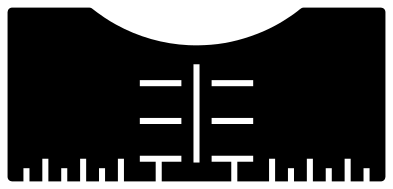 T-shirt ruler with a round collar guide Solid · one piece
 -
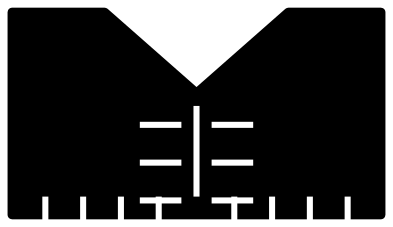 V-neck T-shirt ruler Solid · one piece
 -
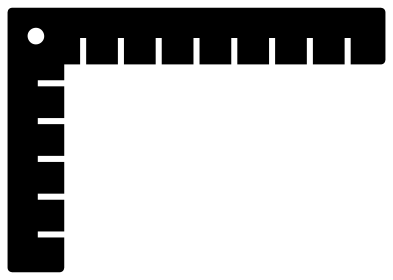 Shirt placement ruler for a chest logo Solid · one piece
 -
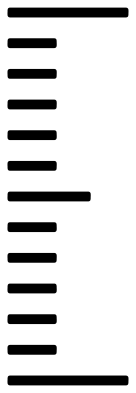 Growth chart ruler marks Solid · 13 pieces
 -
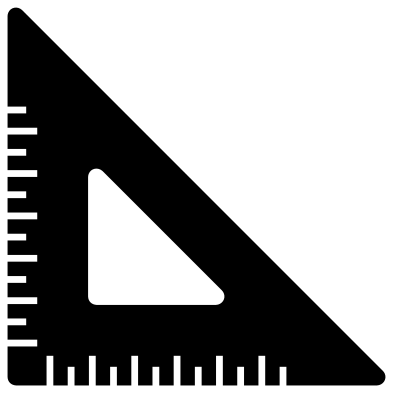 Set square ruler Solid · one piece
 -
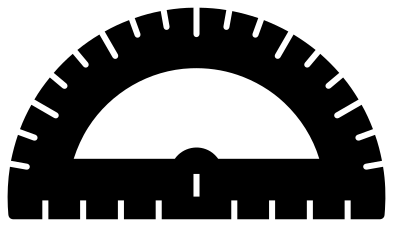 Half-circle protractor ruler Solid · one piece
 -
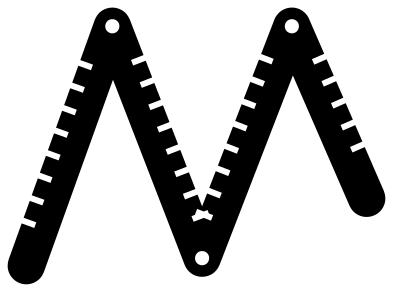 Folding carpenter’s ruler Solid · one piece
 -
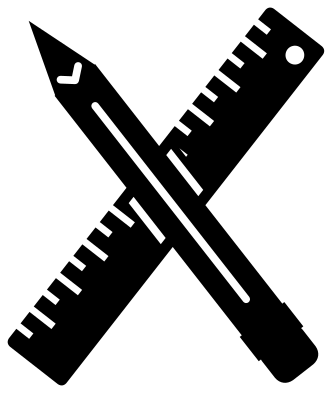 Ruler and pencil crossed Solid · one piece
 -
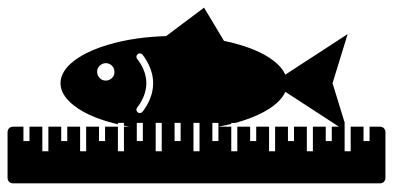 Fishing ruler with a fish Solid · one piece
 -
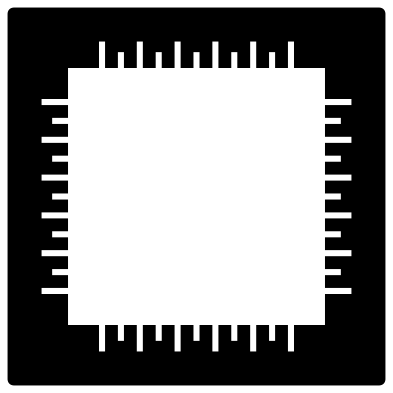 Ruler frame for a name Solid · one piece
 -
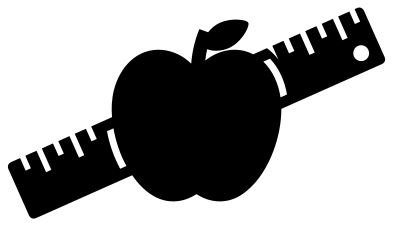 Teacher’s ruler with an apple Solid · one piece
 -
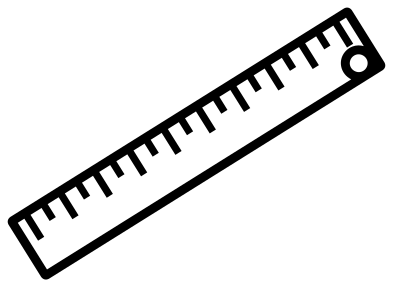 Ruler outline Outline · one piece
 -
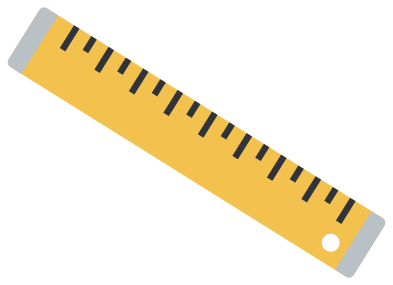 Layered wooden ruler in three colours Layered · 20 pieces
Rulers that really measure
Every file here is 100 mm on its longer side, and several are drawn so that this makes them accurate. The 10 cm ruler has a long notch at each centimetre and a short one at each half. The two T-shirt rulers and the chest logo guide have marks exactly 10 mm apart. Cut them at 100 mm and they are metric. Scale them to 254 mm and every 10 mm becomes an inch, because an inch is 25.4 mm.
For a tool you will use, cut from something stiff and thin: 2 mm acrylic, 3 mm plywood or heavy card. Check one mark against a steel rule after cutting, since some machines scale files a little on import.
Why there are no numbers
Numerals tie a ruler to inches or centimetres and are the hardest part of a ruler to cut small, so these have notches only. The notches are 1.6 mm wide and open to the edge, which leaves nothing loose to weed. If you want numbers, add them in your cutting software beside the long notches, or write them on with a paint pen after cutting.
How to open the files
- Cricut Design Space: choose Upload, pick the SVG, and add it to the canvas. Set the width you want; the shape is already welded.
- Silhouette Studio: Designer Edition and above open the SVG. The free Basic Edition does not, so open the DXF instead.
- LightBurn, xTool Creative Space and Glowforge: import the SVG, then set the layer to cut, score or engrave.
- Inkscape, Illustrator and Affinity: open the SVG. It is a plain filled path, so you can recolour it, add a stroke or combine it with your own work.
- Printing or sublimation: use the PNG, which has a transparent background.
Each design page lists the file’s narrowest part at seven sizes, so you can tell whether it will survive at the size you plan to cut.
Questions
How do I use the T-shirt ruler?
Lay the shirt flat and rest the curved top of the guide under the collar, with the slot on the centre of the shirt. Count down the rungs to where the top of your design should sit: at 254 mm wide each rung is an inch, and three rungs down is a common place for an adult chest design.
What size should I cut the growth chart ruler marks?
Scale the column until the first long mark and the last are 12 inches, or 304.8 mm, apart, which makes the whole column about 313 mm tall. The short marks then fall an inch apart. Cut one column for each foot of the board and overlap the long marks where two columns meet.
Is the 10 cm ruler accurate?
Yes, when it is cut at exactly 100 mm long. The first long notch is 10 mm from the left end and the last is 10 mm from the right, with a short notch half way between each pair. Measure from the end of the ruler, not from a notch.
 Camera SVG
  Guitar SVG
  Music note SVG
  Stethoscope SVG
  Tooth SVG
  Light bulb SVG