Free planner SVG files: pages, inserts and stickers
Free planner SVG files: weekly, monthly and daily pages, a habit tracker and a to-do list for A5 six-ring planners, with a divider, a pocket, a page marker, fold-over tabs, four sticker sheets and a drawing stencil. The pages carry no words or dates, so they suit any week and any language.
15 designs. Free for personal and commercial use, no sign-up. What you can do with them.
Or choose one below for its PNG, DXF and cutting sizes.
-
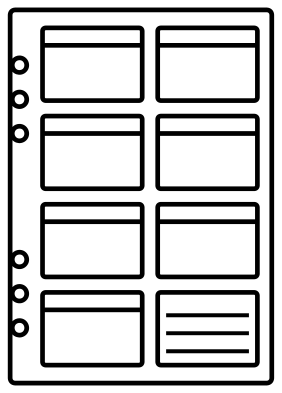 Weekly planner page with seven day boxes Outline · 12 pieces
 -
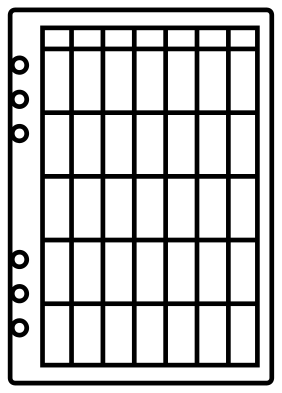 Monthly planner page with a calendar grid Outline · 2 pieces
 -
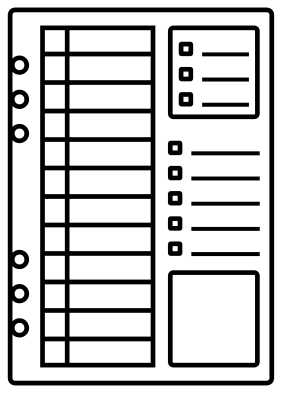 Daily planner page with an hour column Outline · 20 pieces
 -
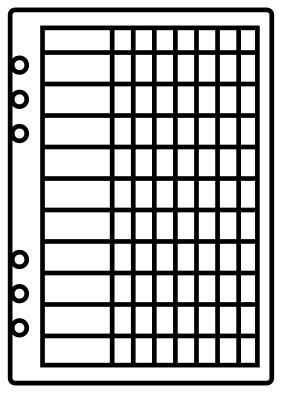 Weekly habit tracker planner page Outline · 2 pieces
 -
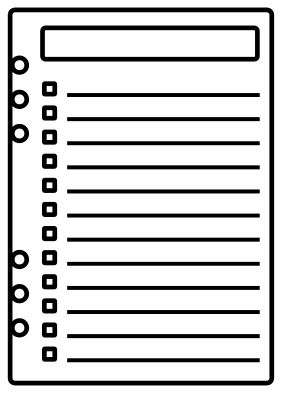 To-do list planner page Outline · 26 pieces
 -
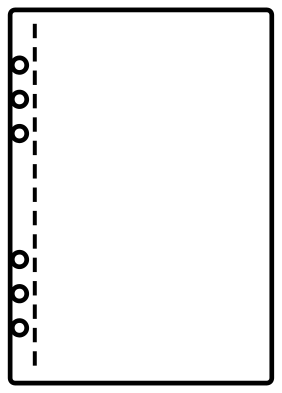 Six hole planner insert template Outline · 16 pieces
 -
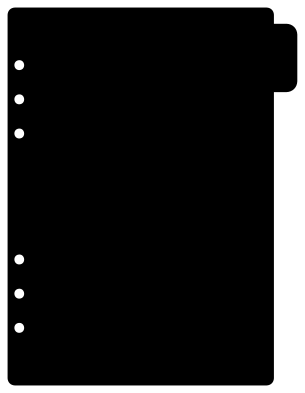 Planner divider with a side tab Solid · one piece
 -
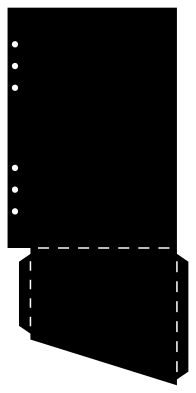 Planner pocket insert to fold and glue Solid · one piece
 -
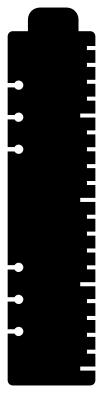 Planner page marker with a ruler edge Solid · one piece
 -
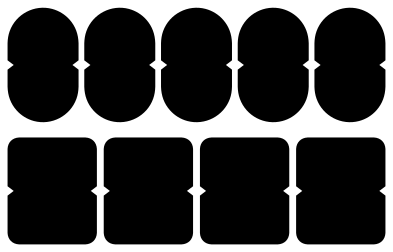 Planner tabs to fold over a page edge Solid · 9 pieces
 -
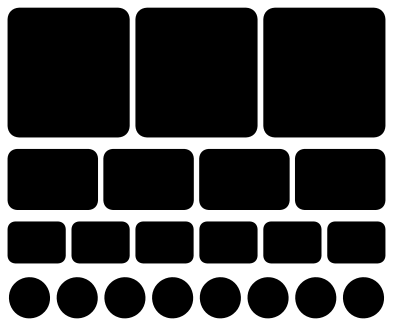 Planner sticker sheet of boxes and dots Solid · 21 pieces
 -
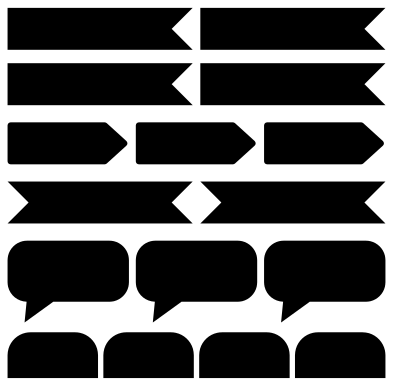 Planner sticker sheet of flags and labels Solid · 16 pieces
 -
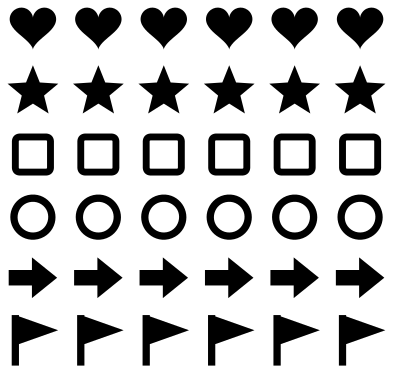 Planner sticker sheet of small icons Solid · 36 pieces
 -
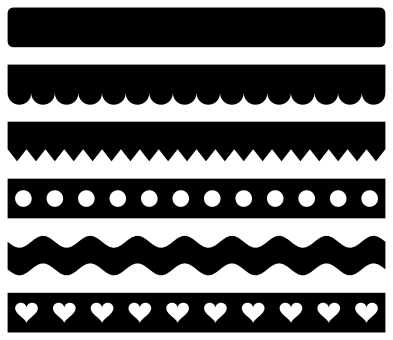 Planner sticker strips with six edges Solid · 6 pieces
 -
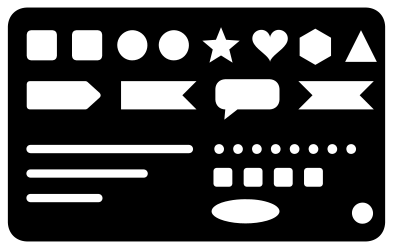 Planner stencil with boxes, flags and lines Solid · one piece
Page size and ring holes
The pages are A5, 148 by 210 mm, the size of a sheet of A4 folded in half. Each file is 100 mm tall, so scale it to 210 mm tall before printing or cutting. The six ring holes are 5.5 mm across and stand in two groups of three: 19 mm from hole to hole within a group and 70 mm between the groups, with their centres 6.5 mm in from the edge. That is the spacing of the common A5 six-ring binder, but binders are not all alike, so cut one page from scrap paper and try it on your rings before you cut a stack. Disc-bound and spiral planners punch their own holes: for those, use the pages and ignore the holes.
To make pages, print the line drawing on 100 to 120 gsm paper and cut the outline and the holes, or let a cutting machine draw the lines with a pen and then cut. The lines are 2.6 mm wide at A5 so that they hold up as shapes; for finer lines, set the drawing as a stroke in your software and use only the outline to cut.
Dividers, pockets and stickers
Cut the divider and the page marker from something stiffer than the pages: 300 gsm card, or thin polypropylene sheet for a marker that survives a year of snapping on and off. The pocket folds from a single piece of 200 to 250 gsm card. The sticker sheets are plain shapes: cut them from printable sticker paper after printing your own colours, or from coloured vinyl as they are. A kiss cut, through the sticker but not its backing, keeps the sheet together.
How to open the files
- Cricut Design Space: choose Upload, pick the SVG, and add it to the canvas. Set the width you want; the shape is already welded.
- Silhouette Studio: Designer Edition and above open the SVG. The free Basic Edition does not, so open the DXF instead.
- LightBurn, xTool Creative Space and Glowforge: import the SVG, then set the layer to cut, score or engrave.
- Inkscape, Illustrator and Affinity: open the SVG. It is a plain filled path, so you can recolour it, add a stroke or combine it with your own work.
- Printing or sublimation: use the PNG, which has a transparent background.
Each design page lists the file’s narrowest part at seven sizes, so you can tell whether it will survive at the size you plan to cut.
Questions
Will these pages fit my planner?
They fit A5 six-ring binders with rings 19 mm apart in two groups 70 mm apart. Measure yours from the centre of one ring to the centre of the next. The smaller personal size and disc-bound planners use different pages and different holes, so for those scale the page to your paper and punch the holes with your own punch.
Why are there no day names or dates on the pages?
So that they never go out of date and work in any language. Each day box has a strip across the top for you to write, stamp or print the day. If you want lettering, add it in your cutting software before you print.
How do I cut stickers so they peel off the sheet?
Use a kiss cut: set the blade to cut through the sticker layer only, leaving the backing whole. Most cutting software has a sticker paper setting that does this. Test on a corner first, because backing thickness differs between brands of paper.
 Camera SVG
  Guitar SVG
  Music note SVG
  Stethoscope SVG
  Tooth SVG
  Light bulb SVG