Free pencil SVG files
Free pencil SVG files: the school pencil on a slant and lying level, as an outline, crossed, bent into a ring, in a cup, with an apple and with a bow, plus fat pencils made for names. Every one is drawn with an eraser, a ferrule and a sharpened point.
14 designs. Free for personal and commercial use, no sign-up. What you can do with them.
-
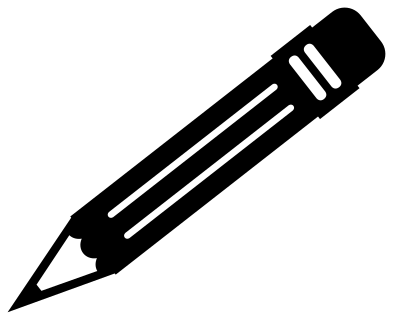 Pencil on a slant Solid · one piece
 -
 Pencil lying level Solid · one piece
 -
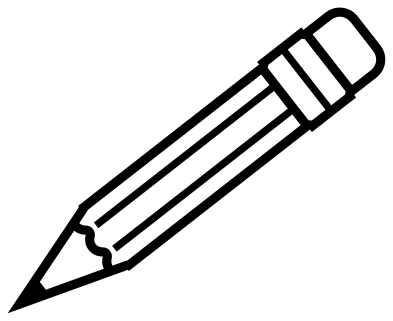 Pencil outline Outline · one piece
 -
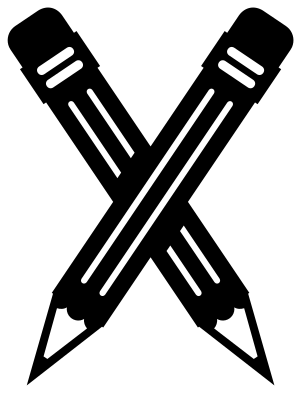 Two crossed pencils Solid · one piece
 -
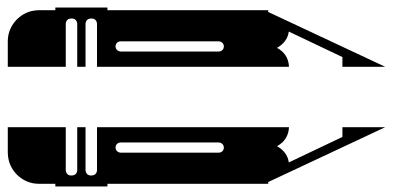 Split pencil for a name Solid · 2 pieces
 -
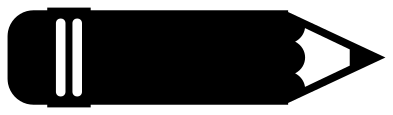 Fat pencil for a name Solid · one piece
 -
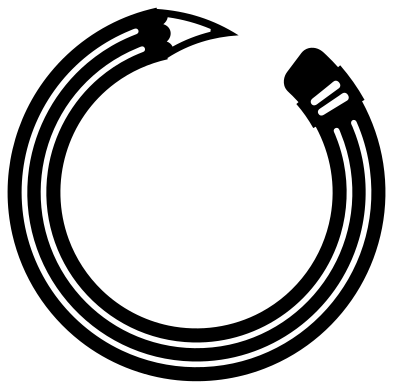 Pencil monogram frame Solid · one piece
 -
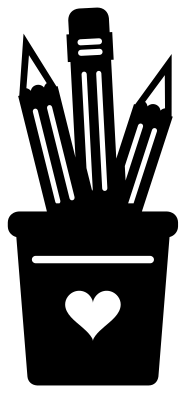 Pencil cup Solid · one piece
 -
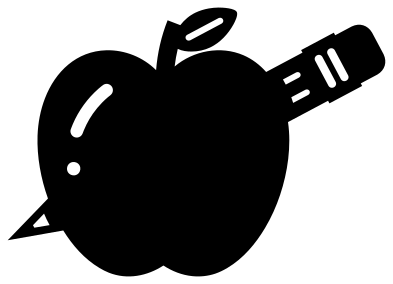 Pencil and apple Solid · one piece
 -
 Broken pencil Solid · 2 pieces
 -
 Cute pencil with a face Solid · one piece
 -
 Pencil drawing a heart Solid · one piece
 -
 Pencil with a bow Solid · one piece
 -
 Short pencil stub Solid · one piece
How the point holds together
On a real pencil the wood of the point is pale, between the painted body and the dark lead. Here the wood is an open window, so whatever is underneath shows through as the pale colour. Two thin sides of the cone run past the window and hold the lead to the body. On the slanted pencil those sides are about 2.3 mm wide when the file is 100 mm across, which is fine in vinyl and card at 60 mm or more.
In wood or acrylic the point is the part that snaps, so cut pencils at 120 mm or longer, or choose the fat pencil for a name or the short stub, whose parts are much heavier for their length.
Pencils for names and classrooms
Two pencils are made for lettering: the fat pencil has a plain side with no facet lines, and the split pencil opens along its length to take a name between the halves. The pencil ring leaves a round space for an initial. For a yellow pencil with a pink eraser, cut the design twice and keep the eraser from the pink sheet, trimming it off at the ferrule.
How to open the files
- Cricut Design Space: choose Upload, pick the SVG, and add it to the canvas. Set the width you want; the shape is already welded.
- Silhouette Studio: Designer Edition and above open the SVG. The free Basic Edition does not, so open the DXF instead.
- LightBurn, xTool Creative Space and Glowforge: import the SVG, then set the layer to cut, score or engrave.
- Inkscape, Illustrator and Affinity: open the SVG. It is a plain filled path, so you can recolour it, add a stroke or combine it with your own work.
- Printing or sublimation: use the PNG, which has a transparent background.
Each design page lists the file’s narrowest part at seven sizes, so you can tell whether it will survive at the size you plan to cut.
Questions
How do I put a name on the fat pencil?
Lay the name over the body in your cutting software and either cut it from a second colour to stick on top, or weld it and cut it out of the pencil so the backing shows through. The plain part of the body is about 52 mm long and 25 mm tall when the pencil is 100 mm long.
How do I add a name to the split pencil?
Type the name and set it in the gap between the two halves, which is about 16 mm tall when the pencil is 100 mm long. Cut the name and both halves together and keep them on the transfer tape so the spacing holds.
Which pencil suits a row along a bulletin board border?
The pencil lying level. It is about six times as long as it is tall, so copies butt end to end in a neat line. Flip every other one if you want the points to meet.
 Football SVG
  Baseball SVG
  Softball SVG
  Basketball SVG
  Volleyball SVG
  Soccer ball SVG