Free peek-a-boo SVG files
Free peek-a-boo SVG files: girls with a bow, puffs, pigtails or a top knot, two babies and two boys, each looking over a ledge with a hand on the edge each side. Drawn by code as one clean piece each, with no lettering.
8 designs. Free for personal and commercial use, no sign-up. What you can do with them.
Or choose one below for its PNG, DXF and cutting sizes.
-
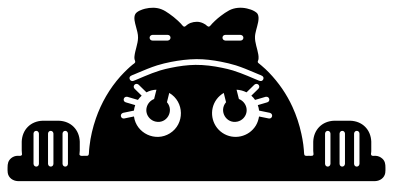 Peek-a-boo girl with a bow Solid · one piece
 -
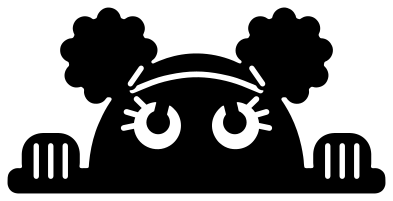 Peek-a-boo girl with two puffs Solid · one piece
 -
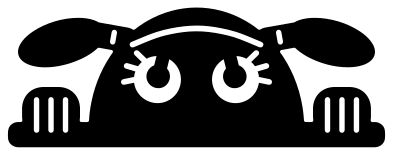 Peek-a-boo girl with pigtails Solid · one piece
 -
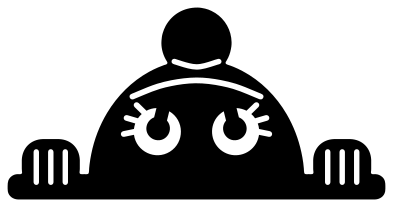 Peek-a-boo girl with a top knot Solid · one piece
 -
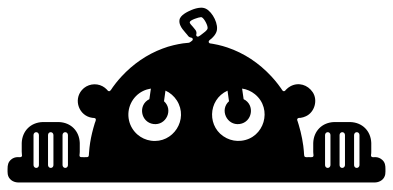 Peek-a-boo baby with one curl Solid · one piece
 -
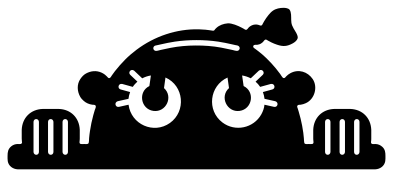 Peek-a-boo baby with a bow headband Solid · one piece
 -
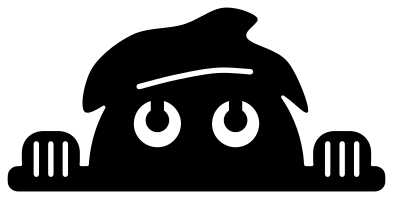 Peek-a-boo boy with a quiff Solid · one piece
 -
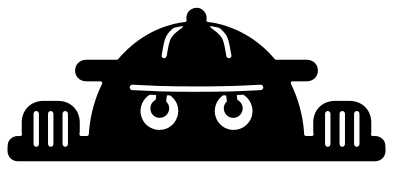 Peek-a-boo boy in a cap Solid · one piece
Where a peek-a-boo design goes
The flat bar under the eyes is the point of the design: it is meant to sit along an edge that is already there. Line it up with the top of a shirt pocket, the top of a name on a bedroom door, the rim of a toy box, the top edge of a picture frame or the lid of a lunch box, and the child seems to be looking out from behind it.
Each file is about 100 mm wide, which is a good size for a pocket on an adult shirt or the front of a tote bag. For a child’s pocket, scale it to 60 or 70 mm. The finest cuts are the eyelashes on the girls, which are 1.5 mm wide when the file is 100 mm wide and so under 1 mm at 60 mm. For anything that small, use the baby with one curl or the boy with a quiff, which have no lashes.
Cutting and colour
Every design is a single piece: the pupils are left joined to the rims of the eyes, and the fringe, the headband and the line under the cap are slits that stop short of the edge. Nothing falls out but the windows of the eyes, the lines between the fingers and those slits, so there is little to weed.
Cut it from any one colour. Black on a light shirt is the usual choice; brown, navy or a deep plum look softer. To make it a likeness, cut the same file twice, in a hair colour and a skin colour, keep the hair and bow from one and the face and fingers from the other, and lay them together along the fringe line.
How to open the files
- Cricut Design Space: choose Upload, pick the SVG, and add it to the canvas. Set the width you want; the shape is already welded.
- Silhouette Studio: Designer Edition and above open the SVG. The free Basic Edition does not, so open the DXF instead.
- LightBurn, xTool Creative Space and Glowforge: import the SVG, then set the layer to cut, score or engrave.
- Inkscape, Illustrator and Affinity: open the SVG. It is a plain filled path, so you can recolour it, add a stroke or combine it with your own work.
- Printing or sublimation: use the PNG, which has a transparent background.
Each design page lists the file’s narrowest part at seven sizes, so you can tell whether it will survive at the size you plan to cut.
Questions
Can I put a name on the ledge?
Yes, that is what the bar is for. Type the name in your cutting software, make it about as wide as the ledge, and place it just under the bar so the child looks over the top of it. Thick, rounded lettering matches the drawing best.
Which design is easiest to cut small?
The baby with one curl. It has no eyelashes and no hairline: its only cuts are the two eyes, about 14 mm across when the file is 100 mm wide, and the lines between the fingers.
How do I make it sit over a real pocket?
Press the design so that the bottom of the bar is level with the top hem of the pocket. On heat transfer vinyl, mirror the file first, then line up the straight edge of the carrier sheet with the hem before pressing.
 Cross SVG
  Paw print SVG
  Shamrock SVG
  Anchor SVG
  Compass SVG
  Gear SVG