Free panda SVG files
Free panda SVG files: sitting pandas, faces, a cub, a panda asleep on a branch and pandas with bamboo. The black ears, eye patches and limbs are joined by a fine line, so a one-colour panda still cuts as a single piece.
13 designs. Free for personal and commercial use, no sign-up. What you can do with them.
-
 Sitting panda Solid · one piece
 -
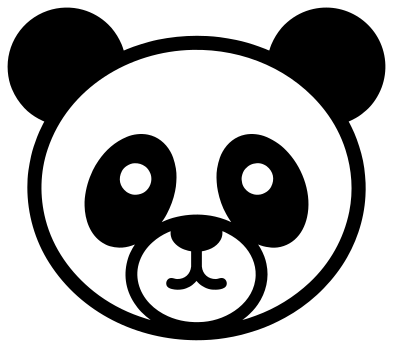 Panda face Solid · one piece
 -
 Panda with bamboo Solid · one piece
 -
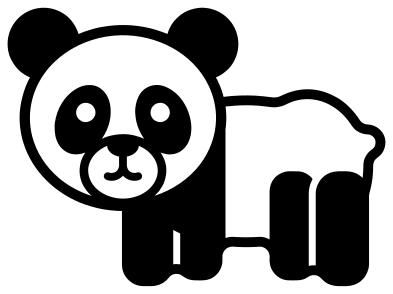 Baby panda Solid · one piece
 -
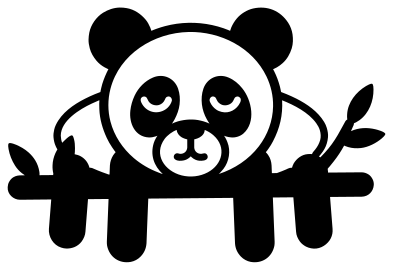 Sleeping panda on a branch Solid · one piece
 -
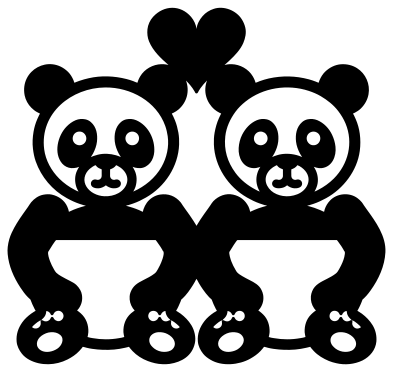 Panda couple with a heart Solid · one piece
 -
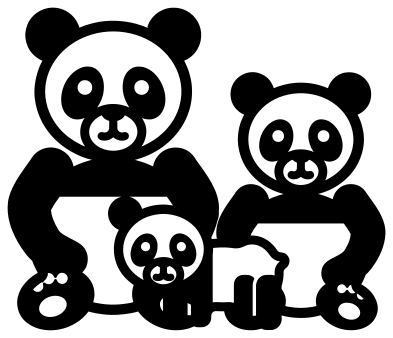 Panda family Solid · one piece
 -
 Panda hugging a heart Solid · one piece
 -
 Peeking panda Solid · one piece
 -
 Panda outline Outline · one piece
 -
 Panda mandala Solid · one piece
 -
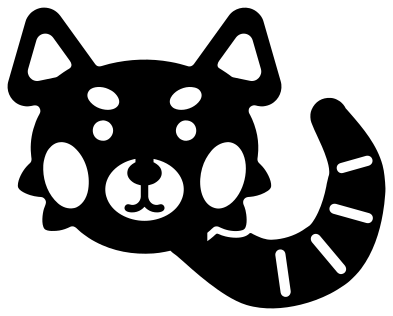 Red panda Solid · one piece
 -
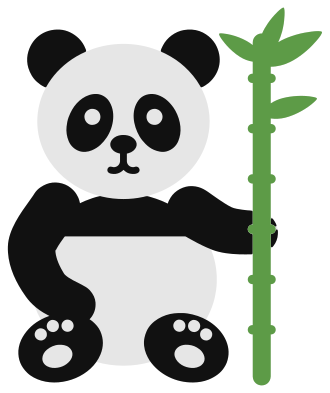 Layered panda with bamboo in three colours Layered · 11 pieces
How a one-colour panda holds together
A panda is a white animal with black ears, eye patches, nose, arms and legs, which is awkward for a single sheet of vinyl or card: cut only the black parts and they come off the mat as a handful of loose pieces. These files solve that with a fine line round the white of the head and body and a ring round the muzzle. The ears sit on the outline, the eye patches rest on the ring and the nose hangs from the top of it, so the whole panda lifts as one piece.
Every file is 100 mm on its longer side. On the sitting panda the outline is about 2.5 mm wide at that size and the smile, its finest part, about 2 mm. That is comfortable in vinyl and card down to roughly 60 mm tall. For anything smaller use the panda face, whose narrowest part is 2.9 mm.
Black on white, or layered card
Cut from black vinyl and put on a white mug, wall or shirt, a panda looks as it should. On a dark surface the same file cut from white reads as a drawing in chalk, which is a nice look but less like a panda. For card, the layered panda comes as three sheets: the whole animal in white, the black markings to glue on top, and a green bamboo cane.
The red panda is a different animal, rust red with white marks, so its file works the other way round: the face and tail are solid and the brows, cheeks, muzzle and tail rings are cut out. Cut it from orange or rust card and back it with white.
How to open the files
- Cricut Design Space: choose Upload, pick the SVG, and add it to the canvas. Set the width you want; the shape is already welded.
- Silhouette Studio: Designer Edition and above open the SVG. The free Basic Edition does not, so open the DXF instead.
- LightBurn, xTool Creative Space and Glowforge: import the SVG, then set the layer to cut, score or engrave.
- Inkscape, Illustrator and Affinity: open the SVG. It is a plain filled path, so you can recolour it, add a stroke or combine it with your own work.
- Printing or sublimation: use the PNG, which has a transparent background.
Each design page lists the file’s narrowest part at seven sizes, so you can tell whether it will survive at the size you plan to cut.
Questions
Why does the panda have a ring round its nose?
The ring is what makes the face one piece. Without it the two eye patches, the nose and the mouth would be loose bits inside the outline. It reads as the pale muzzle of the panda, and it joins the patches and the nose to the chin so nothing falls out when you weed or cut.
Which panda is best for a small sticker?
The panda face. At 100 mm its narrowest part is 2.9 mm, so at 40 mm wide the lines are still over 1 mm. The peeking panda is nearly as bold and sits neatly along the top edge of a label, a pocket or a monogram.
How do I put the layered panda together?
Cut the white layer, the black layer and the bamboo layer from three sheets of card. Glue the cane onto the white base first, then the arms, legs and ears, and the eye patches, nose and mouth last, using the picture as a guide. Foam pads under the black pieces give it some depth.
 Owl SVG
  Bird SVG
  Cat SVG
  Dog SVG
  Elephant SVG
  Fish SVG