Free hamburger SVG files
Free hamburger SVG files: the full burger with cheese, tomato and lettuce, a plain cheeseburger, a double, one with a bite out, a cute one with a smile, the layers pulled apart, burgers with fries and with a soda, an icon, a silhouette, an outline and a layered version in colour. All drawn from the same six parts, so they match.
15 designs. Free for personal and commercial use, no sign-up. What you can do with them.
Or choose one below for its PNG, DXF and cutting sizes.
-
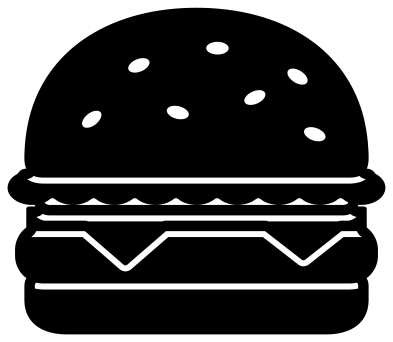 Hamburger with cheese, tomato and lettuce Solid · one piece
 -
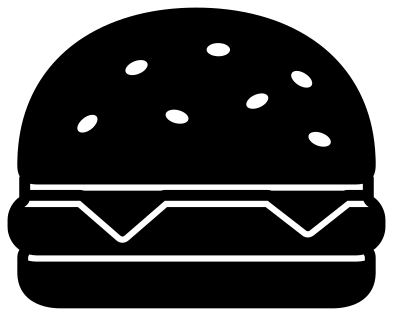 Hamburger with cheese, the plain cheeseburger Solid · one piece
 -
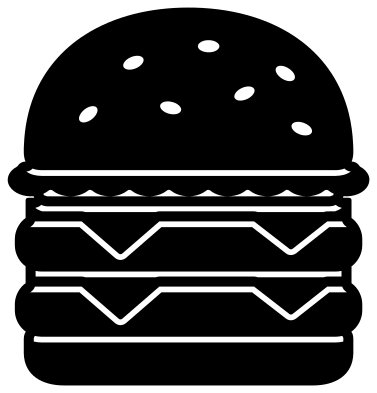 Double hamburger with two patties Solid · one piece
 -
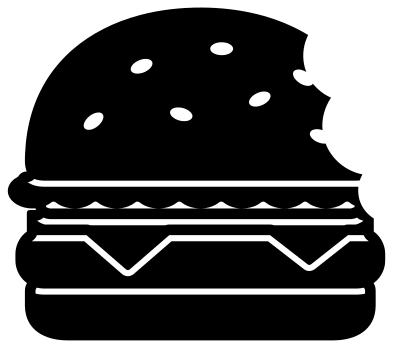 Hamburger with a bite taken out Solid · one piece
 -
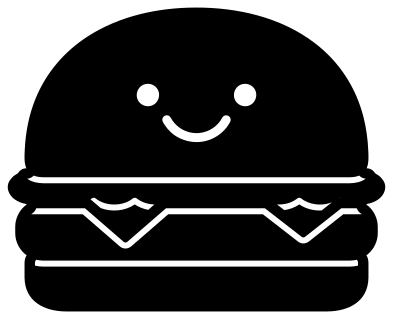 Cute hamburger with a smile Solid · one piece
 -
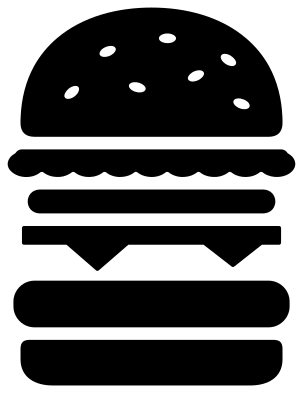 Hamburger layers pulled apart Solid · 6 pieces
 -
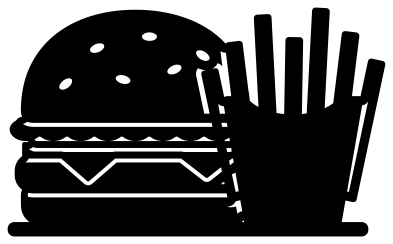 Hamburger with french fries Solid · one piece
 -
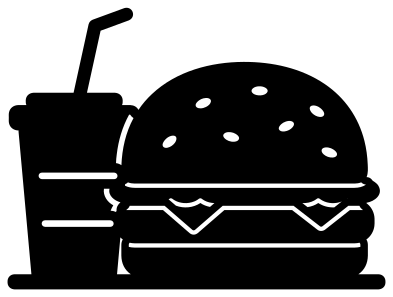 Hamburger and a soda cup Solid · one piece
 -
 Hamburger icon in a circle Solid · one piece
 -
 Hamburger menu icon of three bars Solid · one piece
 -
 Hamburger with a blank flag for a name Solid · one piece
 -
 Heart-shaped hamburger Solid · one piece
 -
 Hamburger silhouette on a plate Solid · one piece
 -
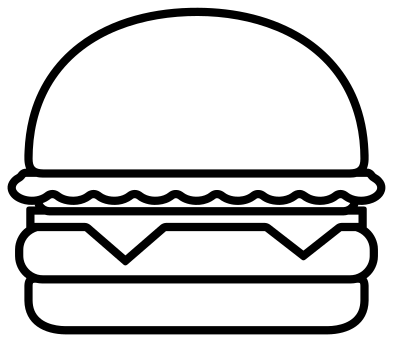 Hamburger outline Outline · one piece
 -
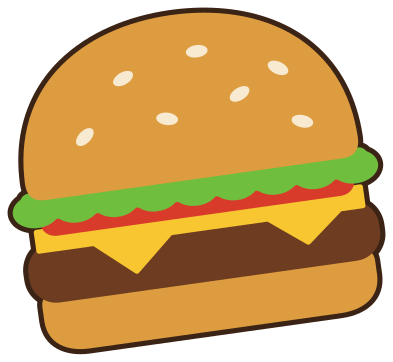 Layered hamburger in seven colours Layered · 14 pieces
How the layers stay in one piece
A burger is a pile of separate things, and a cut file of one usually falls into six loose pieces. Here each layer is marked off from the next by a cut line about 1.6 mm wide that stops a little under 3 mm short of each end, so the bun, lettuce, tomato, cheese and patty stay joined at both sides and the burger lifts off the mat in one go. On a light surface the cut lines show as pale gaps between dark layers.
The full burger is 100 mm wide and about 86 mm tall. The seeds are openings about 6 mm long and the cheese points are 10 mm deep, so it cuts well in vinyl from about 60 mm wide. Smaller than that, use the silhouette on a plate, the icon or the cute burger, none of which has seeds. If you want real separate colours, use the layered burger or the layers pulled apart.
Cookouts, diners and kitchens
The burger with a blank flag is made for names: cut one per guest for a cookout table. The burger with fries and the one with a soda sit on a flat strip, so they line up along the bottom of a menu board or a window. The cartons and cups are plain on purpose, and any colour scheme is yours to choose.
How to open the files
- Cricut Design Space: choose Upload, pick the SVG, and add it to the canvas. Set the width you want; the shape is already welded.
- Silhouette Studio: Designer Edition and above open the SVG. The free Basic Edition does not, so open the DXF instead.
- LightBurn, xTool Creative Space and Glowforge: import the SVG, then set the layer to cut, score or engrave.
- Inkscape, Illustrator and Affinity: open the SVG. It is a plain filled path, so you can recolour it, add a stroke or combine it with your own work.
- Printing or sublimation: use the PNG, which has a transparent background.
Each design page lists the file’s narrowest part at seven sizes, so you can tell whether it will survive at the size you plan to cut.
Questions
Can I cut the hamburger in separate colours?
Yes. Use the layered hamburger, which has the bun, patty, cheese, tomato, lettuce and seeds as separate layers on a dark backing, or the layers pulled apart, where each part is a loose piece. The one-piece burgers are for a single colour.
Why is there a three-bar menu icon in a set of burgers?
Because the menu button made of three stacked bars is called a hamburger, and people look for it by that name. It is a rounded square with three bars cut out, and it works as a real icon as well as a joke.
Which hamburger is easiest to weed?
The silhouette on a plate has nothing to weed at all. After that the cute hamburger, which has only the eyes, the smile and four short cut lines. The full burger has seven seeds and five cut lines, and the double has seven lines.
 Pineapple SVG
  Coffee cup SVG
  Wine glass SVG
  Beer mug SVG
  Cupcake SVG
  Donut SVG