Free golf SVG files
Free golf SVG files: a dimpled ball, a ball on a tee, clubs, a pin flag, a bag and a cart. The dimples are drawn as they sit on a sphere, smaller and flatter towards the edge, and every piece is welded into clean closed shapes.
16 designs. Free for personal and commercial use, no sign-up. What you can do with them.
-
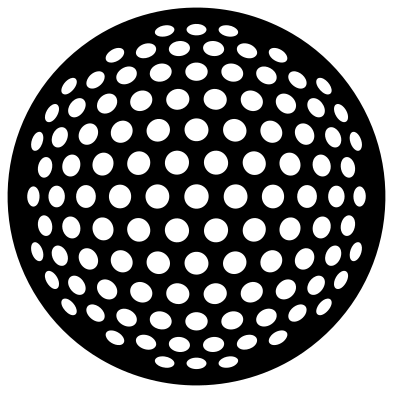 Golf ball with dimples Solid · one piece
 -
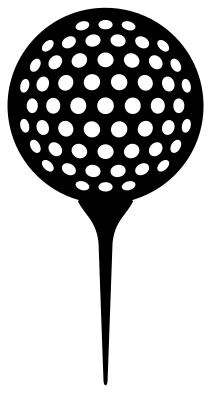 Golf ball on a tee Solid · one piece
 -
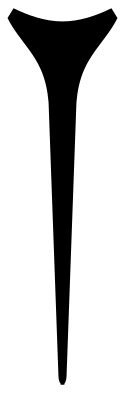 Golf tee Solid · one piece
 -
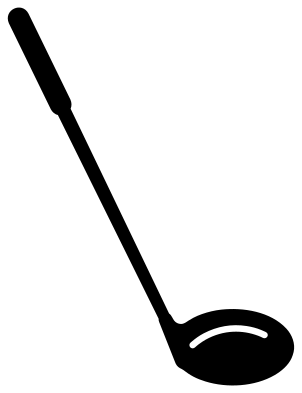 Golf club: the driver Solid · one piece
 -
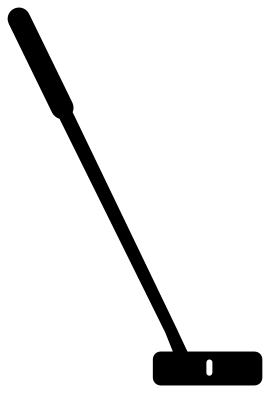 Golf putter Solid · one piece
 -
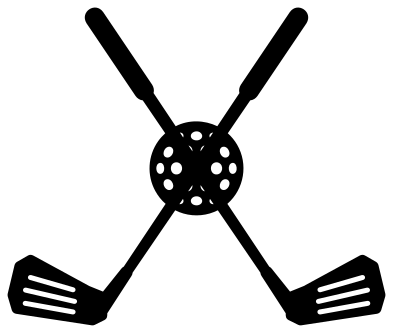 Crossed golf clubs with a ball Solid · one piece
 -
 Golf tee shot badge Solid · one piece
 -
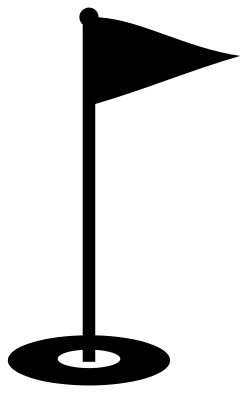 Golf flag Solid · one piece
 -
 Golf hole with flag and ball Solid · one piece
 -
 Golf course badge Solid · one piece
 -
 Golf ball in the grass Solid · one piece
 -
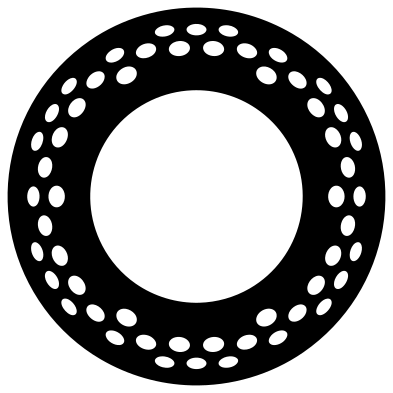 Golf ball monogram frame Solid · one piece
 -
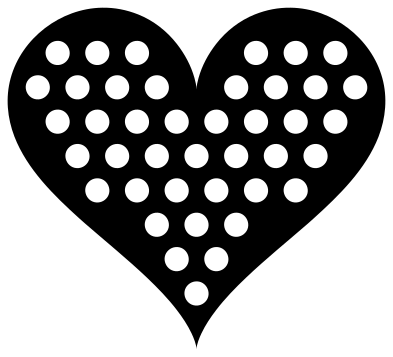 Heart-shaped golf ball Solid · one piece
 -
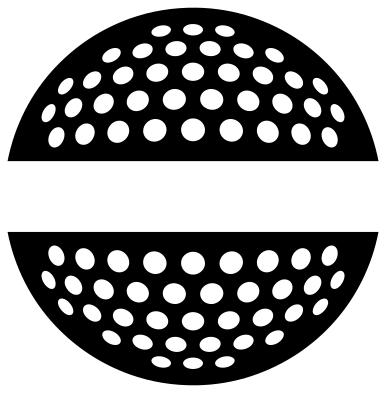 Split golf ball for a name Solid · 2 pieces
 -
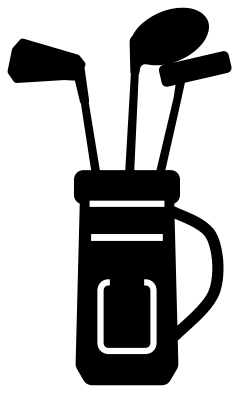 Golf bag with clubs Solid · one piece
 -
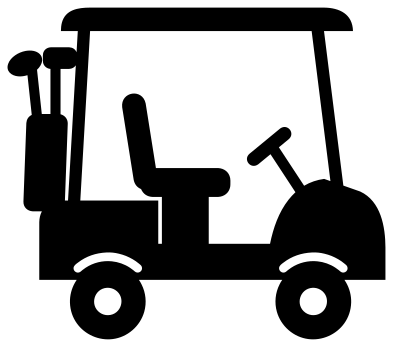 Golf cart Solid · one piece
Cutting the dimples
The golf ball has 109 dimples, and each is a hole to weed. At the 100 mm size of the file the dimples in the middle are about 6.5 mm across and the smallest ones at the edge are slim ovals. In vinyl, keep the ball at 80 mm or more, or the edge dimples become too small to pick out. On a laser the ball engraves well at any size: set the dimples to engrave and the circle to cut.
For a small ball, use the ball on a tee or the crossed clubs, where the ball has fewer and larger dimples for its size.
Clubs and other thin parts
A club is a long thin thing, and the shafts here are 3 to 4 mm wide when the club is 100 mm long. That is fine in vinyl and card. In wood or acrylic, cut the clubs at 150 mm or longer, or choose the crossed clubs, where the two shafts brace each other and the ball ties them together.
How to open the files
- Cricut Design Space: choose Upload, pick the SVG, and add it to the canvas. Set the width you want; the shape is already welded.
- Silhouette Studio: Designer Edition and above open the SVG. The free Basic Edition does not, so open the DXF instead.
- LightBurn, xTool Creative Space and Glowforge: import the SVG, then set the layer to cut, score or engrave.
- Inkscape, Illustrator and Affinity: open the SVG. It is a plain filled path, so you can recolour it, add a stroke or combine it with your own work.
- Printing or sublimation: use the PNG, which has a transparent background.
Each design page lists the file’s narrowest part at seven sizes, so you can tell whether it will survive at the size you plan to cut.
Questions
Can I get a white golf ball on a dark shirt?
Yes. Cut the ball from white vinyl and weed out the dimples, so the shirt shows through them as shadow. On a white shirt, do the reverse: cut the ball from grey or black and let the dimples show white.
How do I add a name to the split golf ball?
Type the name in your cutting software and set it in the gap between the two halves, which is about 19 mm tall when the ball is 100 mm tall. Cut the name and both halves together and keep them on the transfer tape so the spacing holds.
Which design suits a golf birthday or retirement card?
The golf cart and the ball on a tee both read clearly on a card front at 80 to 100 mm. The golf flag works as a cake topper: cut it from stiff card and tape a skewer to the back of the pole.
 Football SVG
  Baseball SVG
  Softball SVG
  Basketball SVG
  Volleyball SVG
  Soccer ball SVG