Free floating ornament SVG files
Free floating ornament SVG files: a blank insert template and thirteen decals drawn to fit it, from a cardinal and angel wings to snowflakes, a snowman and baby feet. Each file has two layers, the decal and the outline of the clear insert it goes on.
14 designs. Free for personal and commercial use, no sign-up. What you can do with them.
Or choose one below for its PNG, DXF and cutting sizes.
-
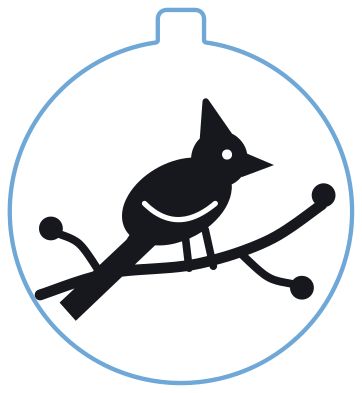 Cardinal floating ornament Layered · 2 pieces
 -
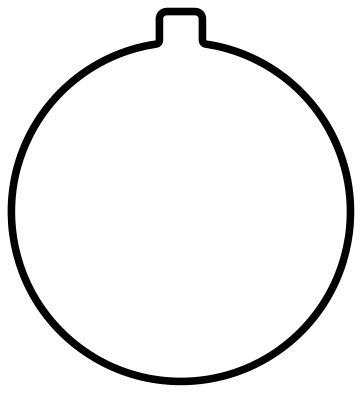 Floating ornament insert template Outline · one piece
 -
 Memorial floating ornament with angel wings Layered · 3 pieces
 -
 Feather floating ornament with three birds Layered · 5 pieces
 -
 Snowflake floating ornament Layered · 9 pieces
 -
 Christmas tree floating ornament Layered · 9 pieces
 -
 Winter night floating ornament Layered · 9 pieces
 -
 Snowman floating ornament Layered · 8 pieces
 -
 Baby feet floating ornament Layered · 12 pieces
 -
 Paw print floating ornament with a halo Layered · 7 pieces
 -
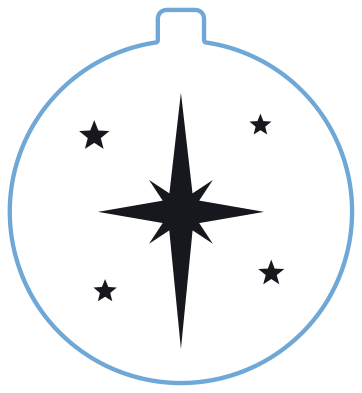 Star floating ornament Layered · 6 pieces
 -
 Dove floating ornament with an olive sprig Layered · 4 pieces
 -
 Holly floating ornament Layered · 7 pieces
 -
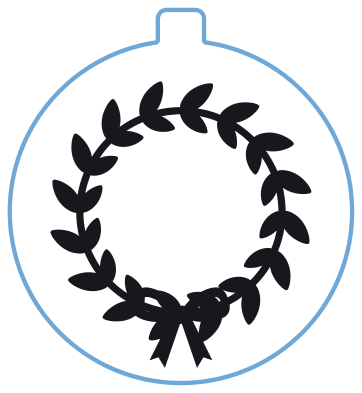 Wreath floating ornament with a bow Layered · 2 pieces
How a floating ornament is made
A floating ornament is a clear fillable bauble with a disc of clear film inside it. The picture is cut from vinyl and stuck to the film, so it seems to hang in the middle of the bauble with nothing holding it. Cut the blue outline from clear acetate or transparency film and the dark layer from permanent vinyl. Apply the vinyl to the film, roll the film loosely, push it through the neck and let it open out inside. The tab at the top tucks into the neck under the cap and keeps the disc upright. A spoonful of faux snow or glitter in the bottom finishes it.
Sizing and cutting notes
Baubles vary, so measure before you cut. Hold a ruler across the widest part of your ornament, and scale the whole file so that the circle is 2 or 3 mm smaller than the inside width. At the file’s own size of 100 mm tall, the circle is about 92 mm across. Keep the decal and the outline grouped while you scale, so the picture stays centred. Film is springy: if the disc will not lie flat, the circle is too large. For lettering, add a name or a year in your cutting software and put it on the back of the film if you want it to read from both sides.
How to open the files
- Cricut Design Space: choose Upload, pick the SVG, and add it to the canvas. Set the width you want; the shape is already welded.
- Silhouette Studio: Designer Edition and above open the SVG. The free Basic Edition does not, so open the DXF instead.
- LightBurn, xTool Creative Space and Glowforge: import the SVG, then set the layer to cut, score or engrave.
- Inkscape, Illustrator and Affinity: open the SVG. It is a plain filled path, so you can recolour it, add a stroke or combine it with your own work.
- Printing or sublimation: use the PNG, which has a transparent background.
Each design page lists the file’s narrowest part at seven sizes, so you can tell whether it will survive at the size you plan to cut.
Questions
What do I cut the insert from?
Clear acetate or transparency film, the kind sold for overhead projectors and craft windows. It needs to be thin enough to roll up and pass through the neck of the bauble, and stiff enough to spring flat again inside.
How big should the insert be for my ornament?
A little smaller than the inside of the bauble at its widest. Measure your own ornament, because the wall thickness differs between makes, then scale the file so the circle is 2 or 3 mm less than that. Test with a circle of plain paper first.
Can I use these decals without the insert?
Yes. Delete or hide the outline layer and cut only the decal. The same pictures work on the outside of a bauble, on a flat disc ornament of wood or acrylic, or on a gift tag.
 Snowflake SVG
  Christmas tree SVG
  Ornament SVG
  Snowman SVG
  Santa hat SVG
  Candy cane SVG