Free corgi SVG files
Free corgi SVG files: standing, sitting and loafing corgis in side view, a face with the white blaze cut out, the famous view from behind, a head in side view, and versions with a heart, a paw print and a ring for an initial. All drawn by code as clean closed shapes.
13 designs. Free for personal and commercial use, no sign-up. What you can do with them.
-
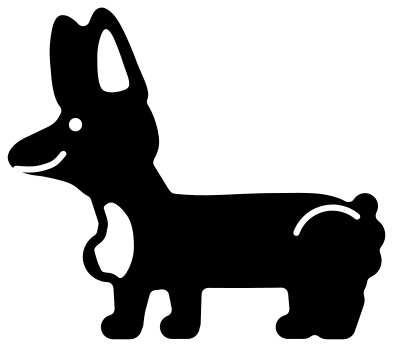 Corgi standing Solid · one piece
 -
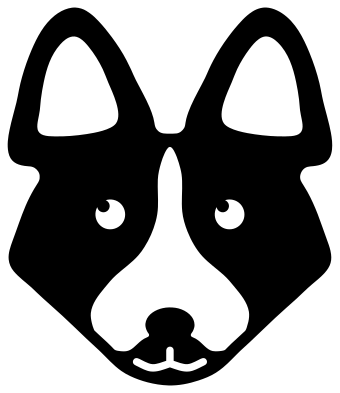 Corgi face Solid · one piece
 -
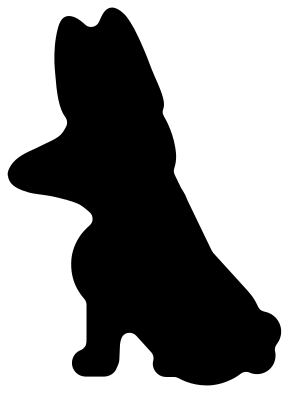 Sitting corgi silhouette Solid · one piece
 -
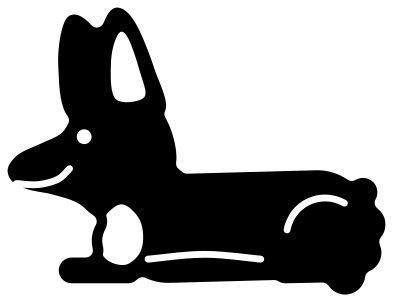 Corgi loaf lying down Solid · one piece
 -
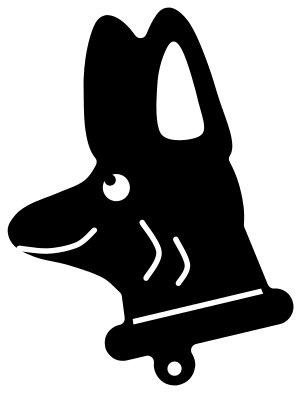 Corgi head in side view Solid · one piece
 -
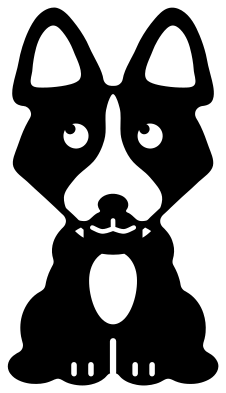 Cute corgi sitting Solid · one piece
 -
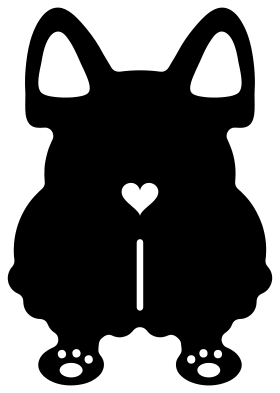 Corgi from behind with a heart Solid · one piece
 -
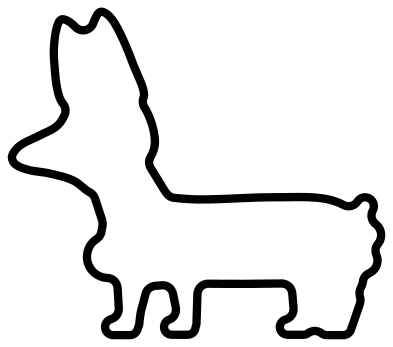 Corgi outline Outline · one piece
 -
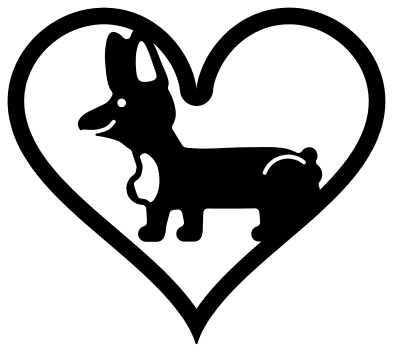 Corgi in a heart Solid · one piece
 -
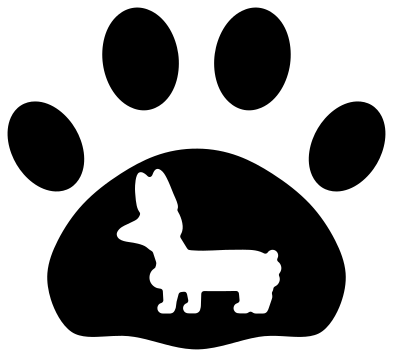 Corgi in a paw print Solid · 5 pieces
 -
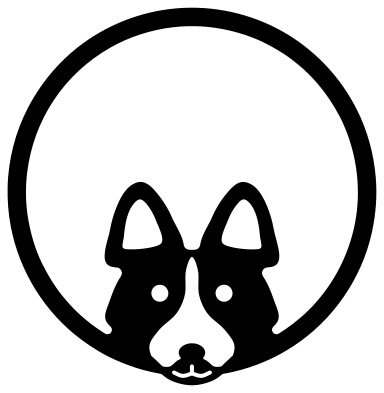 Corgi monogram frame Solid · one piece
 -
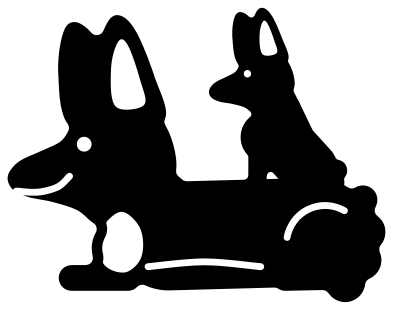 Corgi mum and pup Solid · one piece
 -
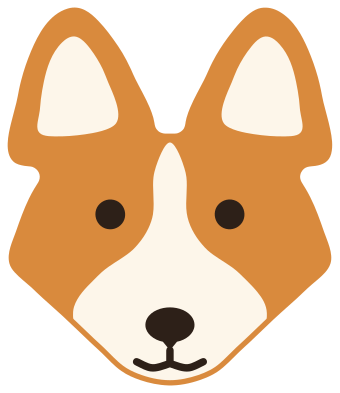 Layered corgi face in three colours Layered · 7 pieces
Sizes, materials and the fine parts of a corgi
Every file is 100 mm on its longer side. A corgi is mostly body, so the side views are solid, forgiving shapes: the legs are short and about 7 mm across at full size, and nothing sticks out far enough to snap. The parts to watch are the ears. They are tall, and on the faces the rim left around each cut-out inner ear is about 2.5 mm wide at full size, so keep a face at 70 mm or wider in vinyl and at 120 mm or more in 3 mm plywood.
The white markings are windows. On the standing, sitting and loafing corgis the bib on the chest is cut out, and on the faces the blaze and muzzle are one opening with the nose left standing in the middle of it. Put white or cream card behind a red, sable or tricolour cut and the markings appear without a second layer. On vinyl, a pale wall, mug or shirt does the same job.
Which corgi for which job
The loaf is the lowest file, about a third wider than it is tall, which suits mugs, pencil cases and shelf edges. The view from behind is exactly symmetrical and taller than it is wide, for car decals and the backs of phone cases. The paw print is five loose pads and needs transfer tape in vinyl or a backing sheet in card.
How to open the files
- Cricut Design Space: choose Upload, pick the SVG, and add it to the canvas. Set the width you want; the shape is already welded.
- Silhouette Studio: Designer Edition and above open the SVG. The free Basic Edition does not, so open the DXF instead.
- LightBurn, xTool Creative Space and Glowforge: import the SVG, then set the layer to cut, score or engrave.
- Inkscape, Illustrator and Affinity: open the SVG. It is a plain filled path, so you can recolour it, add a stroke or combine it with your own work.
- Printing or sublimation: use the PNG, which has a transparent background.
Each design page lists the file’s narrowest part at seven sizes, so you can tell whether it will survive at the size you plan to cut.
Questions
Is this a Pembroke or a Cardigan corgi?
A Pembroke: every side view has a stub of a tail and a fluffy rump. For a Cardigan, open the standing corgi in your cutting software and weld a long, low, bushy tail to the rump, reaching nearly to the ground.
How do I get the white blaze on a corgi face?
It is already cut out. Cut the face from orange, tan or black, and mount it on white card or apply it to a pale surface. For a three-colour version, use the layered corgi face, which has the blaze and muzzle as a separate white piece.
Will the nose fall out of the corgi face?
No. The nose sits at the bottom of the white window and is joined to the chin below it, so the face stays in one piece. The join is about 10 mm wide at full size, which holds in card, vinyl and thin plywood.
 Owl SVG
  Bird SVG
  Cat SVG
  Dog SVG
  Elephant SVG
  Fish SVG