Free candy SVG files
Free candy SVG files: a wrapped sweet with stripes, a peppermint swirl bare and wrapped, a lollipop, a sucker, cotton candy, blank candy hearts, jelly beans, a gumdrop, a gummy bear, a chocolate bar, a candy bar, a gumball machine and a jar of sweets, with a name frame, an outline and a layered version.
18 designs. Free for personal and commercial use, no sign-up. What you can do with them.
Or choose one below for its PNG, DXF and cutting sizes.
-
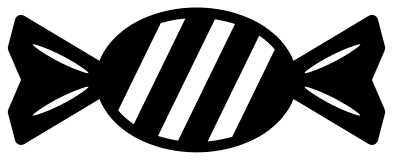 Wrapped candy with stripes Solid · one piece
 -
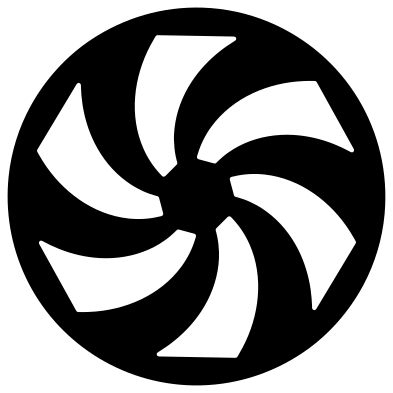 Peppermint candy swirl Solid · one piece
 -
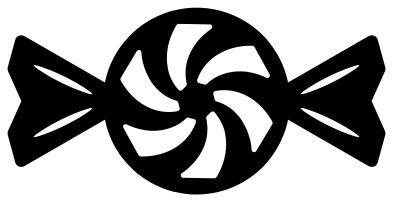 Wrapped peppermint candy Solid · one piece
 -
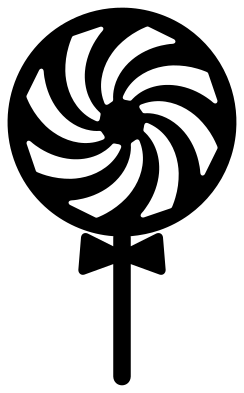 Swirl lollipop on a stick Solid · one piece
 -
 Wrapped sucker Solid · one piece
 -
 Cotton candy on a cone Solid · one piece
 -
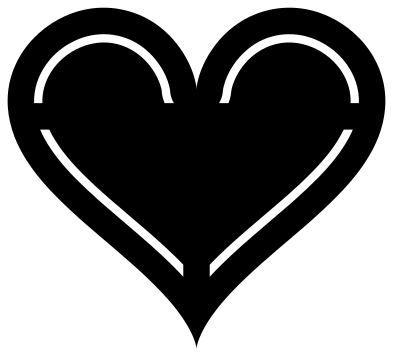 Conversation heart, blank Solid · one piece
 -
 Three candy hearts Solid · one piece
 -
 Jelly beans Solid · 5 pieces
 -
 Gumdrop with sugar Solid · one piece
 -
 Gummy bear Solid · one piece
 -
 Chocolate bar, half unwrapped Solid · one piece
 -
 Candy bar in a blank wrapper Solid · one piece
 -
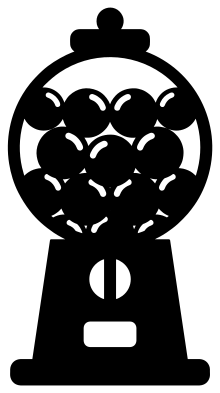 Gumball machine Solid · one piece
 -
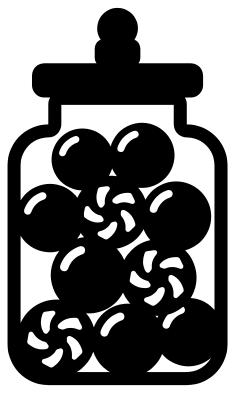 Candy jar Solid · one piece
 -
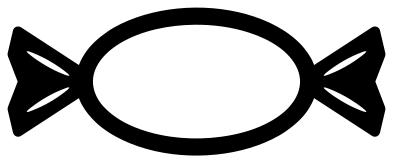 Wrapped candy frame for a name Solid · one piece
 -
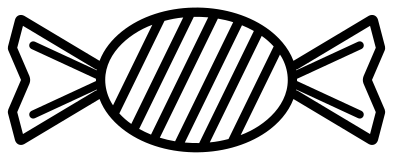 Wrapped candy outline Outline · one piece
 -
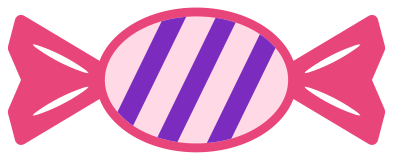 Layered wrapped candy in three colours Layered · 5 pieces
Blank sweets, your words
Nothing in this set carries a name. The conversation heart and the three candy hearts are blank, the candy bar has an empty oval on its wrapper and the chocolate bar has a blank label, so the words are yours to add: a child’s name on a party bag, a date on a favour box, two words on a Valentine. The wrapped candy frame is the same sweet with an open ring in the middle for an initial.
The round sweets are cut so that they stay in one piece. A peppermint’s swirl is six curved wedges cut out of a disc, which leaves a hub, a rim and six curved spokes; the stripes on the wrapped sweet stop about 2.6 mm short of its edge. Back any of them with a second colour and the cut-outs become the stripes.
Sizes and what to cut them from
Every file is 100 mm on its longer side. Most of these are bold: on the peppermint swirl nothing is narrower than 5.4 mm, and the wrapped sweet, the lollipop, the chocolate bar and the candy bar all stay above 2.5 mm, so they cut in vinyl from 30 mm and in 3 mm wood or acrylic from 60 mm. The candy jar, the gumball machine and the cotton candy have finer parts, about 2 mm, and are better at 80 mm or more. For a garland, cut the wrapped sweet at 150 mm from card in four colours and punch a hole in each fan.
How to open the files
- Cricut Design Space: choose Upload, pick the SVG, and add it to the canvas. Set the width you want; the shape is already welded.
- Silhouette Studio: Designer Edition and above open the SVG. The free Basic Edition does not, so open the DXF instead.
- LightBurn, xTool Creative Space and Glowforge: import the SVG, then set the layer to cut, score or engrave.
- Inkscape, Illustrator and Affinity: open the SVG. It is a plain filled path, so you can recolour it, add a stroke or combine it with your own work.
- Printing or sublimation: use the PNG, which has a transparent background.
Each design page lists the file’s narrowest part at seven sizes, so you can tell whether it will survive at the size you plan to cut.
Questions
How do I put words on the conversation heart?
Type them in your cutting software in a plain bold face, two short words on two lines, and size them to sit inside the rim line: the clear area is about 60 mm wide and 35 mm tall when the heart is 100 mm wide. Cut the words out of the heart, or cut them from a second colour and lay them on top.
Can I make the peppermint in red and white?
Yes, with two cuts. Cut the peppermint swirl from white and a plain disc of the same size from red, and lay the white on the red: the six wedges show through as the red stripes. In vinyl on a mug or an ornament, apply the red disc first.
Which candy works best as a cake or cupcake topper?
The swirl lollipop and the wrapped sucker, because each already has a stick. Cut them from 300 gsm glitter card at 60 to 80 mm tall and glue a real paper straw or a toothpick behind the drawn stick so that it stands up in the icing.
 Pineapple SVG
  Coffee cup SVG
  Wine glass SVG
  Beer mug SVG
  Cupcake SVG
  Donut SVG