Free zombie SVG files
Free zombie SVG files: hands and an arm clawing out of the ground, a shambling silhouette, a stitched face, a head with its brain showing, a zombie climbing from a grave and a family of small ones. All our own drawings, tied to no film or game.
13 designs. Free for personal and commercial use, no sign-up. What you can do with them.
-
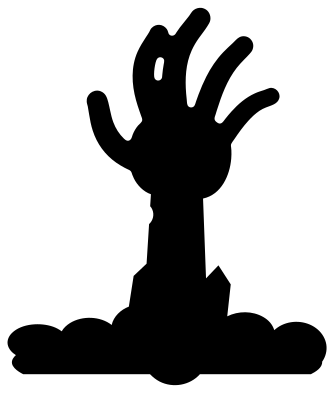 Zombie arm rising from the ground Solid · one piece
 -
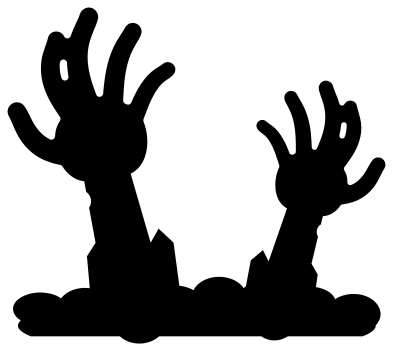 Two zombie hands reaching up Solid · one piece
 -
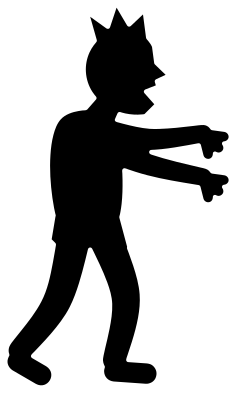 Shambling zombie silhouette Solid · one piece
 -
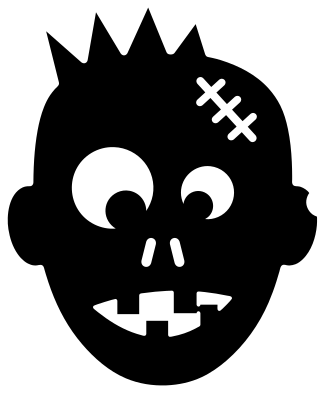 Zombie face with a stitched scar Solid · one piece
 -
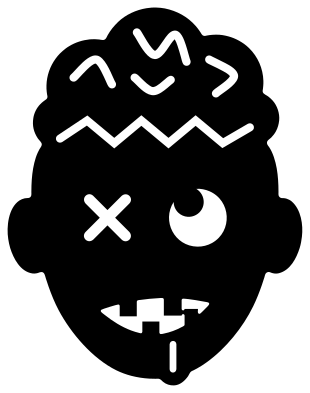 Zombie head with its brain showing Solid · one piece
 -
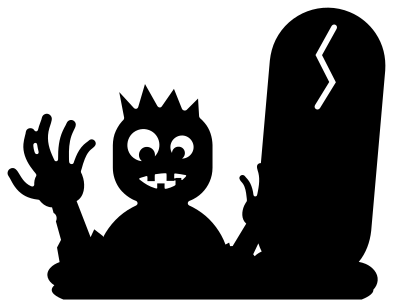 Zombie climbing out of a grave Solid · one piece
 -
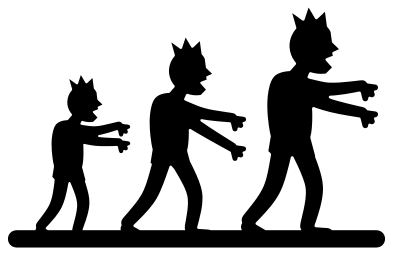 Three zombies in a row Solid · one piece
 -
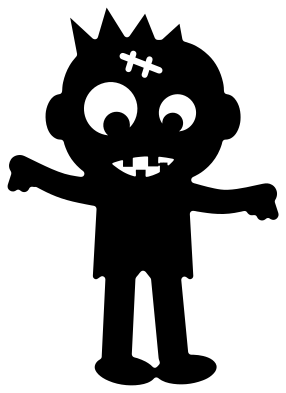 Cute little zombie Solid · one piece
 -
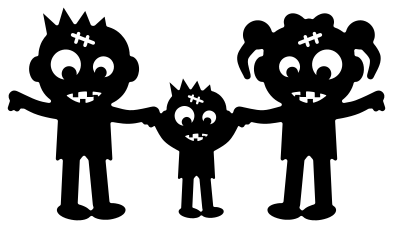 Zombie family holding hands Solid · one piece
 -
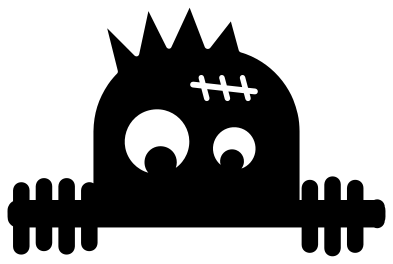 Peeking zombie Solid · one piece
 -
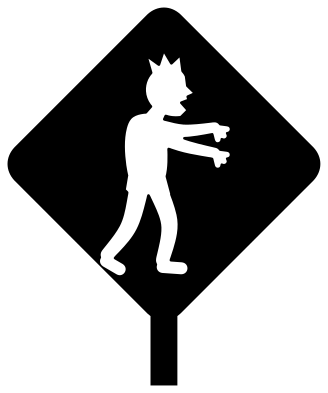 Zombie crossing sign Solid · one piece
 -
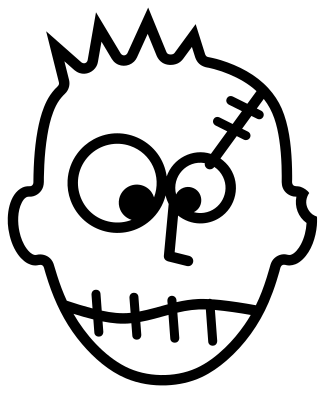 Zombie outline Outline · one piece
 -
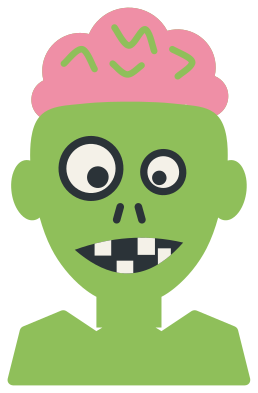 Layered zombie in four colours Layered · 13 pieces
Where zombie cut files work best
Zombies are a low-down decoration: they come up out of the ground. The zombie arm, the two zombie hands and the zombie climbing out of a grave all have a flat base of broken earth, so they sit along the bottom of a window, a door or a planter as if they had just broken through. Cut them from black or grey vinyl at 200 to 300 mm tall for glass, or from card to stand in a pot of soil.
The fingers are the part to watch. At 100 mm tall they are 5 to 6 mm wide, which is sturdy in vinyl and card and still safe in 3 mm plywood. The shambling zombie and the three zombies in a row are solid silhouettes with thinner fingers, so keep those above 120 mm in wood.
Eyes, teeth and brains
On the faces, each eye is a window with the pupil left joined to its rim, and each tooth grows from the edge of the mouth. Nothing falls out when you weed. Put white or yellow card behind the head and the eyes and teeth light up. The layered zombie gives you the same face in four separate colours, with a pink brain to stick on top.
How to open the files
- Cricut Design Space: choose Upload, pick the SVG, and add it to the canvas. Set the width you want; the shape is already welded.
- Silhouette Studio: Designer Edition and above open the SVG. The free Basic Edition does not, so open the DXF instead.
- LightBurn, xTool Creative Space and Glowforge: import the SVG, then set the layer to cut, score or engrave.
- Inkscape, Illustrator and Affinity: open the SVG. It is a plain filled path, so you can recolour it, add a stroke or combine it with your own work.
- Printing or sublimation: use the PNG, which has a transparent background.
Each design page lists the file’s narrowest part at seven sizes, so you can tell whether it will survive at the size you plan to cut.
Questions
Are these zombies from a film, a series or a game?
No. Each one was drawn for this library as a plain folklore zombie: torn clothes, a slack jaw, arms out. They copy no character, poster or game, which is why you can use them on things you make and sell.
How do I make the zombie hands look as if they come out of the ground?
Hide the base. On a window, line the strip of earth up with the bottom of the frame. In a garden or a plant pot, cut the hands from thick card or thin wood and push the base into the soil until only the wrists show.
Which zombie is suitable for young children?
The cute little zombie and the zombie family. They have big heads, round eyes and a silly crooked smile, with no wounds or brains. The peeking zombie is also gentle and works well on the edge of a pocket or a treat bag.
 Pumpkin SVG
  Ghost SVG
  Bat SVG
  Spider web SVG
  Witch hat SVG
  Skull SVG