Free sloth SVG files
Free sloth SVG files: sloths hanging from branches, sleeping, sitting and hugging a heart, with the dark eye stripes and slow smile that make a sloth a sloth. Each one is drawn by code and welded into a single clean piece.
14 designs. Free for personal and commercial use, no sign-up. What you can do with them.
-
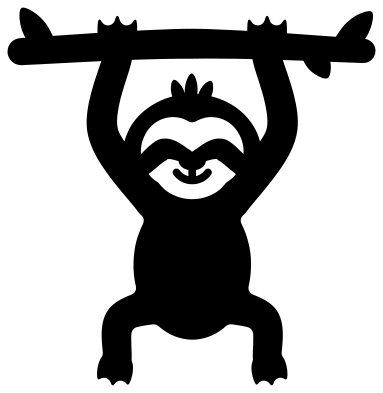 Sloth hanging from a branch Solid · one piece
 -
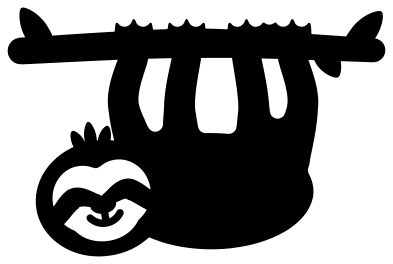 Sloth slung under a branch Solid · one piece
 -
 Sloth face Solid · one piece
 -
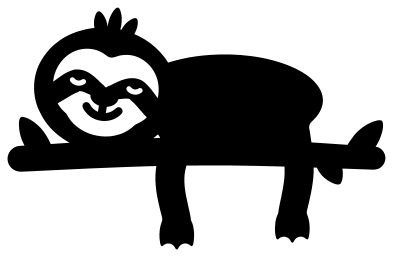 Sleeping sloth on a branch Solid · one piece
 -
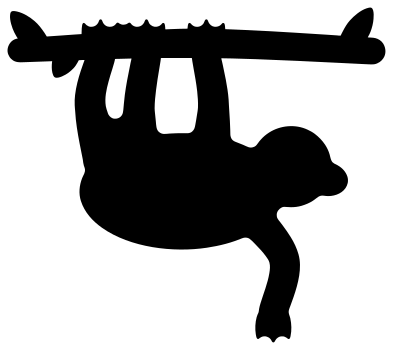 Sloth silhouette Solid · one piece
 -
 Simple sitting sloth Solid · one piece
 -
 Baby sloth clinging to a branch Solid · one piece
 -
 Cute waving sloth with a flower Solid · one piece
 -
 Sloth hugging a heart Solid · one piece
 -
 Yoga sloth Solid · one piece
 -
 Christmas sloth in a Santa hat Solid · one piece
 -
 Sloth mandala Solid · one piece
 -
 Sloth face outline Outline · one piece
 -
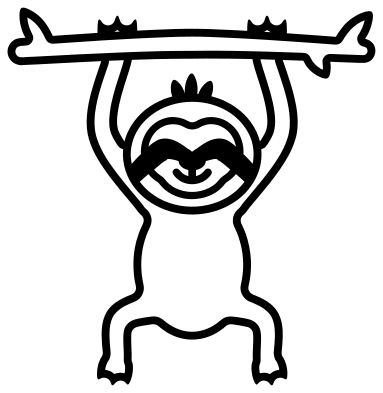 Hanging sloth outline Outline · one piece
How the sloth face is cut
What makes a sloth a sloth is the face: a pale mask with a dark stripe through each eye that slopes down and outwards, a dark nose and a slow smile. In these files the pale part is cut away and the stripes, nose and smile are left behind. They all touch one another and the stripes run into the fur at each side, so nothing falls out and every sloth lifts as one piece. Cut the sloth from brown and back it with cream or tan and the face appears.
On the sloth face on its own, nothing is narrower than about 4 mm at 100 mm, so it works in card, vinyl, felt and 3 mm wood. On the whole sloths the face is smaller, and the thinnest parts, the smile and the claws, are about 2 mm at 100 mm. Keep those at 80 mm or taller, or use the sloth silhouette, which has no face to weed.
Claws and branches
Each hand and foot ends in three claws. They are short, pointed and about 3 mm wide at the base, so they cut cleanly but are the first parts to lift on vinyl: press them down last. Six of the sloths come with a branch. The branch is welded to the claws, which makes these designs easy to hang, or to weld on to the top of a name or a frame.
How to open the files
- Cricut Design Space: choose Upload, pick the SVG, and add it to the canvas. Set the width you want; the shape is already welded.
- Silhouette Studio: Designer Edition and above open the SVG. The free Basic Edition does not, so open the DXF instead.
- LightBurn, xTool Creative Space and Glowforge: import the SVG, then set the layer to cut, score or engrave.
- Inkscape, Illustrator and Affinity: open the SVG. It is a plain filled path, so you can recolour it, add a stroke or combine it with your own work.
- Printing or sublimation: use the PNG, which has a transparent background.
Each design page lists the file’s narrowest part at seven sizes, so you can tell whether it will survive at the size you plan to cut.
Questions
Why is the sloth face cut out instead of drawn on?
A single-colour file can only be solid or empty. Cutting the pale mask away and leaving the dark stripes, nose and smile gives the strongest likeness, and because those marks are joined to each other and to the head, the face needs no loose pieces and no second layer.
Which sloth is best for a Christmas ornament?
The Christmas sloth in a Santa hat for a flat ornament or a card, and the sloth mandala for a round one. To hang a sloth on the tree, use the sloth hanging from a branch and thread a ribbon round the branch on either side of its hands.
Can I cut the sloth from felt or faux fur fabric?
The sloth silhouette, the simple sitting sloth and the sloth face cut well from stiffened felt at 120 mm or larger. The claws are too small for felt at smaller sizes: trim them off in your software, or cut them from card and glue them on.
 Owl SVG
  Bird SVG
  Cat SVG
  Dog SVG
  Elephant SVG
  Fish SVG