Free school bus SVG files
Free school bus SVG files: the long-nosed bus from the side, with children at the windows, as a silhouette and as an outline, a bus with a heart, a flat-fronted bus and the bus head on. Windows, rails and lights are cut-outs in one welded shape.
12 designs. Free for personal and commercial use, no sign-up. What you can do with them.
-
 School bus from the side Solid · one piece
 -
 School bus with children at the windows Solid · one piece
 -
 School bus silhouette Solid · one piece
 -
 School bus with a heart Solid · one piece
 -
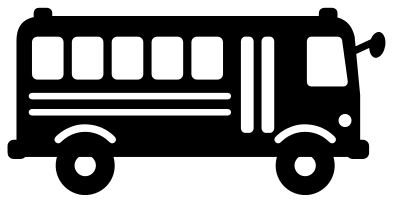 Flat-fronted school bus Solid · one piece
 -
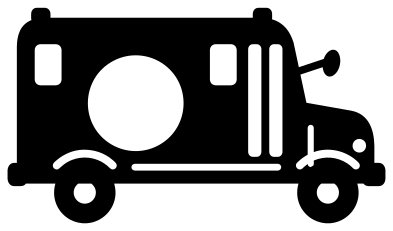 School bus monogram frame Solid · one piece
 -
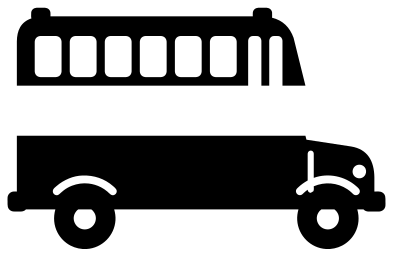 Split school bus for a name Solid · 2 pieces
 -
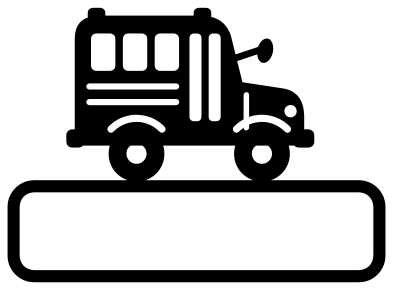 School bus on a name plaque Solid · one piece
 -
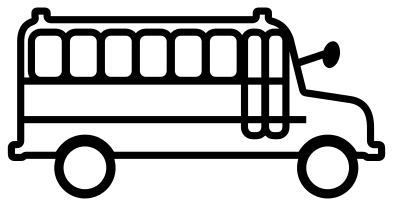 School bus outline Outline · one piece
 -
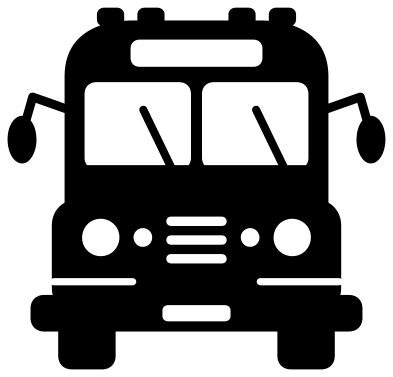 School bus from the front Solid · one piece
 -
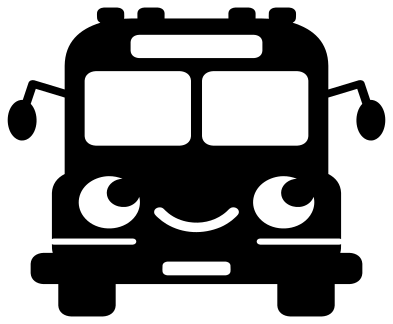 Cute school bus with a face Solid · one piece
 -
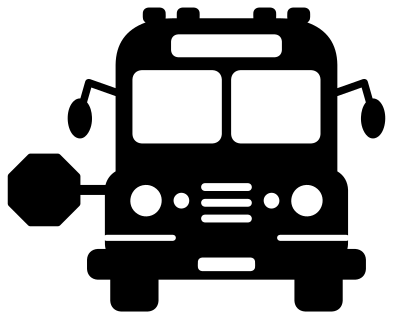 School bus with its stop sign out Solid · one piece
Yellow vinyl, black details
A school bus is yellow with black rails and dark glass. Cut any of these from yellow and stick it on something dark, and the windows, door and rails show through in the right colours without a second layer. On a light background, cut a plain black rectangle a little smaller than the bus and put it underneath.
The posts between the windows are about 2.2 mm wide when the side view is 100 mm long, and the arm of the wing mirror is 2 mm. That is fine in vinyl and card from about 70 mm long. For wood and acrylic, cut the bus at 150 mm or longer, or use the school bus silhouette, which has no rails or small holes.
Names, routes and numbers
Buses are often personalised with a child’s name, a route number or a driver’s name. The split school bus leaves a clear band along the side for a name. The monogram bus has a round window for one initial, and the bus on a plaque stands on a blank bar. On the bus from the front, the panel above the windscreen is blank and takes a short word or a number.
How to open the files
- Cricut Design Space: choose Upload, pick the SVG, and add it to the canvas. Set the width you want; the shape is already welded.
- Silhouette Studio: Designer Edition and above open the SVG. The free Basic Edition does not, so open the DXF instead.
- LightBurn, xTool Creative Space and Glowforge: import the SVG, then set the layer to cut, score or engrave.
- Inkscape, Illustrator and Affinity: open the SVG. It is a plain filled path, so you can recolour it, add a stroke or combine it with your own work.
- Printing or sublimation: use the PNG, which has a transparent background.
Each design page lists the file’s narrowest part at seven sizes, so you can tell whether it will survive at the size you plan to cut.
Questions
How do I add a name to the split school bus?
Type the name in your cutting software and set it in the gap between the two halves, which is about 13 mm tall when the bus is 100 mm long. Cut the name and both halves together and keep them on the transfer tape so the spacing holds.
Which bus is best for a small sticker or label?
The school bus silhouette or the school bus with a heart. Both stay clear at 40 mm long. The bus with children at the windows needs about 90 mm for the heads to cut cleanly.
Can I use these for a bus driver gift?
Yes. The school bus with a heart was drawn for that: cut it from yellow vinyl for a tumbler or a mug, or from card for the front of a thank-you card. Add the driver’s name or route number underneath in your own lettering.
 Football SVG
  Baseball SVG
  Softball SVG
  Basketball SVG
  Volleyball SVG
  Soccer ball SVG