Free pinecone SVG files
Free pinecone SVG files for autumn and winter: a single cone, a cone on a sprig of needles, a pair, a bunch tied with a bow, a long spruce cone, a wreath, a bough, a gift tag stencil and a layered version in three colours. Each is one welded shape unless its note says otherwise.
12 designs. Free for personal and commercial use, no sign-up. What you can do with them.
Or choose one below for its PNG, DXF and cutting sizes.
-
 Pinecone on a sprig of pine needles Solid · one piece
 -
 Single pinecone Solid · one piece
 -
 Pair of pinecones with needles Solid · one piece
 -
 Three pinecones tied with a bow Solid · one piece
 -
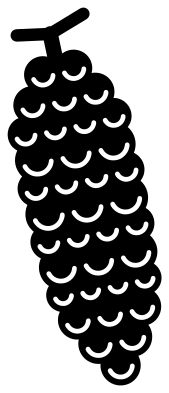 Long spruce pinecone Solid · one piece
 -
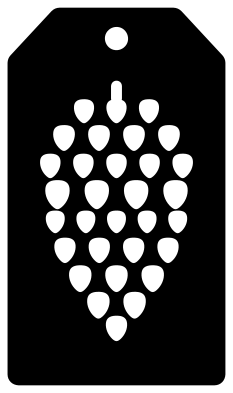 Pinecone gift tag stencil Solid · one piece
 -
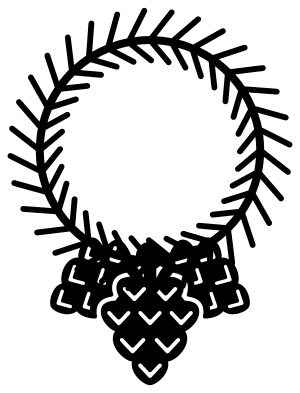 Pine needle wreath with three pinecones Solid · one piece
 -
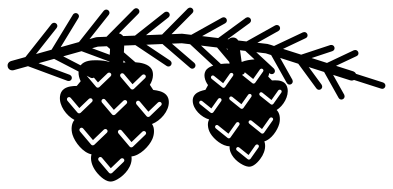 Pine bough with two pinecones Solid · one piece
 -
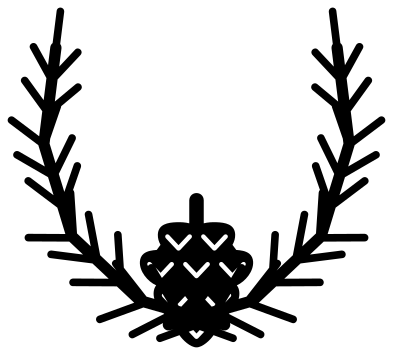 Crossed pine branches with a pinecone Solid · one piece
 -
 Pinecone ornament with a bow Solid · one piece
 -
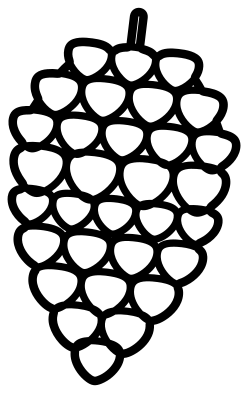 Pinecone outline Outline · one piece
 -
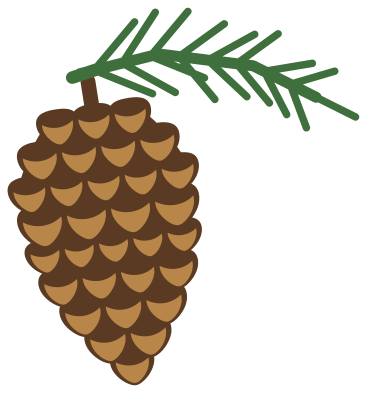 Pinecone and needles in three colours Layered · 33 pieces
What to make with them
Pinecones suit the stretch from the first frost to the new year, because they say winter without saying Christmas. Use them on cabin and lodge signs, on Thanksgiving place cards, on napkins and table runners, on gift tags and on wooden tree ornaments. For a sign, the cone on a sprig or the bunch with a bow reads well at 200 mm; for a place card, the single cone at 40 mm is enough. Brown, copper and gold vinyl all work, and white on kraft card looks like frost. The wreath and the crossed branches leave their middles open for a name.
Cutting notes
Two things are fine on these files: the slits that mark the scales, and the needles. On the full-size cone at 100 mm the slits are about 1.3 mm wide, and they stop short of each other, so weed them one at a time with a pin. The needles are about 2 mm wide and attached at one end only, which makes them easy to lift when you weed vinyl: pull the waste away from the twig towards the needle tips. On a laser, cut the cone from 3 mm plywood and engrave nothing: the slits already go right through.
How to open the files
- Cricut Design Space: choose Upload, pick the SVG, and add it to the canvas. Set the width you want; the shape is already welded.
- Silhouette Studio: Designer Edition and above open the SVG. The free Basic Edition does not, so open the DXF instead.
- LightBurn, xTool Creative Space and Glowforge: import the SVG, then set the layer to cut, score or engrave.
- Inkscape, Illustrator and Affinity: open the SVG. It is a plain filled path, so you can recolour it, add a stroke or combine it with your own work.
- Printing or sublimation: use the PNG, which has a transparent background.
Each design page lists the file’s narrowest part at seven sizes, so you can tell whether it will survive at the size you plan to cut.
Questions
How small can I cut a pinecone?
The single cone weeds cleanly down to about 50 mm tall in vinyl. Below that the slits between the scales close up. The designs with small cones, such as the bough and the wreath, use fewer and larger scales for that reason, and can be cut at 100 mm wide.
What is the difference between the pine cone and the spruce cone?
A pine cone is short and egg-shaped with broad woody scales; a spruce cone is long and narrow with many thin ones. In these files the pine cone has pointed scales with V-shaped slits and the spruce cone has round scales with curved slits, so the two look different even in one colour.
Can I use a pinecone design on a real wooden ornament?
Yes. Cut the pinecone ornament from 3 mm plywood: it has a ring at the top for a ribbon. Or engrave the outline on a wooden slice and paint the scales with a brown wash.
 Flower SVG
  Sunflower SVG
  Butterfly SVG
  Rose SVG
  Daisy SVG
  Leaf SVG