Free pelican SVG files
Free pelican SVG files: a pelican standing, perched on a dock piling, flying, afloat and holding a fish, with a head portrait, a pair on pilings, a dock sign for a name and a harbour scene. The long bill and its pouch are part of the outline, so every one reads at a glance.
12 designs. Free for personal and commercial use, no sign-up. What you can do with them.
-
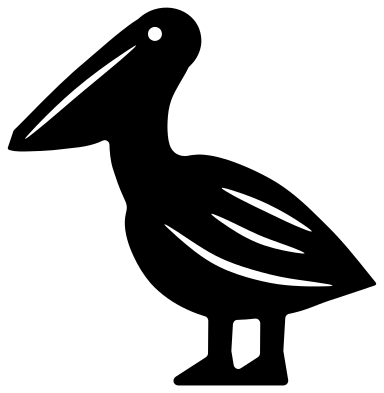 Pelican standing Solid · one piece
 -
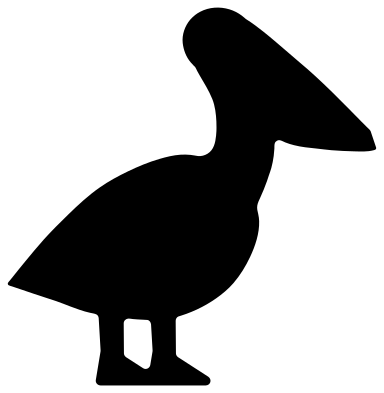 Pelican silhouette Solid · one piece
 -
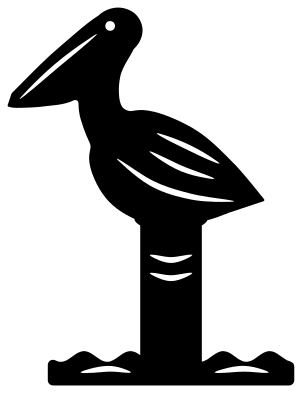 Pelican on a dock piling Solid · one piece
 -
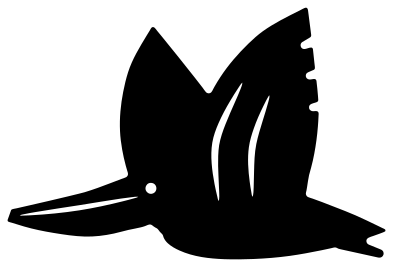 Flying pelican Solid · one piece
 -
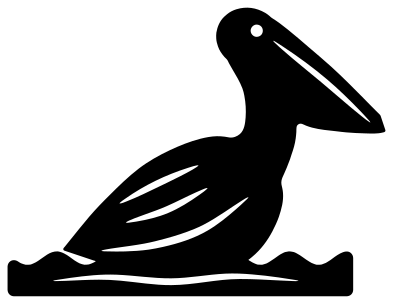 Pelican on the water Solid · one piece
 -
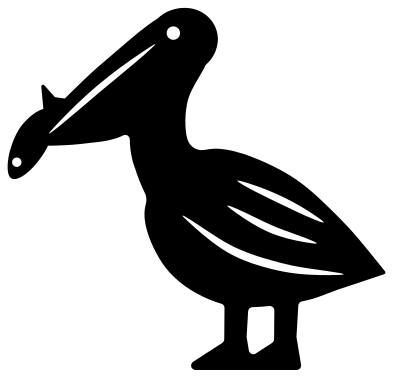 Pelican with a fish Solid · one piece
 -
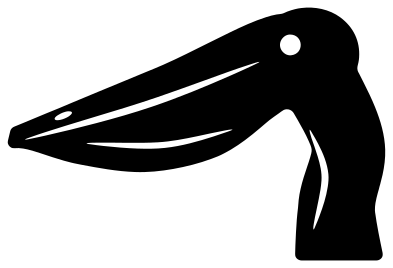 Pelican head and bill Solid · one piece
 -
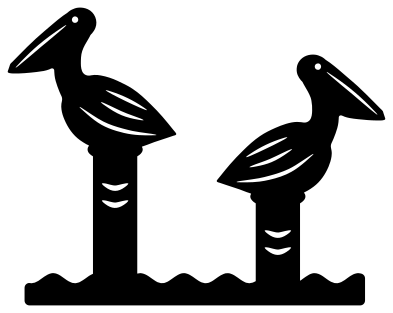 Two pelicans on pilings Solid · one piece
 -
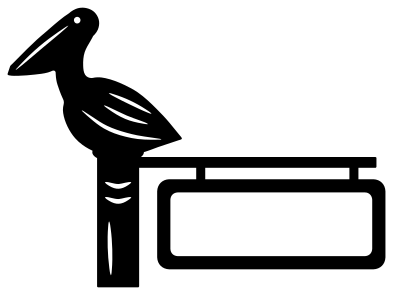 Pelican dock sign for a name Solid · one piece
 -
 Pelican harbour scene in a ring Solid · one piece
 -
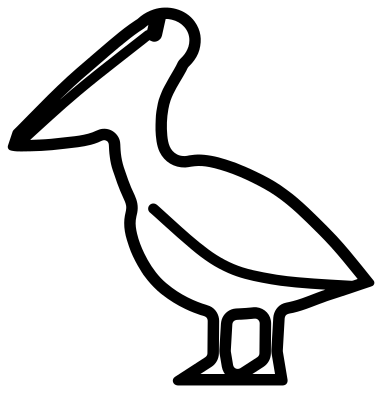 Pelican outline Outline · one piece
 -
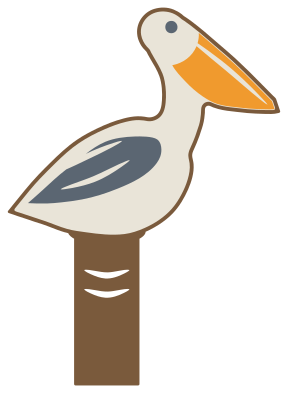 Layered pelican on a piling Layered · 5 pieces
Bill, pouch and feet: cutting a pelican
A pelican is recognised by one thing, the bill: as long as its neck, hooked at the tip, with a pouch of skin hanging below. In these files the pouch is part of the outer shape and only the line between it and the upper bill is cut, so the bill stays strong. Every file is 100 mm on its longer side. On the standing pelican the bill is about 5 mm deep near its tip, the legs are about 6 mm wide and nothing is narrower than 3.4 mm, so vinyl and card hold down to about 40 mm tall, and 3 mm plywood from about 90 mm.
The designs on a piling are the sturdiest: the post gives the bird a broad foot, there are no legs to snap, and the rope and grain cut into the post are slits about 1.5 mm wide that stop short of its edges. They make good shelf sitters in wood, and good stencils for a bathroom wall.
Brown pelican or white pelican
The shape here is the brown pelican of the coasts: a tufted nape, a bill held down against the neck and a habit of sitting on dock posts. Cut it from grey or brown with a pale head and it is the Gulf and Atlantic bird. Cut it from white with a bright orange bill and it passes for the white pelican of lakes and rivers. The layered pelican separates the bill, the wing and the body so you can choose.
How to open the files
- Cricut Design Space: choose Upload, pick the SVG, and add it to the canvas. Set the width you want; the shape is already welded.
- Silhouette Studio: Designer Edition and above open the SVG. The free Basic Edition does not, so open the DXF instead.
- LightBurn, xTool Creative Space and Glowforge: import the SVG, then set the layer to cut, score or engrave.
- Inkscape, Illustrator and Affinity: open the SVG. It is a plain filled path, so you can recolour it, add a stroke or combine it with your own work.
- Printing or sublimation: use the PNG, which has a transparent background.
Each design page lists the file’s narrowest part at seven sizes, so you can tell whether it will survive at the size you plan to cut.
Questions
How do I add a name to the pelican dock sign?
The signboard is an open frame about 53 mm wide and 17 mm tall inside when the design is 100 mm wide. Type the name, size it so the first and last letters touch the frame, and weld. For a long name, stretch the board sideways before you weld: the pelican and the piling do not need to change.
Which pelican works for a shadow box?
The pelican silhouette for a bird on the sand, and the pelican on a dock piling for the middle distance. Both have a flat base. The flying pelican suits the back layer: glue it by the body and let the wings stand free.
Can I cut the pelican with a fish without the fish?
Use the standing pelican: it is the same bird without the fish. The fish is welded to the tip of the bill, so the two cut as one piece and the fish cannot be lifted off afterwards.
 Owl SVG
  Bird SVG
  Cat SVG
  Dog SVG
  Elephant SVG
  Fish SVG