Free librarian SVG files
Free librarian SVG files with no lettering: a librarian with an armful of books, a silhouette with a book cart, a library with columns, a library card, a book pocket with its date card, a date stamp, a bookshelf with a ladder, a finger to the lips, a cat on a pile of books and a bookplate for a name.
14 designs. Free for personal and commercial use, no sign-up. What you can do with them.
-
 Librarian with an armful of books Solid · one piece
 -
 Librarian silhouette with a book cart Solid · one piece
 -
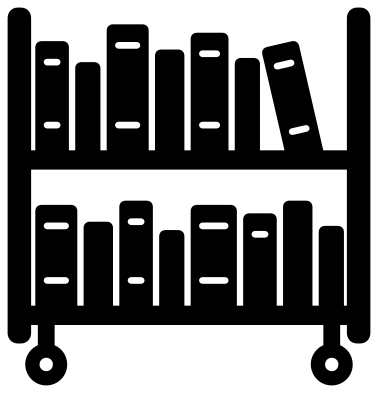 Librarian book cart Solid · one piece
 -
 Librarian’s library with columns Solid · one piece
 -
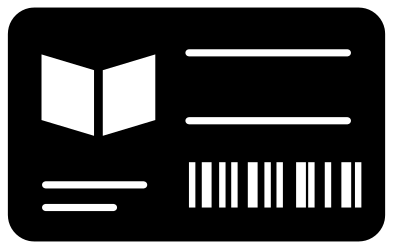 Librarian’s library card Solid · one piece
 -
 Librarian’s book pocket with a date card Solid · one piece
 -
 Librarian date stamp with its print Solid · 2 pieces
 -
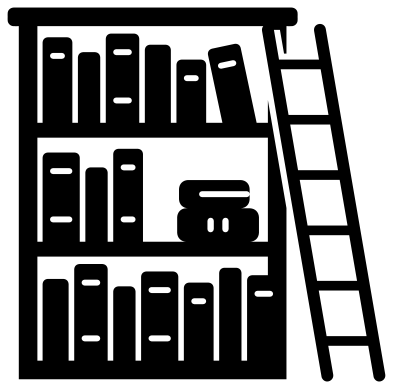 Librarian’s bookshelf with a ladder Solid · one piece
 -
 Librarian shh finger to the lips Solid · one piece
 -
 Librarian in a bun and glasses Solid · one piece
 -
 Librarian’s cat on a pile of books Solid · one piece
 -
 Librarian bookplate frame for a name Solid · one piece
 -
 Librarian book cart outline Outline · one piece
 -
 Layered librarian book cart in seven colours Layered · 19 pieces
Rows of books and how small they can go
Several of these designs are rows of standing books, and a row of books is a row of narrow strips. On the book cart at 100 mm tall the books are 7 to 12 mm wide with gaps of a little under 2 mm between them, and each one is joined to its shelf at the foot. The gaps are what make it read as books, so do not cut the cart or the bookshelf below about 80 mm, and weed across the shelves from one end, not along them.
The library, the library card, the book pocket and the bookplate are flat, sturdy shapes with a few openings, good for bookmarks, tote bags and the cover of a reading journal. The shh sign and the cat on a pile of books have nothing fine in them and work as 40 mm stickers.
Blank on purpose
A library card needs a name, a date card needs dates and a bookplate needs an owner, so those spaces are left clear. On the library card the band between the two lines is about 16 mm tall and 44 mm long at 100 mm wide. The bookplate has a window about 60 mm square at 100 mm tall: cut it from sticker paper and write in the middle, or weld a name across the window in your cutting software.
How to open the files
- Cricut Design Space: choose Upload, pick the SVG, and add it to the canvas. Set the width you want; the shape is already welded.
- Silhouette Studio: Designer Edition and above open the SVG. The free Basic Edition does not, so open the DXF instead.
- LightBurn, xTool Creative Space and Glowforge: import the SVG, then set the layer to cut, score or engrave.
- Inkscape, Illustrator and Affinity: open the SVG. It is a plain filled path, so you can recolour it, add a stroke or combine it with your own work.
- Printing or sublimation: use the PNG, which has a transparent background.
Each design page lists the file’s narrowest part at seven sizes, so you can tell whether it will survive at the size you plan to cut.
Questions
Can I add a name to the library card or the bookplate?
Yes, both are drawn for it. Put the name in the clear band of the card or across the window of the bookplate in your cutting software. On the bookplate, let the letters overlap the frame at both ends and weld them, so the name is held in place.
Will the book cart weed cleanly?
At 80 mm wide or more, yes. Every book is joined to a shelf, so nothing is loose, but the gaps between the books are a little under 2 mm at 100 mm tall. Lift the waste slowly from one end panel to the other and keep a pin handy for the bands on the spines.
Does the librarian have a face?
No. The full figure is a plain shape, and the head and shoulders design shows only a bun, a pair of round glasses and a collar. Leaving out the eyes and mouth means the design can stand for any librarian you want to thank.
 Camera SVG
  Guitar SVG
  Music note SVG
  Stethoscope SVG
  Tooth SVG
  Light bulb SVG