Free jungle SVG files
Free jungle SVG files: tropical leaves on their own and in a spray, a leaf border, a frame, a corner and a monogram ring, a hanging vine, a treeline of palms, a toucan on a branch, a waterfall and a layered jungle in three greens. Each is one welded shape unless its note says otherwise.
13 designs. Free for personal and commercial use, no sign-up. What you can do with them.
Or choose one below for its PNG, DXF and cutting sizes.
-
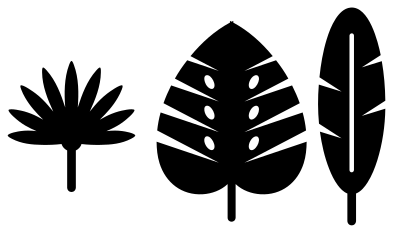 Jungle leaves: fan palm, monstera and banana Solid · 3 pieces
 -
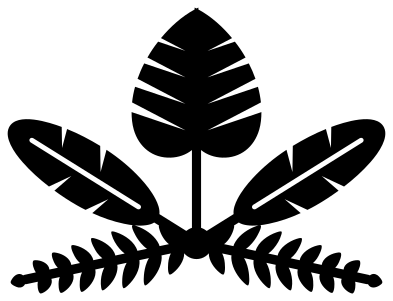 Jungle spray of five tropical leaves Solid · one piece
 -
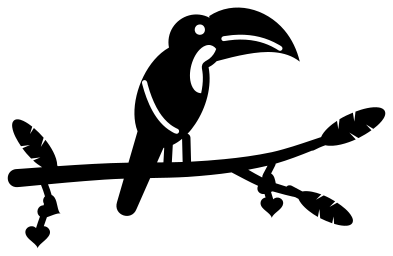 Toucan on a jungle branch Solid · one piece
 -
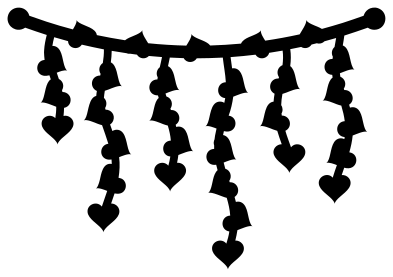 Jungle vine with hanging strands Solid · one piece
 -
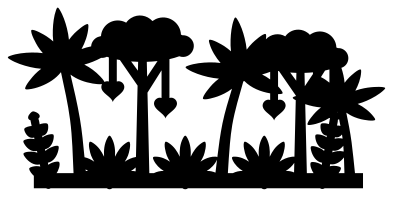 Jungle treeline of palms and vines Solid · one piece
 -
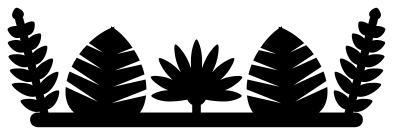 Jungle leaf border Solid · one piece
 -
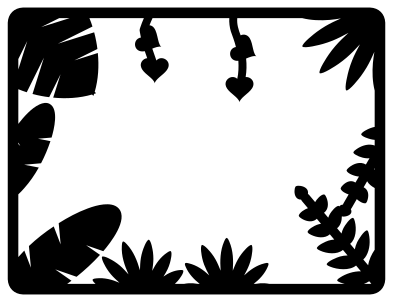 Jungle frame of leaves Solid · one piece
 -
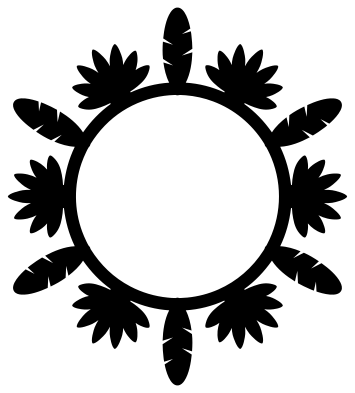 Jungle monogram ring of leaves Solid · one piece
 -
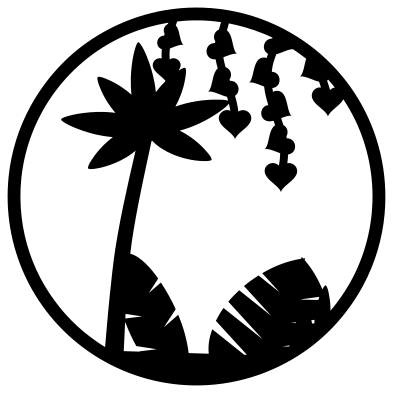 Jungle scene in a circle Solid · one piece
 -
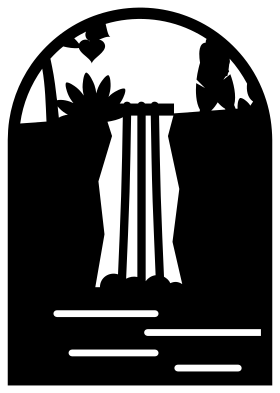 Jungle waterfall in an arch Solid · one piece
 -
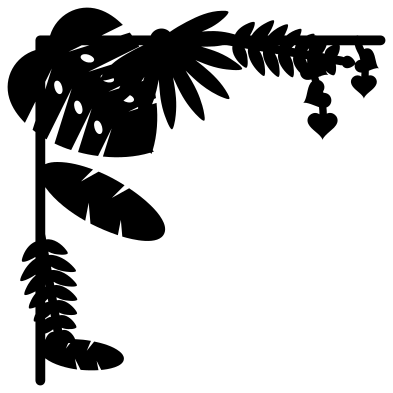 Jungle corner of leaves Solid · one piece
 -
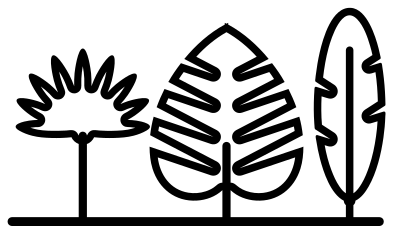 Jungle leaves outline Outline · one piece
 -
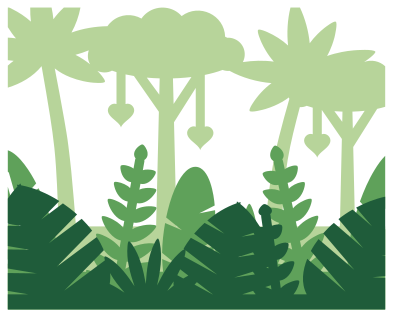 Layered jungle in three greens Layered · 3 pieces
What to make with them
Jungle designs are mostly used as surroundings: something to put round a name, a photograph or an animal. The frame, the corner and the monogram ring are made for that, and the vine and the border run along the top or bottom of a sign. For a child’s jungle or safari party, cut the border and the vine 250 to 300 mm wide in green card and hang them over the food table, with the loose leaves scattered on it. The toucan and the waterfall stand on their own as card fronts at 100 to 130 mm. On shirts and tote bags, the spray of five leaves works well at 180 mm in one colour of heat transfer vinyl.
Cutting notes
The splits of the monstera and the blades of the fan palm make long thin fingers that are joined at one end only. On vinyl, weed from the stalk outwards so the fingers are not pulled back on themselves. The small leaves in the border, the frame and the ring are drawn with fewer and wider parts than the large ones, so they can be cut at 100 mm wide, but the vine leaves are only about 8 mm across at that size: cut the vine at 200 mm or more in card. Green is the obvious colour, and two or three greens together look better than one.
How to open the files
- Cricut Design Space: choose Upload, pick the SVG, and add it to the canvas. Set the width you want; the shape is already welded.
- Silhouette Studio: Designer Edition and above open the SVG. The free Basic Edition does not, so open the DXF instead.
- LightBurn, xTool Creative Space and Glowforge: import the SVG, then set the layer to cut, score or engrave.
- Inkscape, Illustrator and Affinity: open the SVG. It is a plain filled path, so you can recolour it, add a stroke or combine it with your own work.
- Printing or sublimation: use the PNG, which has a transparent background.
Each design page lists the file’s narrowest part at seven sizes, so you can tell whether it will survive at the size you plan to cut.
Questions
How do I make a jungle border longer?
The leaf border is the same on its left and right halves and ends in a round-ended bar, so copies can be laid end to end with the bars overlapping by a few millimetres. Weld them in your cutting software before you cut, or glue the overlap afterwards.
Which jungle leaves are in these files?
Four kinds: the monstera, with its splits and holes; a fan palm, with blades that spread from one point; a banana leaf, long with torn edges; and a feathered frond like that of a parlour palm. The vines carry small heart-shaped leaves like a philodendron.
Can I add animals to the jungle frame?
Yes. The frame and the circle leave their middles clear. Open the frame in your cutting software, place any animal design inside it, and weld the two where they touch, or cut the animal from another colour and layer it on.
 Flower SVG
  Sunflower SVG
  Butterfly SVG
  Rose SVG
  Daisy SVG
  Leaf SVG