Free flamingo SVG files
Free flamingo SVG files: a flamingo standing on one leg, a pair making a heart with their necks, a monogram frame, a flamingo with a palm tree, a Christmas flamingo, a mandala and a layered pink bird. The neck is one smooth ribbon, so the curve cuts cleanly.
12 designs. Free for personal and commercial use, no sign-up. What you can do with them.
-
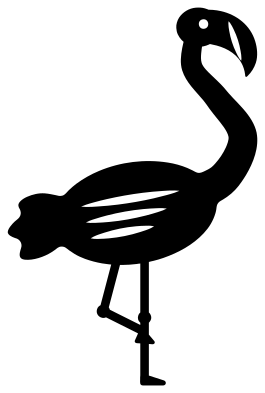 Flamingo standing on one leg Solid · one piece
 -
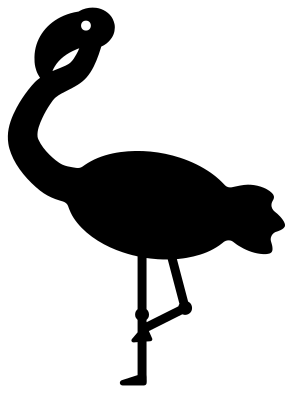 Flamingo silhouette Solid · one piece
 -
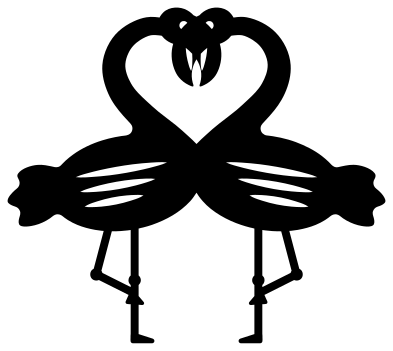 Two flamingos making a heart Solid · one piece
 -
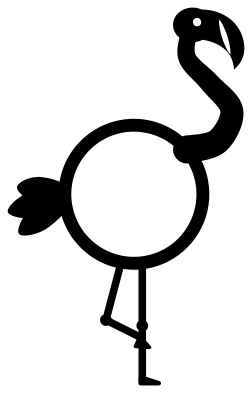 Flamingo monogram frame Solid · one piece
 -
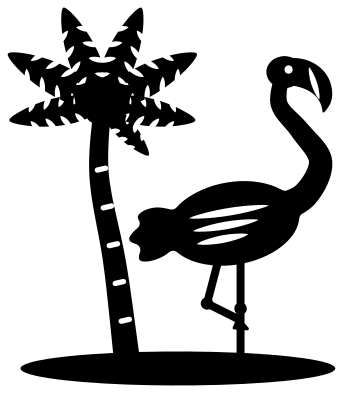 Flamingo and palm tree Solid · one piece
 -
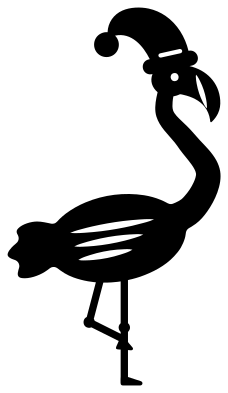 Christmas flamingo in a Santa hat Solid · one piece
 -
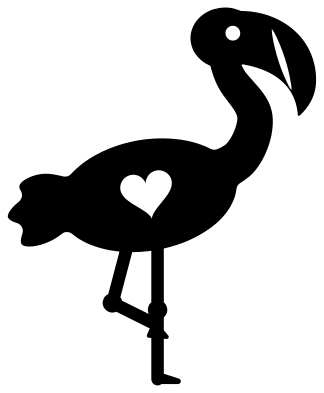 Cute flamingo with a heart Solid · one piece
 -
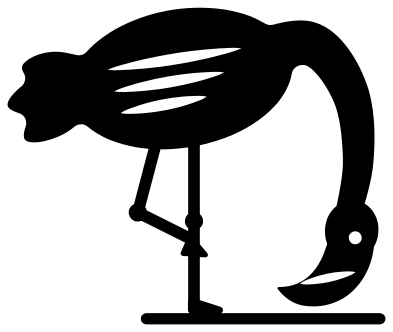 Flamingo feeding with its head down Solid · one piece
 -
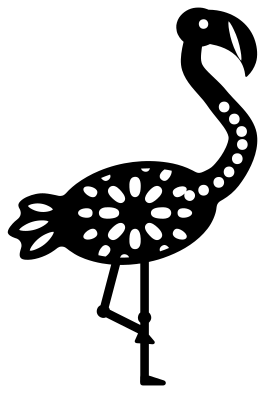 Mandala flamingo Solid · one piece
 -
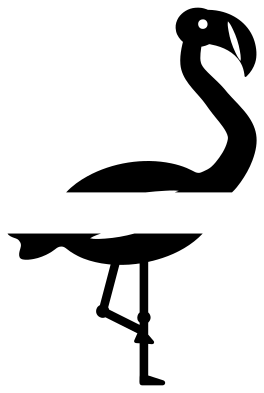 Split flamingo for a name Solid · 2 pieces
 -
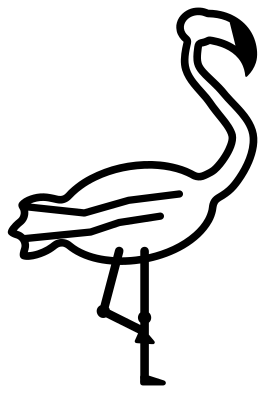 Flamingo outline Outline · one piece
 -
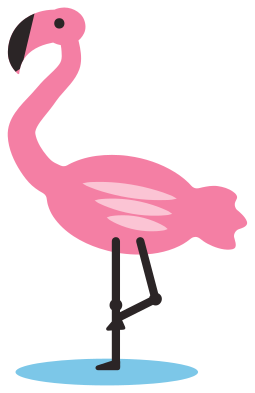 Layered pink flamingo in four colours Layered · 8 pieces
Thin legs: the part to plan for
A flamingo is a big soft body on two very thin legs, and the legs decide how small you can cut it. On the standing flamingo the legs are a little over 2 mm wide when the design is 100 mm tall, with a knob at each knee and a wedge of a foot. That is fine for vinyl at 100 mm and for card at 120 mm or more. For 3 mm plywood or acrylic, cut at 150 mm or larger so the legs are over 3 mm wide, or choose the cute flamingo, whose legs are thicker.
When you weed vinyl, leave the legs until last and peel along them from the body towards the foot, so the thin strip is pulled straight and not sideways. Lift a card flamingo from the mat by sliding a spatula under the body first and the legs last.
Getting the pink right
Flamingos get their colour from their food, so real birds run from pale blush to deep coral, and any pink in that range looks right. The beak is pale with a black tip and the legs are pink too. On the one-colour designs the tip of the beak is marked by a cut line, which shows whatever is behind it. The layered pink flamingo gives you the dark tip, the legs and a paler wing as separate pieces.
How to open the files
- Cricut Design Space: choose Upload, pick the SVG, and add it to the canvas. Set the width you want; the shape is already welded.
- Silhouette Studio: Designer Edition and above open the SVG. The free Basic Edition does not, so open the DXF instead.
- LightBurn, xTool Creative Space and Glowforge: import the SVG, then set the layer to cut, score or engrave.
- Inkscape, Illustrator and Affinity: open the SVG. It is a plain filled path, so you can recolour it, add a stroke or combine it with your own work.
- Printing or sublimation: use the PNG, which has a transparent background.
Each design page lists the file’s narrowest part at seven sizes, so you can tell whether it will survive at the size you plan to cut.
Questions
How do I add a name to the split flamingo?
Open the design in your cutting software and type the name. Size it to fit the clear band across the body, which is about 11 mm tall when the flamingo is 100 mm tall, and let the letters run past the bird on both sides if the name is long. The two halves of the bird are separate, so group them with the lettering before you cut.
How do I use the flamingo monogram frame?
The body is a ring with an open middle. Type an initial, scale it until it overlaps the ring at the top and bottom, and weld the two so they cut as one piece. For three initials, make the middle one larger and let the outer two touch the ring at the sides.
Do the two flamingos making a heart cut as one piece?
Yes. The birds touch at the beaks and overlap at the chest, so the pair is a single welded shape and the heart is the space between their necks. Each bird stands on its own leg, so handle the four thin legs with the same care as on the single flamingo.
 Owl SVG
  Bird SVG
  Cat SVG
  Dog SVG
  Elephant SVG
  Fish SVG