Free farmer SVG files
Free farmer SVG files: a farmer in a straw hat and bib overalls holding a pitchfork, a silhouette by a fence, a farmer on a tractor, a chicken farmer feeding hens, a farmer’s wife with a basket of eggs, a little farmer for children, a rack of tools, hats and overalls. Faces are plain and nothing carries lettering.
15 designs. Free for personal and commercial use, no sign-up. What you can do with them.
-
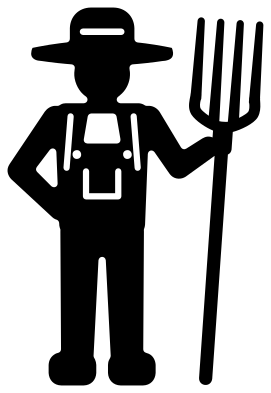 Farmer with a pitchfork Solid · one piece
 -
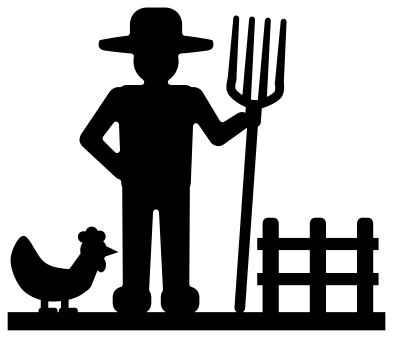 Farmer silhouette with a fence and a hen Solid · one piece
 -
 Farmer pitchfork Solid · one piece
 -
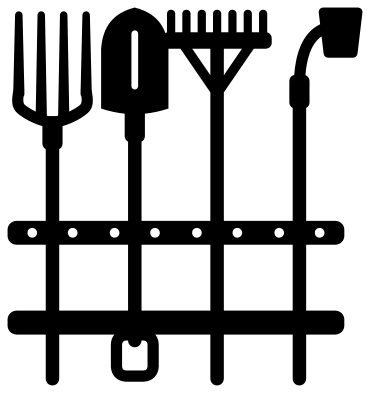 Farmer tools on a rack Solid · one piece
 -
 Farmer straw hat Solid · one piece
 -
 Rice farmer hat with a chin cord Solid · one piece
 -
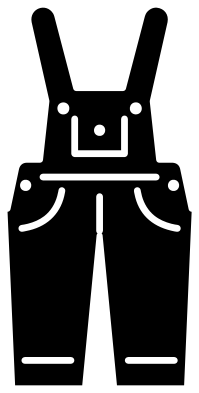 Farmer bib overalls Solid · one piece
 -
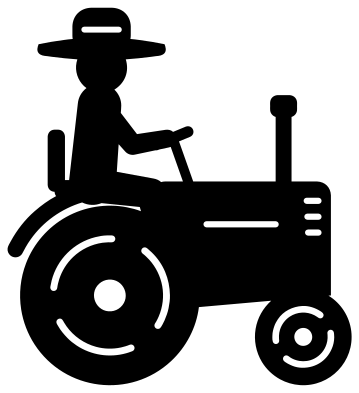 Farmer driving a tractor Solid · one piece
 -
 Farmer face with a straw in the mouth Solid · one piece
 -
 Farmer’s wife with a basket of eggs Solid · one piece
 -
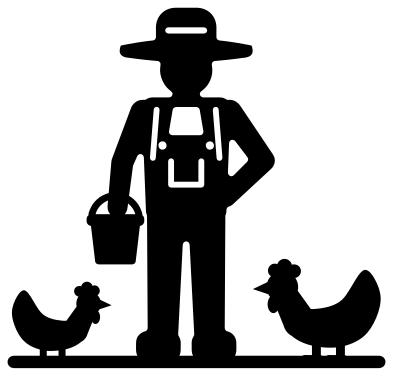 Chicken farmer with a pail and two hens Solid · one piece
 -
 Little farmer for a future farmer Solid · one piece
 -
 Farmer monogram frame with crossed pitchforks Solid · one piece
 -
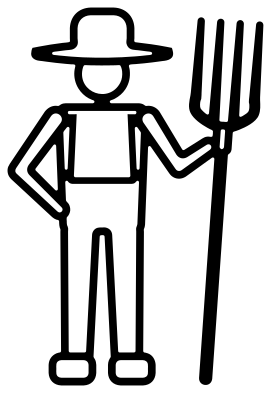 Farmer outline Outline · one piece
 -
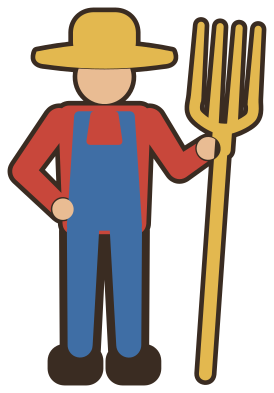 Layered farmer in five colours Layered · 8 pieces
A figure built to be cut
The farmer is drawn from the front in simple, heavy parts: a hat, a head, a square body and tapered arms and legs. On the farmer with a pitchfork at 100 mm tall the arms are about 6 mm wide, the legs about 9 mm and the handle of the pitchfork about 3.5 mm, so the figure is sturdy in vinyl, card and thin plywood. The tines of the fork are the finest solid parts at 2 to 3 mm, and the lines of the overalls are cuts a little under 2 mm wide.
Those fine lines set the smallest useful size. For iron-on on a shirt, 90 mm tall or more keeps the straps and the pocket clear. For a small sticker or a gift tag, use the farmer silhouette, which has no lines inside the figure, or the pitchfork on its own.
Which farmer for which job
The silhouette stands on a flat strip of ground, so it can be cut from card or wood and stood upright in a shadow box or along a shelf. The farmer on a tractor suits a birthday shirt or a sign for the yard. The chicken farmer and the farmer’s wife with her eggs are for people who keep hens, and the little farmer is drawn chunky for children’s clothes. The monogram frame leaves a round space for an initial or a farm name, and the rack of tools works as a border above a row of coat hooks in a boot room.
How to open the files
- Cricut Design Space: choose Upload, pick the SVG, and add it to the canvas. Set the width you want; the shape is already welded.
- Silhouette Studio: Designer Edition and above open the SVG. The free Basic Edition does not, so open the DXF instead.
- LightBurn, xTool Creative Space and Glowforge: import the SVG, then set the layer to cut, score or engrave.
- Inkscape, Illustrator and Affinity: open the SVG. It is a plain filled path, so you can recolour it, add a stroke or combine it with your own work.
- Printing or sublimation: use the PNG, which has a transparent background.
Each design page lists the file’s narrowest part at seven sizes, so you can tell whether it will survive at the size you plan to cut.
Questions
Will the pitchfork tines survive cutting?
At 100 mm tall the tines are 2 to 3 mm wide with gaps of about 2.5 mm between them, which cuts cleanly in vinyl and card. Weed from the handle towards the tips. In wood or acrylic, cut the farmer at 150 mm or more so the tines are not brittle.
Can I stand the farmer silhouette up in a shadow box?
Yes. The farmer, the fence and the hen all rise from one flat strip along the bottom, so the design cuts as a single piece with a straight lower edge. Glue the strip to the floor of the box or slot it into a base.
How do I put a farm name in the monogram frame?
Open the frame in your cutting software and type the name or an initial inside the ring. The opening is about 55 mm across when the frame is 100 mm tall. Cut the letters from a second colour, or overlap them with the ring and weld for one piece.
 Camera SVG
  Guitar SVG
  Music note SVG
  Stethoscope SVG
  Tooth SVG
  Light bulb SVG