Free dog bone SVG files
Free dog bone SVG files: the classic bone, long and chunky versions, an outline and a name frame, a tag with a ring hole, bones with a paw print or a heart cut out, a split bone for a name, crossed bones, a biscuit and a food bowl. All drawn by code.
15 designs. Free for personal and commercial use, no sign-up. What you can do with them.
-
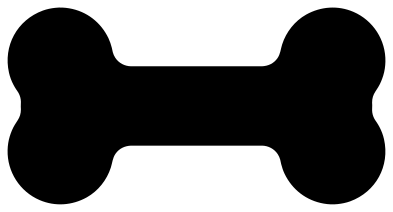 Classic dog bone Solid · one piece
 -
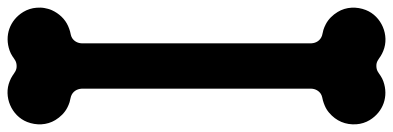 Long dog bone Solid · one piece
 -
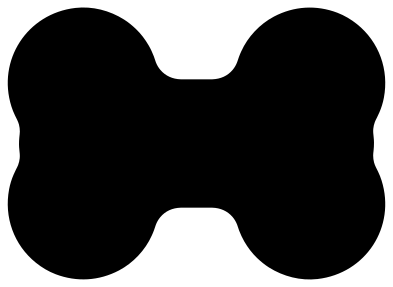 Chunky dog bone Solid · one piece
 -
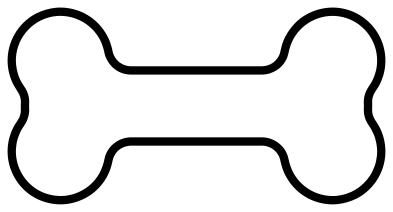 Dog bone outline Outline · one piece
 -
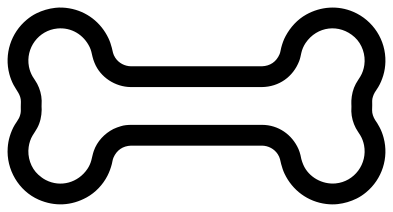 Dog bone name frame Solid · one piece
 -
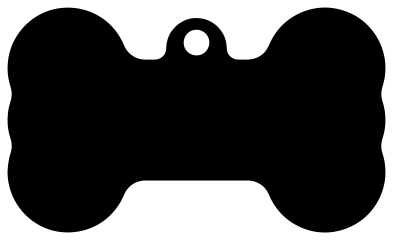 Dog bone tag Solid · one piece
 -
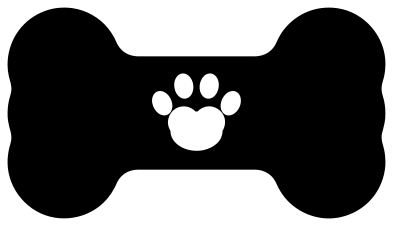 Dog bone with a paw print Solid · one piece
 -
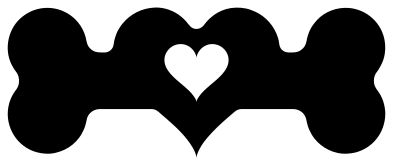 Dog bone with a heart Solid · one piece
 -
 Split dog bone for a name Solid · 2 pieces
 -
 Crossed dog bones Solid · one piece
 -
 Three dog bones Solid · 3 pieces
 -
 Dog bone treat biscuit Solid · one piece
 -
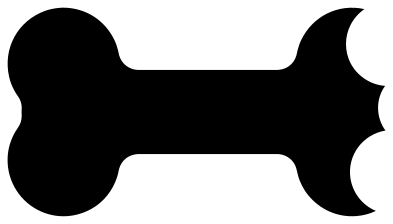 Dog bone with a bite out of it Solid · one piece
 -
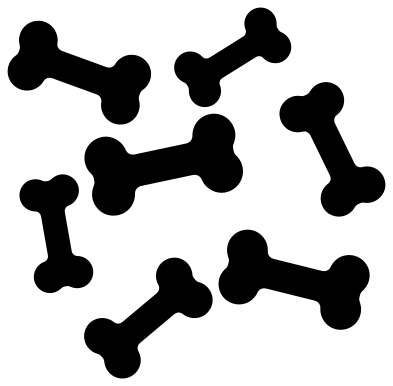 Scattered dog bones Solid · 7 pieces
 -
 Dog bowl with a dog bone cut-out Solid · one piece
Sizes for tags, names and treat jars
Every bone here is 100 mm long. The classic bone is about 52 mm tall at that length, with a shaft 21 mm thick, so a name set in capitals about 12 mm high fits along it. The long bone has a shaft about 12 mm thick: use it when the name has more than six or seven letters. The chunky bone is the one for felt, foam and leather, where thin parts stretch.
For a collar tag, cut the dog bone tag at 35 to 45 mm wide. At 40 mm the hole in the loop is about 2.7 mm across, which takes a small split ring. In acrylic or anodised aluminium, engrave the name first and cut the outline last so the piece does not shift.
A bone has no thin parts and no sharp inside corners, which makes it one of the easiest shapes in the library to cut and weed. The only fine work is on the bone with a paw print, where the four toes are about 5 mm wide at full size: keep that one at 60 mm or wider in vinyl.
How to open the files
- Cricut Design Space: choose Upload, pick the SVG, and add it to the canvas. Set the width you want; the shape is already welded.
- Silhouette Studio: Designer Edition and above open the SVG. The free Basic Edition does not, so open the DXF instead.
- LightBurn, xTool Creative Space and Glowforge: import the SVG, then set the layer to cut, score or engrave.
- Inkscape, Illustrator and Affinity: open the SVG. It is a plain filled path, so you can recolour it, add a stroke or combine it with your own work.
- Printing or sublimation: use the PNG, which has a transparent background.
Each design page lists the file’s narrowest part at seven sizes, so you can tell whether it will survive at the size you plan to cut.
Questions
How do I add my dog’s name to the bone?
Open the classic or the long dog bone in your cutting software, type the name and centre it on the shaft. To cut the letters out of the bone, select both and use Slice or Subtract. To layer them on top instead, cut the name from a second colour. The split bone already has a clear band for a name.
What size should a dog bone tag be?
About 25 mm wide for a toy breed, 35 mm for most dogs and 45 mm for a large dog. Check that the hole in the loop still fits your split ring after scaling: it is about 7 % of the width of the tag, so 2.4 mm on a 35 mm tag.
Can I use the bone as a cookie cutter or a treat stencil?
The files are flat outlines, so they work as a stencil: cut the classic or the chunky bone from food-safe stencil film and dust icing sugar or cocoa through it. For a 3D printed cutter you would need to give the dog bone outline some height in 3D software first.
 Owl SVG
  Bird SVG
  Cat SVG
  Dog SVG
  Elephant SVG
  Fish SVG