Free confetti SVG files
Free confetti SVG files: mixed party confetti, dots, stars, hearts, sprinkles and clovers, a falling border, a circle frame, a burst, streamers, a party popper and a horn. No two pieces touch, so every one cuts and weeds cleanly.
16 designs. Free for personal and commercial use, no sign-up. What you can do with them.
-
 Confetti in mixed shapes Solid · 74 pieces
 -
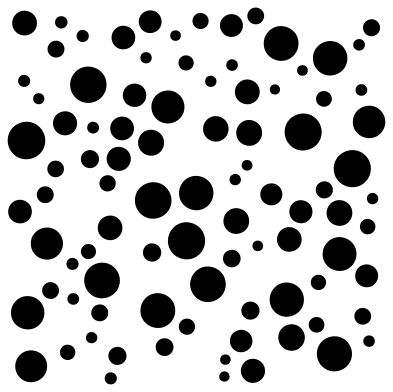 Round confetti dots Solid · 92 pieces
 -
 Star confetti Solid · 52 pieces
 -
 Heart confetti Solid · 46 pieces
 -
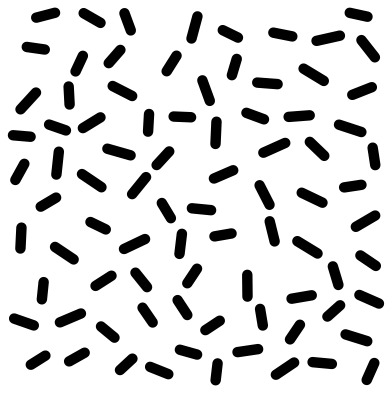 Sprinkles confetti Solid · 84 pieces
 -
 Rainbow sprinkle confetti in four colours Layered · 81 pieces
 -
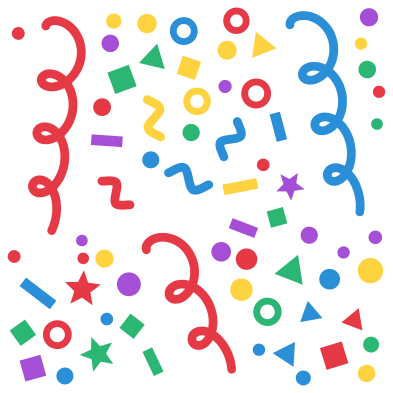 Birthday confetti in five colours Layered · 69 pieces
 -
 Gold confetti falling Layered · 84 pieces
 -
 Falling confetti border Solid · 70 pieces
 -
 Confetti circle frame Solid · 60 pieces
 -
 Confetti burst Solid · 71 pieces
 -
 Party streamers with confetti Solid · 34 pieces
 -
 Party popper with confetti Solid · 43 pieces
 -
 Party horn with confetti Solid · 27 pieces
 -
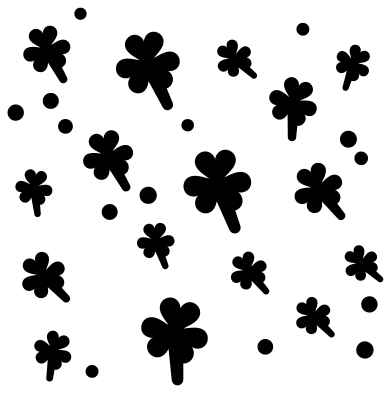 Clover confetti Solid · 30 pieces
 -
 Glitter confetti with sparkles Solid · 140 pieces
Cutting lots of small pieces
Confetti is a sheet of many small loose shapes, so the way you lift it matters more than the way you cut it. For vinyl, weed away the background in one go and move the whole scatter with transfer tape: the pieces keep their spacing. For paper confetti to throw, cut from 80 to 120 gsm paper and simply tip the pieces off the mat.
The pieces in the mixed scatters are between about 3 and 15 mm long when the file is 100 mm wide, with at least 1.3 mm of clear space between neighbours. That is fine for vinyl at 100 mm, but for card, felt or glitter iron-on scale the file to 200 mm or more so the smallest dots are easy to handle.
More than one colour
The birthday confetti, the rainbow sprinkles and the gold confetti are already sorted into colour layers. For the single-colour files there is a quicker trick than recolouring: cut the same file from three or four colours, then weed a different two thirds of the pieces from each sheet and apply them on top of one another. The pieces never overlap, so the layers always register.
How to open the files
- Cricut Design Space: choose Upload, pick the SVG, and add it to the canvas. Set the width you want; the shape is already welded.
- Silhouette Studio: Designer Edition and above open the SVG. The free Basic Edition does not, so open the DXF instead.
- LightBurn, xTool Creative Space and Glowforge: import the SVG, then set the layer to cut, score or engrave.
- Inkscape, Illustrator and Affinity: open the SVG. It is a plain filled path, so you can recolour it, add a stroke or combine it with your own work.
- Printing or sublimation: use the PNG, which has a transparent background.
Each design page lists the file’s narrowest part at seven sizes, so you can tell whether it will survive at the size you plan to cut.
Questions
How do I fill a bigger area with confetti?
Do not stretch one file too far or the pieces get large. Copy the scatter, turn each copy by a quarter turn and tile the copies side by side. Because each quarter turn looks different, the repeat does not show.
Can I put confetti inside a clear balloon or a shaker card?
Yes. Cut the dots, stars or hearts from thin paper, foil card or tissue at 150 mm or more, so the pieces are 5 to 15 mm across. Vinyl is no good for this because the pieces are sticky on one side.
How do I put a name in the confetti circle frame?
The empty middle is about 60 mm across when the file is 100 mm wide. Type the name in your cutting software, scale it to fit that space and centre it. Cut the name in one colour and the confetti in another.
 Camera SVG
  Guitar SVG
  Music note SVG
  Stethoscope SVG
  Tooth SVG
  Light bulb SVG