Free circus SVG files
Free circus SVG files: a big top with two poles, an elephant on a tub, a seal balancing a ball, a trapeze artist, juggling clubs, the ringmaster’s top hat, a ticket and a ticket booth, a wagon wheel, bunting, a blank plaque with marquee lights and a layered tent in four colours. None of them has any lettering.
15 designs. Free for personal and commercial use, no sign-up. What you can do with them.
Or choose one below for its PNG, DXF and cutting sizes.
-
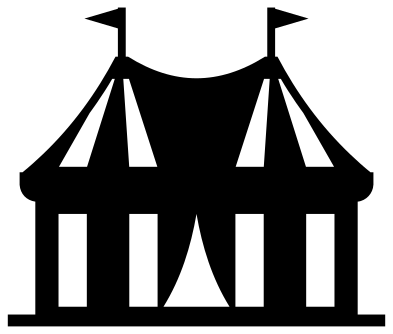 Circus big top with two poles Solid · one piece
 -
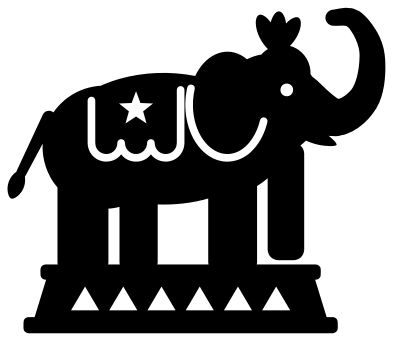 Circus elephant on a tub Solid · one piece
 -
 Circus ringmaster’s top hat on a tub Solid · one piece
 -
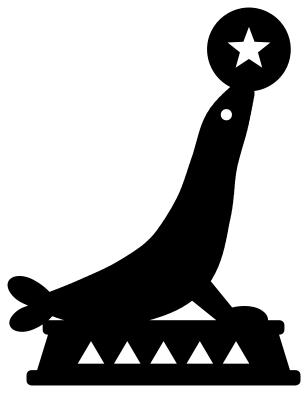 Circus seal balancing a ball Solid · one piece
 -
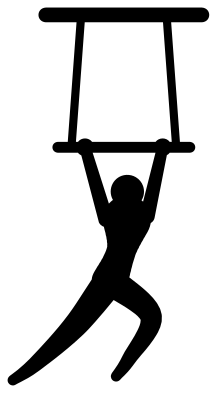 Circus trapeze artist Solid · one piece
 -
 Circus ticket with stars Solid · one piece
 -
 Circus ticket booth Solid · one piece
 -
 Three circus juggling clubs Solid · one piece
 -
 Circus wagon wheel Solid · one piece
 -
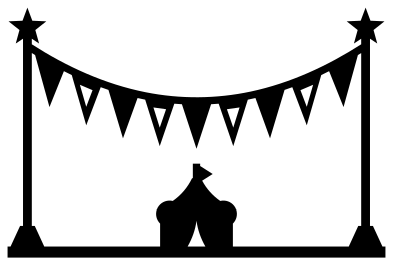 Circus bunting between two poles Solid · one piece
 -
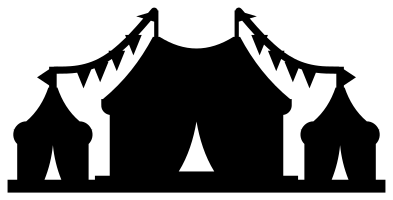 Circus silhouette with three tents Solid · one piece
 -
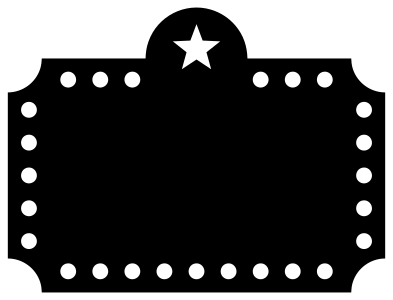 Circus plaque with marquee lights Solid · one piece
 -
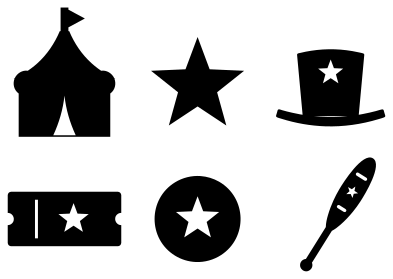 Circus theme set of six Solid · 6 pieces
 -
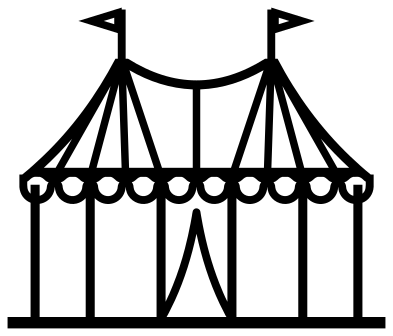 Circus tent outline Outline · one piece
 -
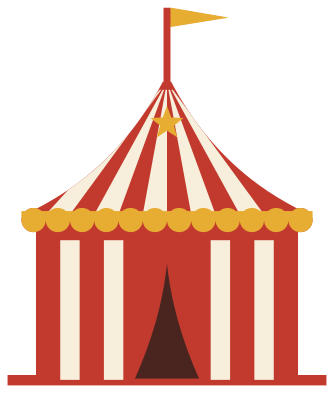 Layered circus tent in four colours Layered · 15 pieces
What to make with them
Most circus files are cut for a party: a first birthday, a school fair or a classroom theme. The ticket makes an invitation at 150 mm wide or a favour tag at 70 mm, and since it has no lettering you can add a name and a date in your own software. The big top and the layered tent are cake toppers and centrepieces at 120 to 180 mm. The plaque is a blank sign for a welcome board or a name above a cot, and the theme set gives six small shapes for cupcake picks and confetti. The silhouette and the bunting are long strips for the foot of a banner.
Cutting notes
The stripes of the big top and the ticket booth are openings, and the narrowest strip of card between two of them is about 2 mm at 100 mm, so cut these two at 120 mm or wider in card and glue a contrasting sheet behind. Red over white or yellow gives the classic tent. The elephant and the seal carry fine slits for the ear, the blanket and the bands: weed them with a pin, and on a laser treat them as cuts, not engraving. Mirror the elephant, the seal and the trapeze artist before cutting heat transfer vinyl, because they face one way.
How to open the files
- Cricut Design Space: choose Upload, pick the SVG, and add it to the canvas. Set the width you want; the shape is already welded.
- Silhouette Studio: Designer Edition and above open the SVG. The free Basic Edition does not, so open the DXF instead.
- LightBurn, xTool Creative Space and Glowforge: import the SVG, then set the layer to cut, score or engrave.
- Inkscape, Illustrator and Affinity: open the SVG. It is a plain filled path, so you can recolour it, add a stroke or combine it with your own work.
- Printing or sublimation: use the PNG, which has a transparent background.
Each design page lists the file’s narrowest part at seven sizes, so you can tell whether it will survive at the size you plan to cut.
Questions
How do I make the big top red and white?
Cut the big top once in red card and glue it on white card, then trim round the outside. Four roof panels, four wall stripes and the doorway are openings, so the white shows through as stripes. For a true layered tent with a gold valance, use the layered design.
Can I put a name on the circus ticket or the plaque?
Yes. Neither has any lettering. On the ticket, type the words in your cutting software and place them over or beside the big star, or delete the star first. On the plaque, the whole middle is blank: cut the name from vinyl and lay it on, or engrave it on a laser.
Why are there no clowns in this set?
A clown that looks good is very close to one that looks like somebody’s character, so none is drawn here. The set keeps to tents, animals, acrobats and props, which say circus just as clearly.
 Crown SVG
  Banner SVG
  Bow SVG
  Gift tag SVG
  Pillow box SVG
  Gift card holder SVG