Free cactus SVG files
Free cactus SVG files: saguaros with arms, prickly pears, ball cacti and cacti in pots. Every one is a single welded shape with round ends and even gaps, ready to download as SVG, PNG or DXF.
18 designs. Free for personal and commercial use, no sign-up. What you can do with them.
-
 Saguaro cactus with two arms Solid · one piece
 -
 Cactus silhouette Solid · one piece
 -
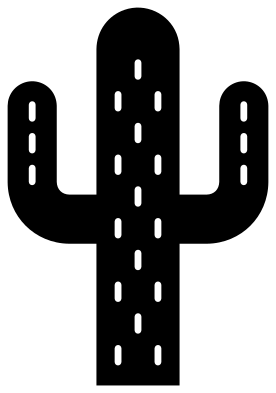 Cactus with spine marks Solid · one piece
 -
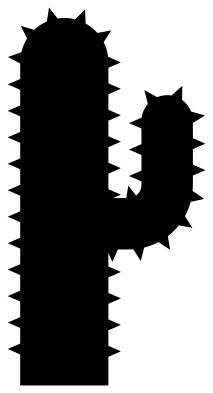 Spiky cactus Solid · one piece
 -
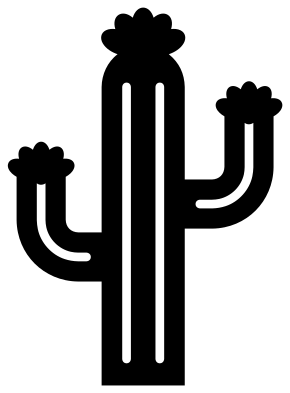 Flowering saguaro cactus Solid · one piece
 -
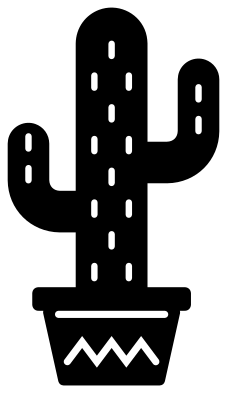 Cactus in a pot Solid · one piece
 -
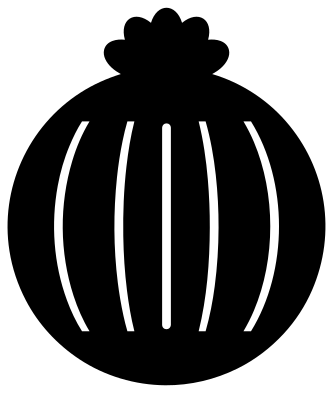 Ball cactus with a flower Solid · one piece
 -
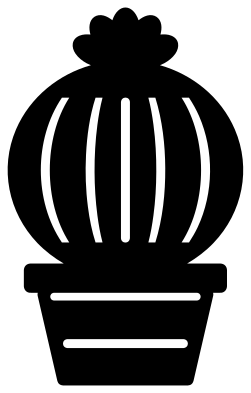 Potted ball cactus Solid · one piece
 -
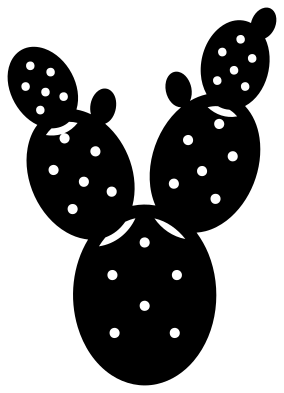 Prickly pear cactus Solid · one piece
 -
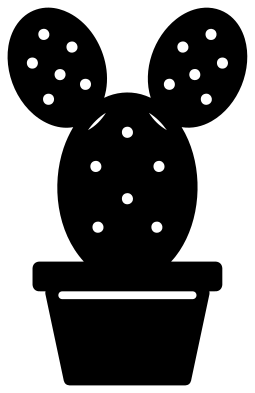 Prickly pear in a pot Solid · one piece
 -
 Cute smiling cactus Solid · one piece
 -
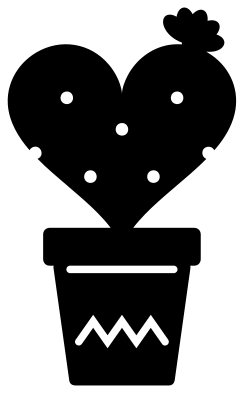 Heart cactus in a pot Solid · one piece
 -
 Organ pipe cactus Solid · one piece
 -
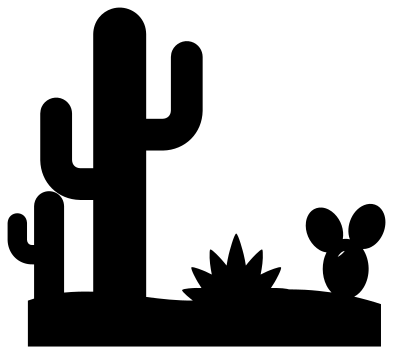 Desert scene with cacti Solid · one piece
 -
 Cactus with a crescent moon Solid · one piece
 -
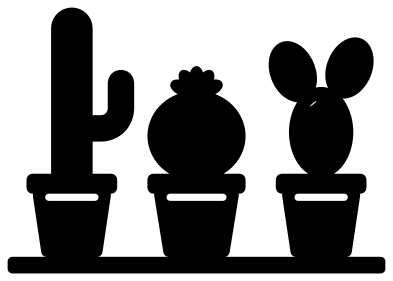 Three potted cacti Solid · one piece
 -
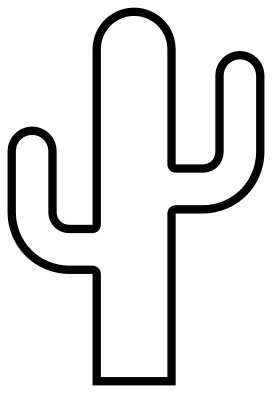 Cactus outline Outline · one piece
 -
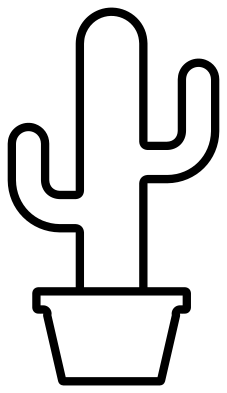 Potted cactus outline Outline · one piece
A forgiving shape to cut
Cacti are among the easiest plants to cut. A saguaro is all thick columns and round ends, with no thin stems or fine tips, so the silhouette and the outline work from 20 mm tall upwards and suit a first project in vinyl, felt or leather.
The detail is in the spines. On the ribbed and dashed designs they are slots and dashes about 2 mm wide at 100 mm tall: fine in vinyl and card, but they close up on a laser below about 60 mm. The spiky cactus carries its spines on the outside instead, as short triangles, which makes it the one to pick for wood and acrylic.
Pots, flowers and colour
The potted designs are one piece, pot included. For two colours, cut the design twice, once in green and once in terracotta, and trim each at the rim of the pot: the slot under the rim shows you where. The flowers are welded on too, so do the same for a pink bloom.
How to open the files
- Cricut Design Space: choose Upload, pick the SVG, and add it to the canvas. Set the width you want; the shape is already welded.
- Silhouette Studio: Designer Edition and above open the SVG. The free Basic Edition does not, so open the DXF instead.
- LightBurn, xTool Creative Space and Glowforge: import the SVG, then set the layer to cut, score or engrave.
- Inkscape, Illustrator and Affinity: open the SVG. It is a plain filled path, so you can recolour it, add a stroke or combine it with your own work.
- Printing or sublimation: use the PNG, which has a transparent background.
Each design page lists the file’s narrowest part at seven sizes, so you can tell whether it will survive at the size you plan to cut.
Questions
Which cactus is best for a small sticker or earring?
The cactus silhouette, the organ pipe cactus or the spiky cactus. None of them has inside cuts, so there is nothing to weed and nothing to close up at 20 to 30 mm tall.
Why does the prickly pear have gaps between its pads?
Without them the overlapping pads would merge into one blob. Each gap follows the edge of the pad in front and stops short of the outline at both ends, so the pads still hold together as one piece.
Can I cut the cactus in a pot in two colours?
Yes. Cut it once in each colour and cut across both at the rim of the pot with scissors or in your software. Use the plant from one and the pot from the other.
 Flower SVG
  Sunflower SVG
  Butterfly SVG
  Rose SVG
  Daisy SVG
  Leaf SVG