Free apple SVG files
Free apple SVG files of the fruit: whole apples with stalk and leaf, halves and cores, outlines and apples for teacher gifts. The body is the same on both sides and the leaf is welded to the stalk. Download as SVG, PNG or DXF.
15 designs. Free for personal and commercial use, no sign-up. What you can do with them.
-
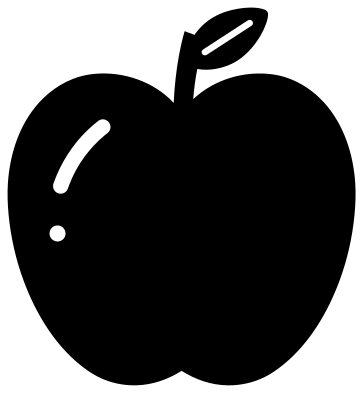 Apple with a leaf Solid · one piece
 -
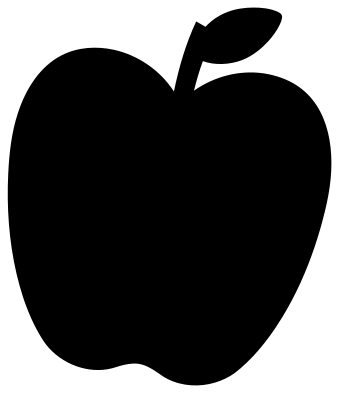 Apple silhouette Solid · one piece
 -
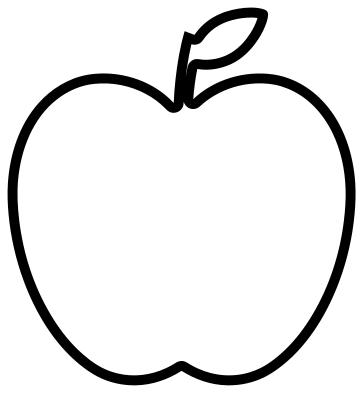 Apple outline Outline · one piece
 -
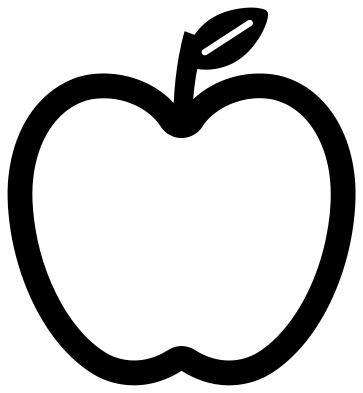 Hollow apple for a monogram Solid · one piece
 -
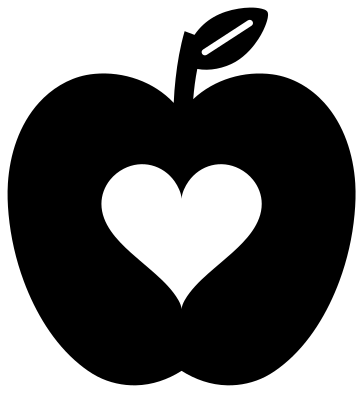 Apple with a heart Solid · one piece
 -
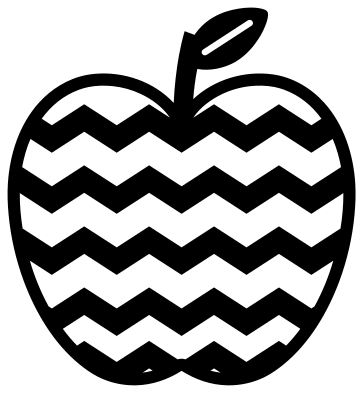 Chevron apple Solid · one piece
 -
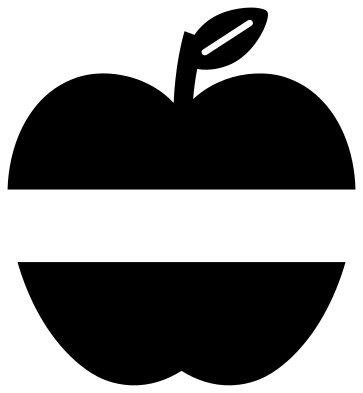 Split apple for a name Solid · 2 pieces
 -
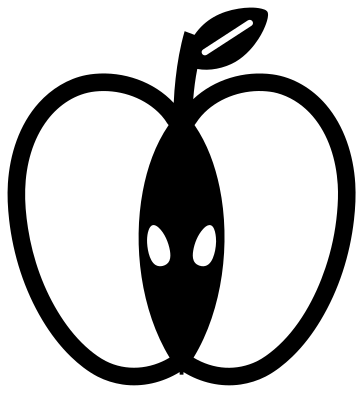 Apple half with seeds Solid · one piece
 -
 Apple core Solid · one piece
 -
 Apple with a worm Solid · one piece
 -
 Cute apple with a face Solid · one piece
 -
 Apple with a name banner Solid · one piece
 -
 Teacher apple on books Solid · one piece
 -
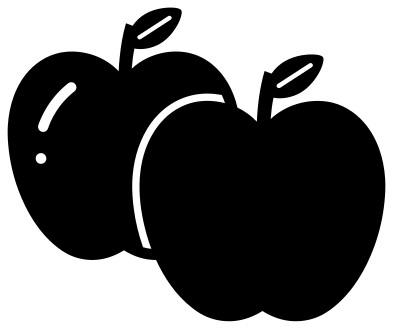 Two apples Solid · one piece
 -
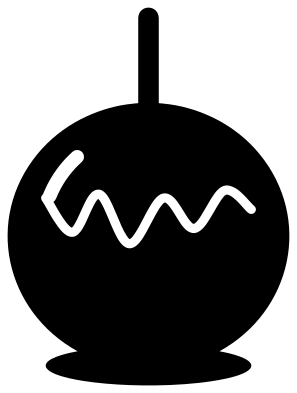 Candy apple on a stick Solid · one piece
An easy shape with one weak point
An apple is a broad, round shape, so it cuts cleanly in almost anything, from vinyl to 6 mm wood. The weak point is the top: the stalk is about 5 mm wide at the 100 mm size of the file, and the leaf hangs from it. In card and vinyl that is no trouble at any sensible size. In wood or acrylic, cut the apple at 70 mm or more so the stalk stays over 3 mm, and run the grain up the stalk, not across it.
The leaf always grows from the stalk and is welded to it, so nothing floats loose. The slot along the middle of the leaf is its vein; choose the apple silhouette if you want a leaf with no slot.
Apples for teachers and names
Three designs leave room for words. The split apple has a clear band across the middle for a name. The hollow apple is a frame with an open centre for an initial. The apple silhouette is a plain solid shape to lay white lettering over. For a quick gift tag, cut the apple with a heart from red card and write on the back.
How to open the files
- Cricut Design Space: choose Upload, pick the SVG, and add it to the canvas. Set the width you want; the shape is already welded.
- Silhouette Studio: Designer Edition and above open the SVG. The free Basic Edition does not, so open the DXF instead.
- LightBurn, xTool Creative Space and Glowforge: import the SVG, then set the layer to cut, score or engrave.
- Inkscape, Illustrator and Affinity: open the SVG. It is a plain filled path, so you can recolour it, add a stroke or combine it with your own work.
- Printing or sublimation: use the PNG, which has a transparent background.
Each design page lists the file’s narrowest part at seven sizes, so you can tell whether it will survive at the size you plan to cut.
Questions
How do I add a name to the split apple?
Type the name in your cutting software, set it between the two halves and size it to the height of the band, which is about 19 mm when the apple is 100 mm tall. Cut all three parts together and keep them on the transfer tape so the spacing holds.
Can I cut the apple in red with a green leaf?
Yes. Cut the same design once in each colour. Keep the body from the red sheet and the stalk and leaf from the green one, cutting them apart where the stalk meets the body, and overlap them by a millimetre when you stick them down.
Which apple suits a small sticker?
The apple silhouette or the apple with a heart. Both stay clear at 25 mm tall. The chevron apple and the apple half have thinner parts and need about 60 mm.
 Flower SVG
  Sunflower SVG
  Butterfly SVG
  Rose SVG
  Daisy SVG
  Leaf SVG