Free whiskey SVG files
Free whiskey SVG files: a bottle with a blank label, a plain bottle, an old corked bottle, a cut-glass tumbler with ice, two glasses clinking, a decanter, a barrel, a barrel head sign, a hip flask and a blank label to fill in. No brand is copied: every label is an empty panel for your own name.
14 designs. Free for personal and commercial use, no sign-up. What you can do with them.
-
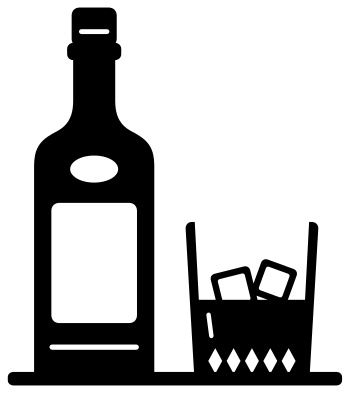 Whiskey bottle and glass on a bar Solid · one piece
 -
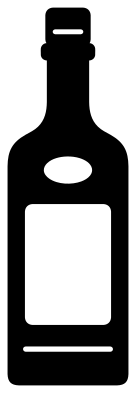 Whiskey bottle with a blank label Solid · one piece
 -
 Whiskey bottle in solid black Solid · one piece
 -
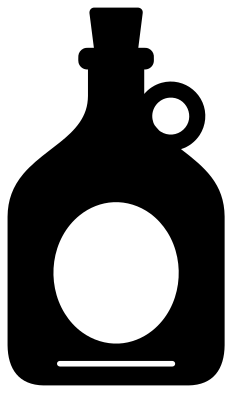 Old whiskey bottle with a cork Solid · one piece
 -
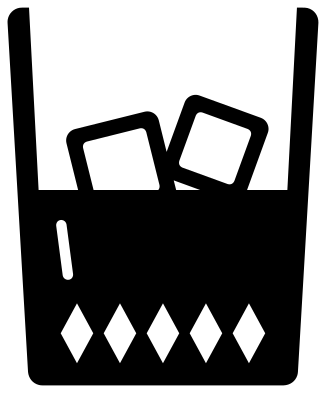 Whiskey tumbler with two ice cubes Solid · one piece
 -
 Two whiskey glasses clinking Solid · one piece
 -
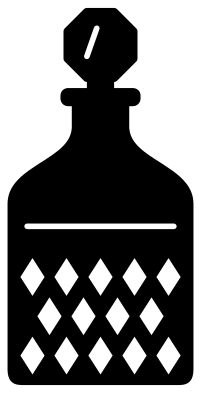 Whiskey decanter with cut diamonds Solid · one piece
 -
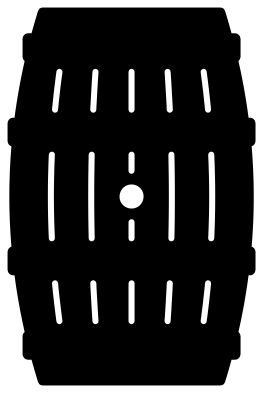 Whiskey barrel Solid · one piece
 -
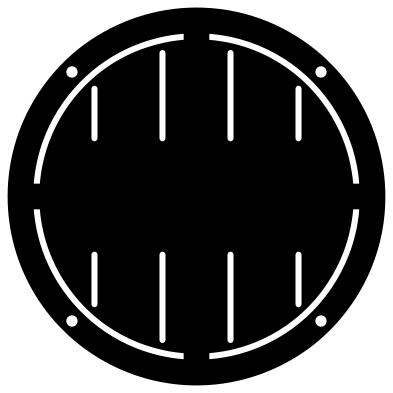 Whiskey barrel head sign Solid · one piece
 -
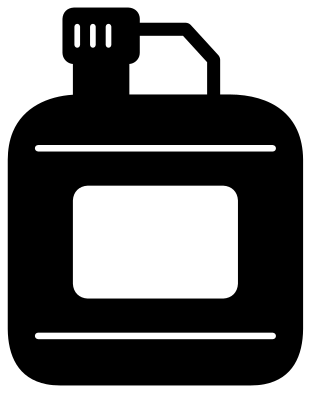 Whiskey hip flask Solid · one piece
 -
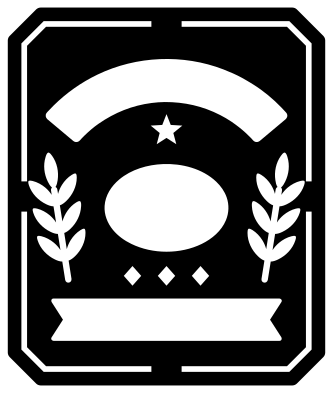 Blank whiskey label Solid · one piece
 -
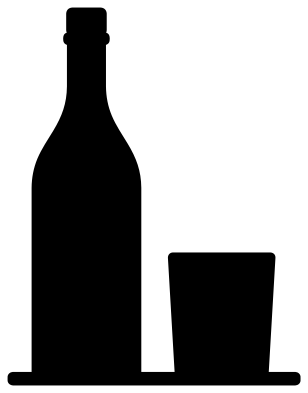 Whiskey bottle and glass silhouette Solid · one piece
 -
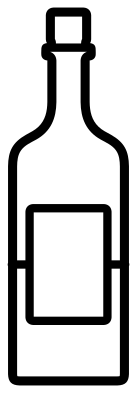 Whiskey bottle outline Outline · one piece
 -
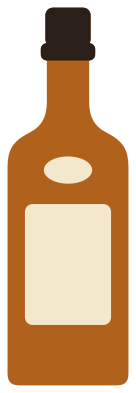 Layered whiskey bottle in three colours Layered · 4 pieces
Blank labels, on purpose
Most whiskey projects are personal: a name on a bar sign, initials on a flask, a date on a bottle for a wedding or a fortieth birthday. So every label here is an open panel with nothing in it. On the bottle the panel is 23 mm wide and 32 mm tall at 100 mm, which is room for an initial or a short name once you scale the bottle to 150 mm or more. The barrel head sign has a clear band across its middle for a longer name, and the blank label is the piece to use when the words are the main thing.
The blank label is a plate with its lettering spaces cut out as windows. Cut it from adhesive vinyl and apply it to a real bottle, a wooden box or a framed card, then add your words in the windows in a second colour.
Glass and the etched look
For a real tumbler or decanter, cut a design as a stencil from adhesive vinyl and use etching cream, or cut it from frosted vinyl for the same look without the acid. The solid bottle and the silhouette are the safest at 30 to 40 mm tall. The decanter lattice and the staves of the barrel are slots about 1.5 mm wide at 100 mm, so keep those two at 80 mm or taller.
How to open the files
- Cricut Design Space: choose Upload, pick the SVG, and add it to the canvas. Set the width you want; the shape is already welded.
- Silhouette Studio: Designer Edition and above open the SVG. The free Basic Edition does not, so open the DXF instead.
- LightBurn, xTool Creative Space and Glowforge: import the SVG, then set the layer to cut, score or engrave.
- Inkscape, Illustrator and Affinity: open the SVG. It is a plain filled path, so you can recolour it, add a stroke or combine it with your own work.
- Printing or sublimation: use the PNG, which has a transparent background.
Each design page lists the file’s narrowest part at seven sizes, so you can tell whether it will survive at the size you plan to cut.
Questions
Can I put a real brand name on the blank label?
Not for anything you sell or give away as if it were that brand: names and label designs of distilleries are trademarks. The labels here are blank so that you can add a person’s name, a date or your own made-up brand, which is what most gift projects want anyway.
Is it whiskey or whisky?
Both are right. Whiskey with an e is the usual spelling in Ireland and the United States, and whisky without it in Scotland, Canada and Japan. The drawings are the same either way.
How do I make the whiskey in the glass amber?
In the tumbler design the drink is the solid part and the air above it is cut away. Cut the whole glass in amber or copper vinyl for a quick version. For two colours, cut the glass once in a pale grey, and again in amber, and trim the amber copy along the level of the drink before you layer it.
 Pineapple SVG
  Coffee cup SVG
  Wine glass SVG
  Beer mug SVG
  Cupcake SVG
  Donut SVG