Free tulip SVG files
Free tulip SVG files drawn by code: single tulips on bending stems, a large flower head, lily-flowered tulips and buds, bunches, a vase, a border, a wreath and two monogram frames. Every head is one welded piece with its petals marked by thin gaps.
14 designs. Free for personal and commercial use, no sign-up. What you can do with them.
-
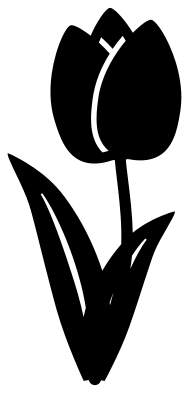 Tulip on a curved stem Solid · one piece
 -
 Large tulip flower with five petals Solid · one piece
 -
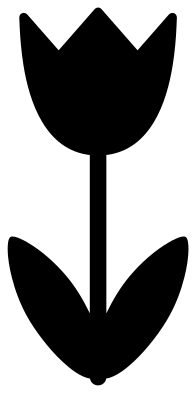 Simple tulip for children Solid · one piece
 -
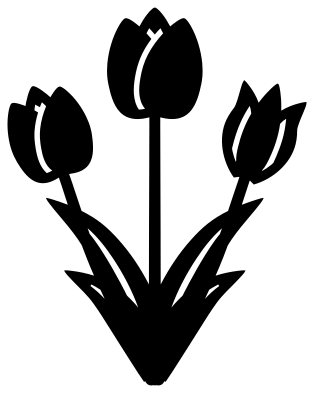 Three spring tulips Solid · one piece
 -
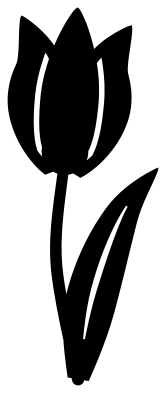 Lily-flowered tulip Solid · one piece
 -
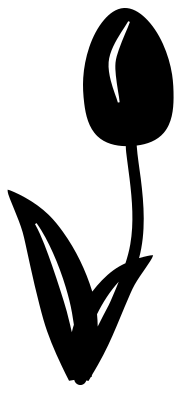 Tulip bud Solid · one piece
 -
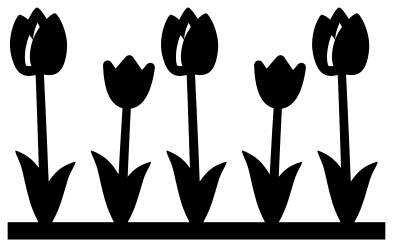 Tulip border Solid · one piece
 -
 Tulips in a vase Solid · one piece
 -
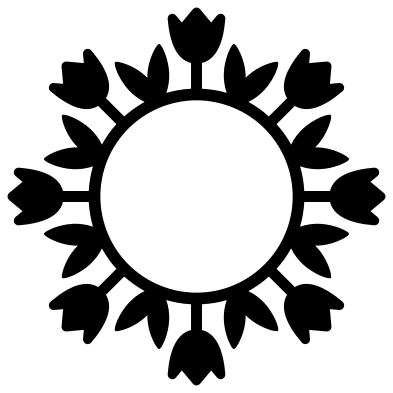 Tulip wreath Solid · one piece
 -
 Tulip frame Solid · one piece
 -
 Two tulips in a heart Solid · one piece
 -
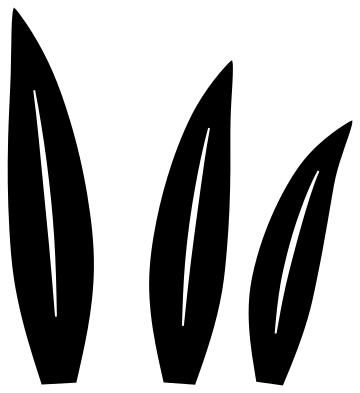 Tulip leaves, three loose pieces Solid · 3 pieces
 -
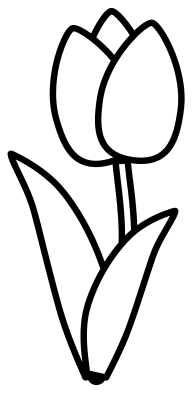 Tulip outline Outline · one piece
 -
 Layered tulip in three colours Layered · 3 pieces
Stems, leaves and where they are thinnest
A tulip is a heavy head on a slim stem, and the stem is the part to watch. Here stems are 3 to 3.5 mm wide when the file is 100 mm tall, and about 2.2 mm in the border, where five plants share the width. In vinyl that is plenty at any size above 50 mm. For card, felt and thin wood keep single tulips at 80 mm or taller, or choose the simple tulip, whose stem is 4.4 mm wide.
The leaves are creased down the middle with a slit that stops short of both ends. On paper tulips, score along that line and fold the leaf slightly, and it will hold a curve the way a real one does.
Colour and season
Tulips come in almost every colour except true blue, so they are a forgiving flower for scrap vinyl and offcuts of card. Red and yellow read as spring from a distance, pink and white suit Mother's Day and weddings, and a row in mixed colours is the quickest Easter border there is. To cut the head and the leaves in different colours from a one-piece design, cut it twice and trim each copy where the stem meets the head.
How to open the files
- Cricut Design Space: choose Upload, pick the SVG, and add it to the canvas. Set the width you want; the shape is already welded.
- Silhouette Studio: Designer Edition and above open the SVG. The free Basic Edition does not, so open the DXF instead.
- LightBurn, xTool Creative Space and Glowforge: import the SVG, then set the layer to cut, score or engrave.
- Inkscape, Illustrator and Affinity: open the SVG. It is a plain filled path, so you can recolour it, add a stroke or combine it with your own work.
- Printing or sublimation: use the PNG, which has a transparent background.
Each design page lists the file’s narrowest part at seven sizes, so you can tell whether it will survive at the size you plan to cut.
Questions
How do I make the tulip border longer?
Place copies of the tulip border end to end so the strips of ground overlap by a millimetre, then weld them. The strip is the same height at both ends, so the join does not show.
Which tulip suits a monogram?
The tulip frame and the two tulips in a heart are both open in the middle. When the file is 100 mm wide, each leaves a space about 70 mm across at its widest, enough for one large initial or two short names.
What is the difference between the cup tulip and the lily-flowered one?
The cup is the classic garden tulip, round at the bottom with petals that close over the top. Lily-flowered tulips are slimmer, with pointed petals that bend outwards at the tips. The second looks finer but its points are sharper, so cut it a little larger.
 Flower SVG
  Sunflower SVG
  Butterfly SVG
  Rose SVG
  Daisy SVG
  Leaf SVG