Free tornado SVG files
Free tornado SVG files: a funnel with turning bands, a storm cloud with a funnel, a tornado over a field, a plain silhouette, a tiny smiling twister for children, a stacked bar icon, a one-line swirl, a rope tornado, a waterspout and a layered version in four colours. Each is one welded shape unless its note says otherwise.
13 designs. Free for personal and commercial use, no sign-up. What you can do with them.
Or choose one below for its PNG, DXF and cutting sizes.
-
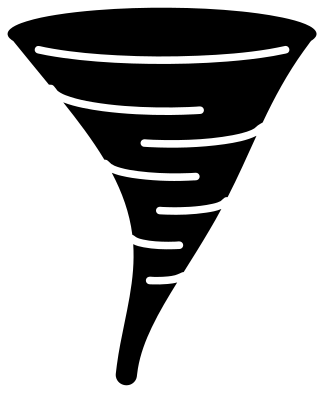 Tornado funnel with turning bands Solid · one piece
 -
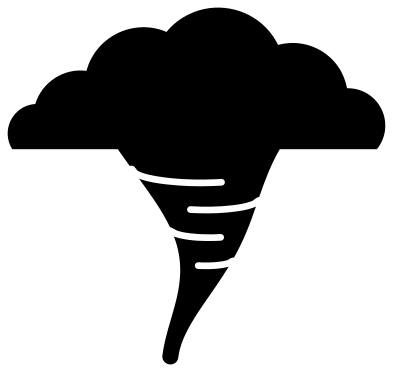 Storm cloud with a tornado Solid · one piece
 -
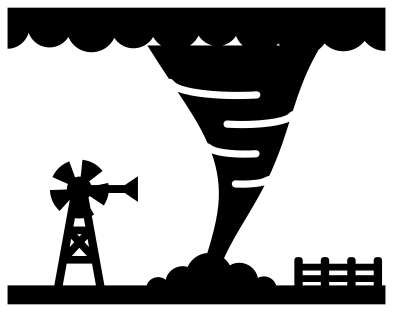 Tornado over a field Solid · one piece
 -
 Tornado silhouette Solid · one piece
 -
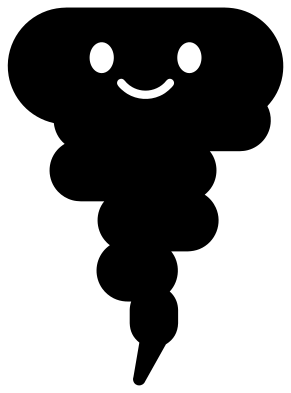 Tiny tornado with a smiling face Solid · one piece
 -
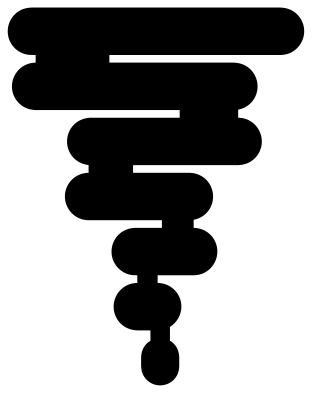 Tornado icon of stacked bars Solid · one piece
 -
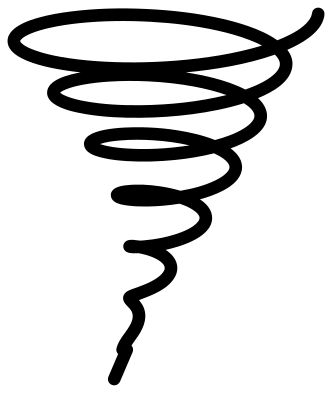 Tornado swirl in one line Solid · one piece
 -
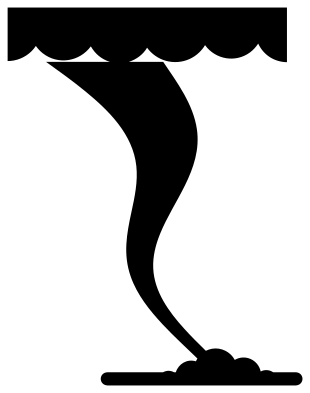 Rope tornado Solid · one piece
 -
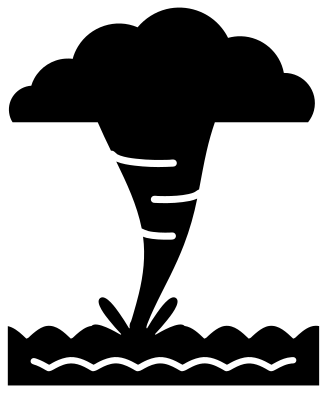 Waterspout tornado over the sea Solid · one piece
 -
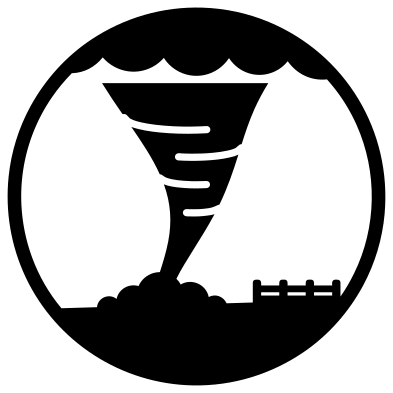 Tornado in a circle Solid · one piece
 -
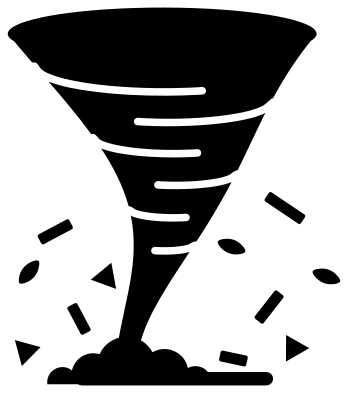 Tornado with flying debris Solid · 12 pieces
 -
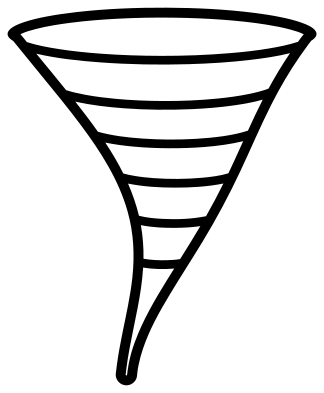 Tornado outline Outline · one piece
 -
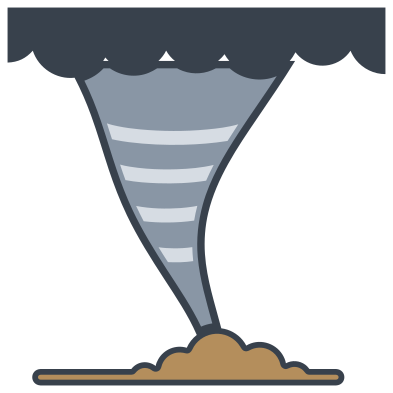 Layered tornado in four colours Layered · 7 pieces
What to make with them
Tornado designs turn up on storm chaser shirts and stickers, on weather units and science fair boards at school, on safe room and shelter signs, and on shirts for small children who leave a room looking as if one has been through it. For a shirt, cut the banded funnel or the storm cloud about 200 mm tall in heat transfer vinyl. For a classroom weather chart, the stacked bar icon and the silhouette stay clear at 40 mm. The tiny tornado leaves clear space on either side of its tail where a name can go.
Cutting notes
The bands are slits about 2 mm wide at 100 mm that run in from the edge of the funnel and stop short of the other side. Each one leaves a flap, so weed slowly and pull the waste out of a slit from its open end towards its closed end. The lower third of every funnel is a narrow rope: on card, keep the design at 80 mm tall or more so the rope does not tear when you lift it off the mat. The one-line swirl has many small openings between its loops and is quicker to cut on a laser than to weed in vinyl.
How to open the files
- Cricut Design Space: choose Upload, pick the SVG, and add it to the canvas. Set the width you want; the shape is already welded.
- Silhouette Studio: Designer Edition and above open the SVG. The free Basic Edition does not, so open the DXF instead.
- LightBurn, xTool Creative Space and Glowforge: import the SVG, then set the layer to cut, score or engrave.
- Inkscape, Illustrator and Affinity: open the SVG. It is a plain filled path, so you can recolour it, add a stroke or combine it with your own work.
- Printing or sublimation: use the PNG, which has a transparent background.
Each design page lists the file’s narrowest part at seven sizes, so you can tell whether it will survive at the size you plan to cut.
Questions
Which tornado design is easiest to cut small?
The silhouette and the stacked bar icon. Neither has inner cuts, and both stay clear at about 40 mm tall. The banded funnel needs about 80 mm so that the slits between its bands weed cleanly.
How do I keep the loose debris in place?
The tornado with flying debris has eleven small pieces that are not joined to the funnel. On vinyl, weed it on the backing sheet and lift everything at once with transfer tape. On card, glue the funnel down first and place the pieces round it by eye.
Can I add words to the tiny tornado?
Yes. The files contain no lettering. Open the design in your cutting software, type the name or phrase beside or under the twister in any font you have, and weld or attach it before you cut.
 Flower SVG
  Sunflower SVG
  Butterfly SVG
  Rose SVG
  Daisy SVG
  Leaf SVG