Free stripes SVG patterns
Free stripe patterns as vector files: horizontal, diagonal, candy, pinstripe and ticking stripes with exact widths, plus wavy, graduated, sunburst and brush stroke stripes, a striped circle and heart, a caution band and racing stripes. Every straight edge is straight and every repeat is spaced by code.
16 designs. Free for personal and commercial use, no sign-up. What you can do with them.
-
 Horizontal stripes Solid · 6 pieces
 -
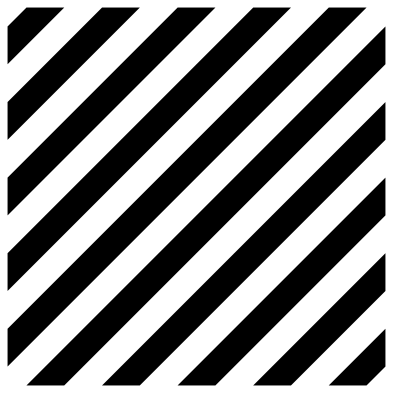 Diagonal stripes Solid · 10 pieces
 -
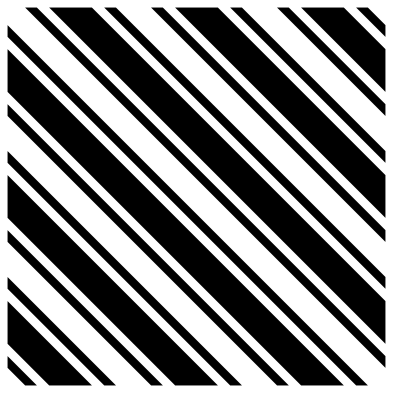 Candy stripes Solid · 18 pieces
 -
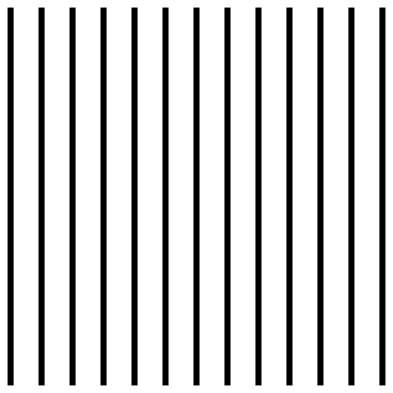 Pinstripes Solid · 13 pieces
 -
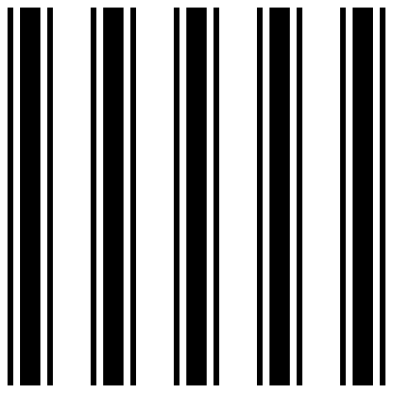 Ticking stripes Solid · 15 pieces
 -
 Graduated stripes Solid · 10 pieces
 -
 Wavy stripes Solid · 6 pieces
 -
 Sunburst stripes Solid · one piece
 -
 Striped circle Solid · 7 pieces
 -
 Heart of horizontal stripes Solid · 9 pieces
 -
 Caution stripe band Solid · one piece
 -
 Racing stripes Solid · 4 pieces
 -
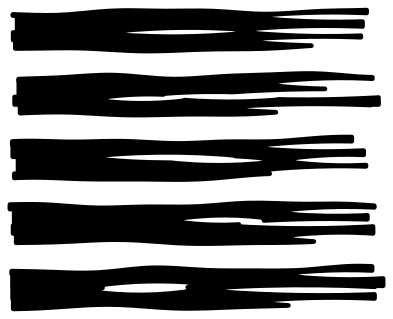 Brush stroke stripes Solid · 5 pieces
 -
 Barcode stripes Solid · 14 pieces
 -
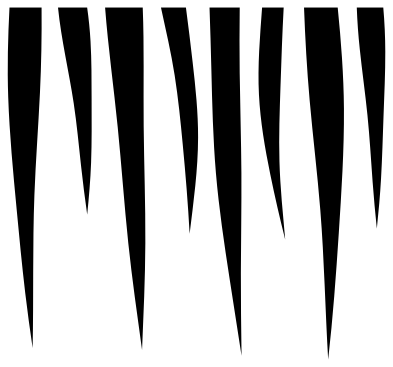 Fish stripes for lures Solid · 8 pieces
 -
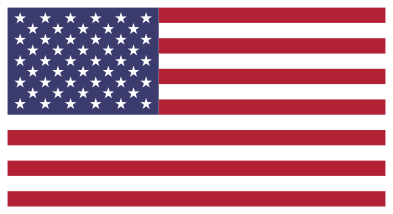 Stars and stripes Layered · 8 pieces
Stretching, turning and filling
A straight stripe is the one pattern you can stretch without spoiling it. Unlock the proportions in your cutting software and pull the horizontal stripes, the pinstripes, the ticking or the racing stripes to any length: the bars get longer and their widths stay as they were. Turn any of them 90 degrees for the other direction.
To put stripes inside a word or a shape, lay the pattern over it, select both and use Slice in Cricut Design Space or Intersect in Silhouette Studio or Inkscape. To cut stripes out of a shape instead, so the base colour shows through, use Subtract or Difference with the same two objects.
Keeping long bars straight
Long thin strips of vinyl stretch and wander when you pull them. Weed the gaps away and leave the bars on the backing, then lift the whole set with one sheet of transfer tape and lay it down from the middle outwards. Do not peel bars off one at a time. On the pinstripes the lines are 1.6 mm wide at 100 mm, which is near the limit for iron-on, so cut that pattern at full size or larger.
The sunburst and the caution band are joined by a hub or a rail and cut as one piece, so they also work in card and wood. Everything else is loose bars, which suits vinyl, iron-on and stencil film.
How to open the files
- Cricut Design Space: choose Upload, pick the SVG, and add it to the canvas. Set the width you want; the shape is already welded.
- Silhouette Studio: Designer Edition and above open the SVG. The free Basic Edition does not, so open the DXF instead.
- LightBurn, xTool Creative Space and Glowforge: import the SVG, then set the layer to cut, score or engrave.
- Inkscape, Illustrator and Affinity: open the SVG. It is a plain filled path, so you can recolour it, add a stroke or combine it with your own work.
- Printing or sublimation: use the PNG, which has a transparent background.
Each design page lists the file’s narrowest part at seven sizes, so you can tell whether it will survive at the size you plan to cut.
Questions
How do I make stripes wider or closer together?
Scaling the whole pattern changes bars and gaps together. To change only the spacing, ungroup the bars, select them all and use the Distribute or Space Evenly tool with a new overall height. To change only the bar width, stretch the set across the bars and then space them back out.
Will the diagonal stripes line up if I repeat them?
Yes. On the diagonal stripes five whole repeats fit each side of the square, and on the candy stripes three do, so the stripes leave one edge exactly where they enter the opposite one. Place copies edge to edge, 100 mm apart at the original size, and weld them.
How do I cut the stars and stripes in two colours?
Cut the red stripes layer in red and the blue field layer in blue, and press both on a white base: the white shows through as the other six stripes and the fifty stars. The stars are only about 3 mm across at 100 mm, so cut the flag at 250 mm wide or more.
 Halftone patterns
  Spiral vectors
  Leopard print
  Cow print
  Zebra print
  Mermaid scales