Free mermaid scales SVG patterns
Free mermaid scales as vector files: the scallop pattern as joined lines, as a stencil, as loose scales and as a tile that repeats without a seam, plus a heart, a circle, a mermaid tail and pointed dragon scales. Every scale is the same exact shape, drawn by code, so rows line up and repeats meet.
19 designs. Free for personal and commercial use, no sign-up. What you can do with them.
-
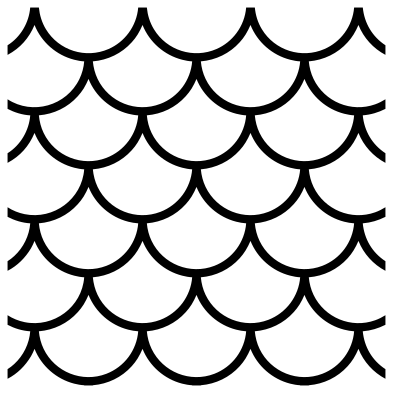 Mermaid scales line pattern Outline · one piece
 -
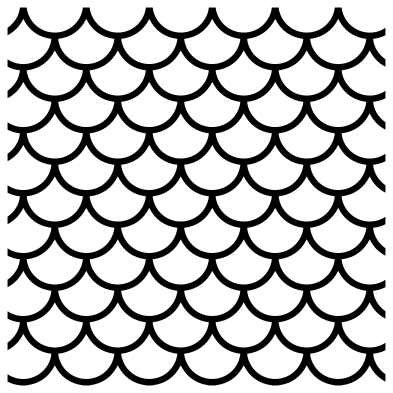 Seamless mermaid scales tile Outline · one piece
 -
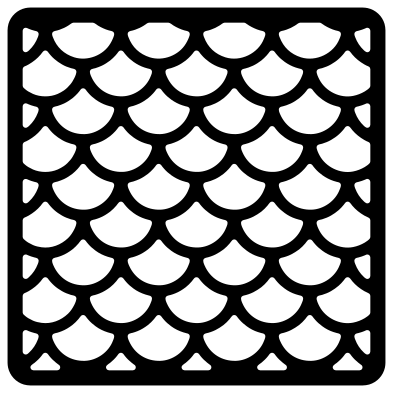 Mermaid scales stencil Solid · one piece
 -
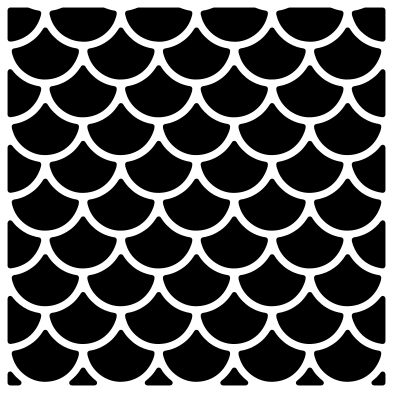 Loose mermaid scales Solid · 61 pieces
 -
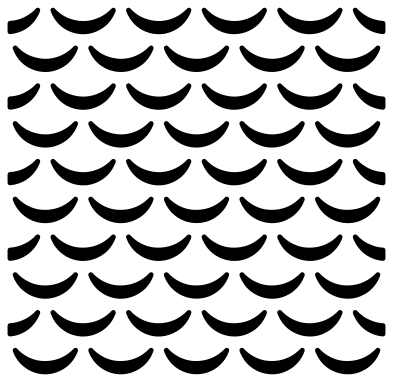 Mermaid scales as crescents Solid · 55 pieces
 -
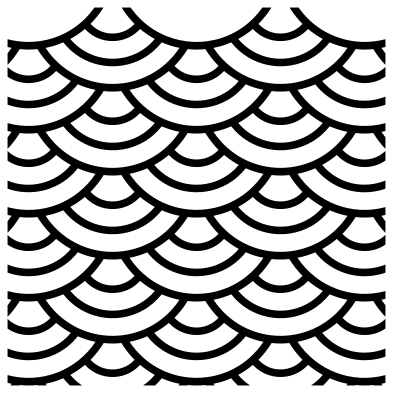 Mermaid scales with rings Outline · one piece
 -
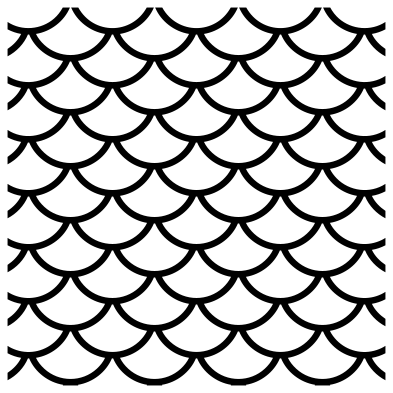 Fish scale pattern Outline · one piece
 -
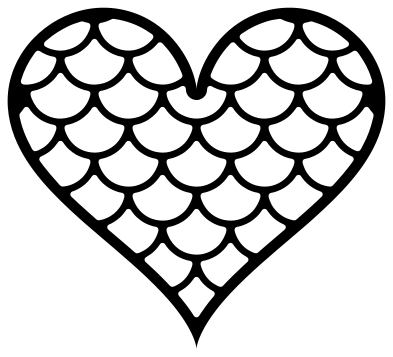 Mermaid scales heart Outline · one piece
 -
 Mermaid scales circle Solid · one piece
 -
 Fading mermaid scales Solid · 31 pieces
 -
 Mermaid scales with fading lines Solid · one piece
 -
 Mermaid scales border Outline · one piece
 -
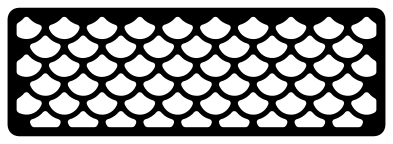 Fine fish scales stencil strip Outline · one piece
 -
 Single mermaid scale Solid · one piece
 -
 Single mermaid scale with rings Outline · one piece
 -
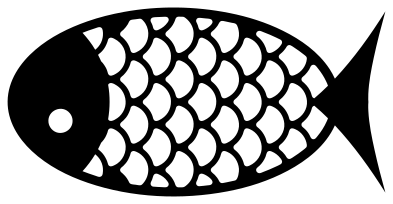 Fish with scales Solid · one piece
 -
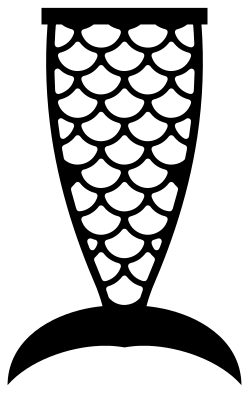 Mermaid scales tail Solid · one piece
 -
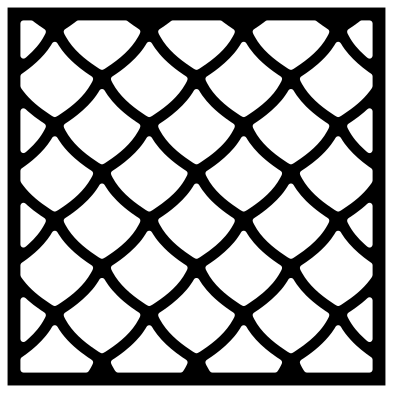 Dragon scales pattern Solid · one piece
 -
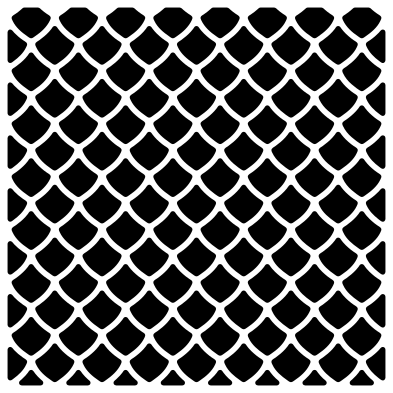 Snake skin scales Solid · 127 pieces
Lines, stencils and loose scales
A scale pattern can be cut three ways, and they behave differently on the mat. The line patterns are a lattice: every arc joins the arcs beside it, so the whole thing is one piece that you weed by lifting out the scales. The stencils are the same lattice with heavier bars and a border, strong enough to paint or airbrush through. The loose scales are the pieces you would have weeded out: separate tiles that need transfer tape to keep their spacing.
For a shimmering tail, cut the loose scales two or three times in different colours and keep alternate rows from each. For a quick single-colour job, use a line pattern over a contrasting base. To fill a word or a shape, lay the pattern over it and use Slice in Cricut Design Space or Intersect in Silhouette Studio or Inkscape.
Sizes and the seamless tile
Each page lists the thinnest part at seven sizes. The lines are 1.4 to 3 mm wide at 100 mm. In vinyl keep them above 1 mm; for a stencil in card or mylar keep them above 1.5 mm, which means cutting the finer patterns at full size or larger. The seamless tile is cut exactly on the repeat: put copies edge to edge, 100 mm apart at the original size, and weld them into one sheet of scales as large as you need.
How to open the files
- Cricut Design Space: choose Upload, pick the SVG, and add it to the canvas. Set the width you want; the shape is already welded.
- Silhouette Studio: Designer Edition and above open the SVG. The free Basic Edition does not, so open the DXF instead.
- LightBurn, xTool Creative Space and Glowforge: import the SVG, then set the layer to cut, score or engrave.
- Inkscape, Illustrator and Affinity: open the SVG. It is a plain filled path, so you can recolour it, add a stroke or combine it with your own work.
- Printing or sublimation: use the PNG, which has a transparent background.
Each design page lists the file’s narrowest part at seven sizes, so you can tell whether it will survive at the size you plan to cut.
Questions
How do I put mermaid scales on a tumbler or a tail shape?
Tile the seamless pattern until it is larger than the area, weld the copies, then lay your shape over it and use Slice or Intersect to trim the scales to the shape. For a tapered tumbler, cut the pattern a little oversize and trim the overlap at the seam.
Are mermaid scales and fish scales the same pattern?
Nearly. Both are rows of round-ended scales with each row shifted half a scale. In the mermaid version each scale shows a full half circle. In the fish scale pattern here the rows sit closer, so each scale shows a shallower curve, as on a real fish.
Which version is quickest to weed?
The line patterns with large scales: the pattern with 29 mm scales has only about 25 scales to lift out. Small scales mean many more pieces, so save the fine patterns for stencils and lasers, where nothing is weeded by hand.
 Halftone patterns
  Spiral vectors
  Leopard print
  Cow print
  Zebra print
  Buffalo plaid