Free leopard print SVG patterns
Free leopard print and cheetah print as vector files: square swatches at three scales, a tile that repeats without a seam, and the print cut to a heart, a circle, a star and a lightning bolt. Every spot is a smooth closed shape, evenly scattered by code, with no clumps or bald patches.
18 designs. Free for personal and commercial use, no sign-up. What you can do with them.
-
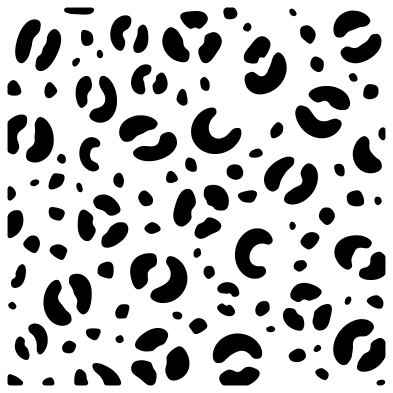 Leopard print pattern Solid · 117 pieces
 -
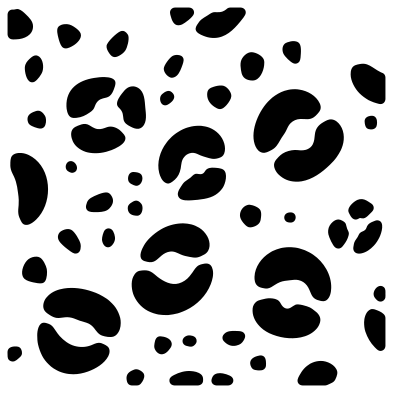 Large leopard print Solid · 51 pieces
 -
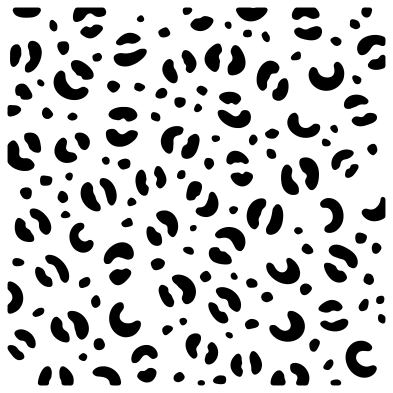 Small leopard print Solid · 167 pieces
 -
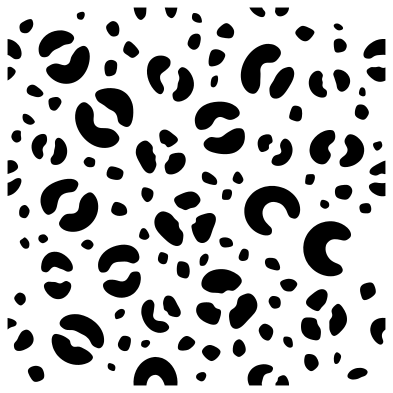 Seamless leopard print tile Solid · 121 pieces
 -
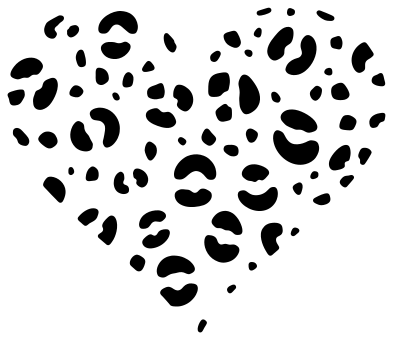 Leopard print heart Solid · 78 pieces
 -
 Heart with leopard print cut out Solid · one piece
 -
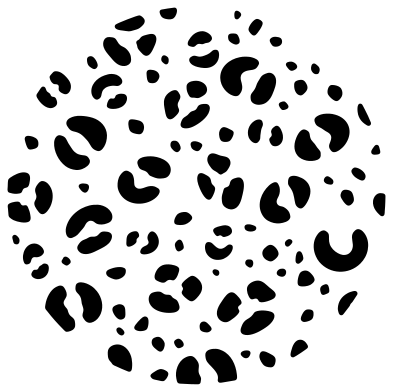 Leopard print circle Solid · 101 pieces
 -
 Leopard print lightning bolt Solid · one piece
 -
 Leopard print star Solid · 47 pieces
 -
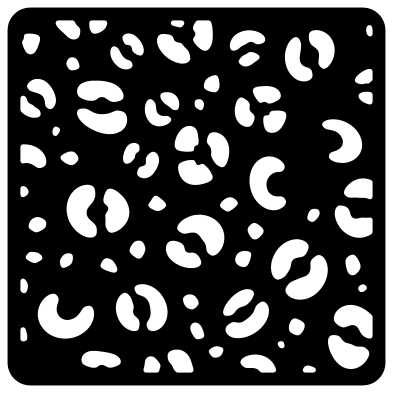 Leopard print stencil panel Solid · one piece
 -
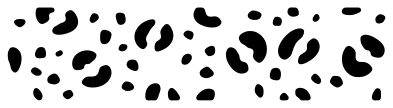 Leopard print border strip Solid · 47 pieces
 -
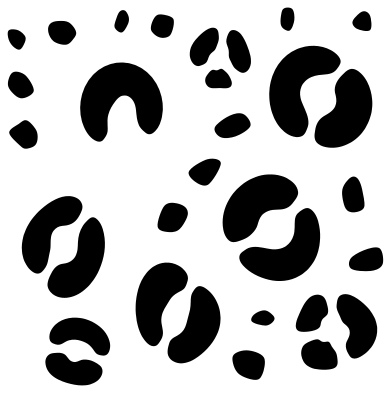 Leopard spots Solid · 32 pieces
 -
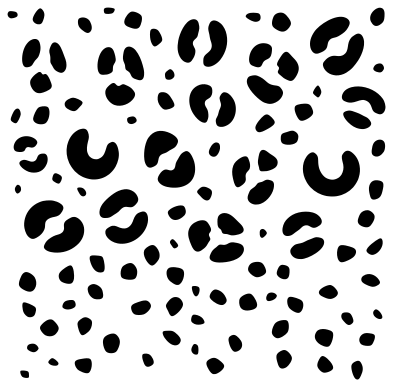 Fading leopard print Solid · 109 pieces
 -
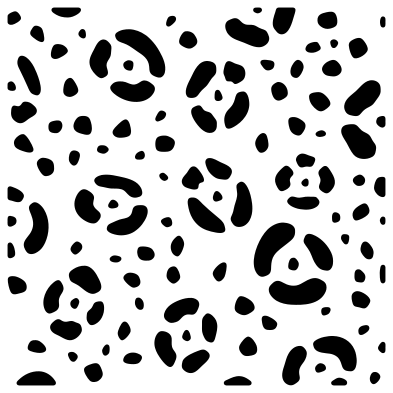 Jaguar print pattern Solid · 121 pieces
 -
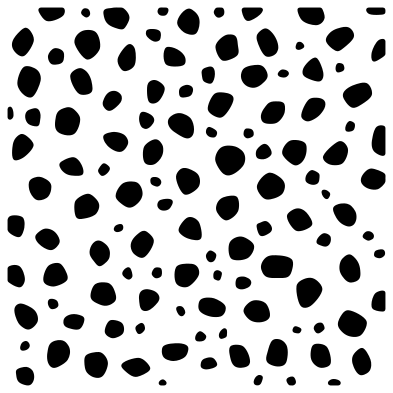 Cheetah print pattern Solid · 118 pieces
 -
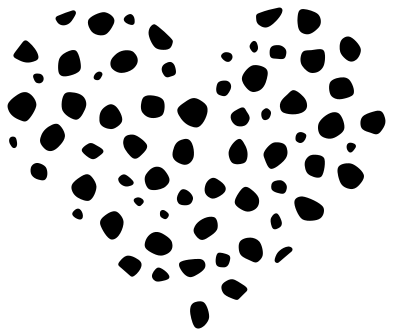 Cheetah print heart Solid · 65 pieces
 -
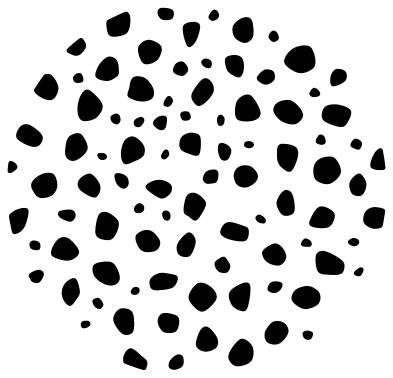 Cheetah print circle Solid · 91 pieces
 -
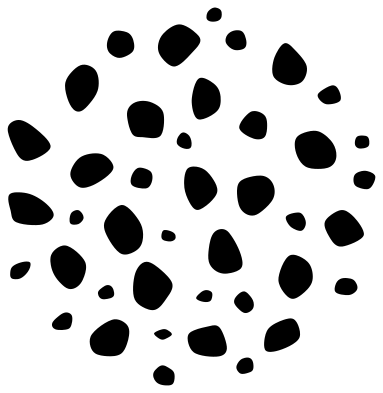 Cheetah spots Solid · 41 pieces
Leopard, cheetah and jaguar
The three prints are easy to tell apart once you know what to look for. A leopard has rosettes: a ring of dark fur broken into two or three thick strokes, with small solid spots filling the gaps between rosettes. A jaguar’s rosettes are larger and have a spot in the middle. A cheetah has no rosettes at all, only solid spots. All three are here, each scattered so that no two marks come closer than a set gap.
Leopard print is nearly always used in one of two ways. Cut the spots on their own in black or brown vinyl and press them over a tan or gold base. Or fill a word or a shape with them: place the swatch over your shape in your cutting software, select both, and use Slice in Cricut Design Space, Intersect in Silhouette Studio or Path, Intersection in Inkscape.
Cutting and weeding the spots
A print is a few hundred small loose pieces, so it weeds slowly and it matters how small you go. Each design page lists its smallest spot. Keep that above about 1 mm for adhesive vinyl and 1.5 mm for iron-on: the large print can be cut at half size, and the small print should be cut at full size or bigger. Use transfer tape to move the whole pattern at once so the spacing holds.
The heart with the print cut out and the stencil panel are the other way round: one solid piece with spot-shaped holes. They suit card, wood and acrylic, where loose spots would be no use.
How to open the files
- Cricut Design Space: choose Upload, pick the SVG, and add it to the canvas. Set the width you want; the shape is already welded.
- Silhouette Studio: Designer Edition and above open the SVG. The free Basic Edition does not, so open the DXF instead.
- LightBurn, xTool Creative Space and Glowforge: import the SVG, then set the layer to cut, score or engrave.
- Inkscape, Illustrator and Affinity: open the SVG. It is a plain filled path, so you can recolour it, add a stroke or combine it with your own work.
- Printing or sublimation: use the PNG, which has a transparent background.
Each design page lists the file’s narrowest part at seven sizes, so you can tell whether it will survive at the size you plan to cut.
Questions
How do I fill letters with leopard print?
Type your word in a heavy font and weld it. Lay the leopard print pattern over it, scaled so several rosettes fit across each letter, then select both and use Slice in Cricut Design Space, Intersect in Silhouette Studio or Path, Intersection in Inkscape. Delete the offcuts and you are left with letters made of spots.
What is the difference between leopard print and cheetah print?
Leopard print is made of rosettes: broken rings of two or three strokes with an open middle. Cheetah print is made of plain solid spots. People often use the two names for the same thing, so this set has both, each under its right name.
Does the seamless tile really repeat?
Yes. Any mark that crosses the right edge of the tile is finished on the left edge, and the same top to bottom. Place copies edge to edge with no gap, 100 mm apart at the original size, and weld them: the cut halves join into whole spots.
 Halftone patterns
  Spiral vectors
 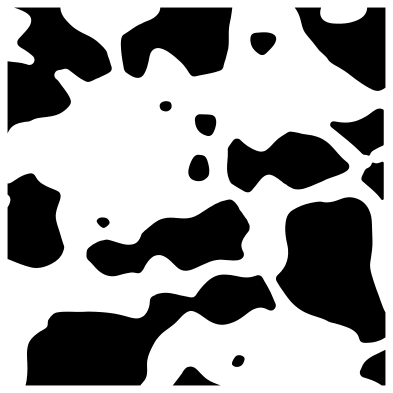 Cow print
 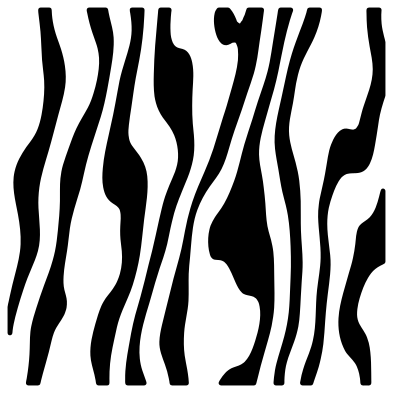 Zebra print
 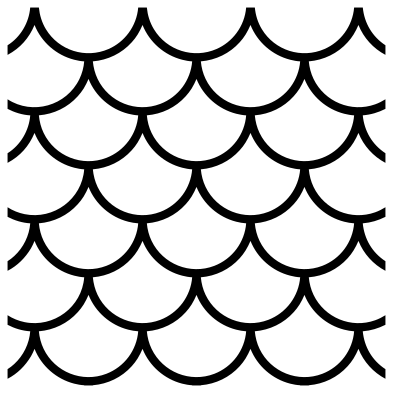 Mermaid scales
 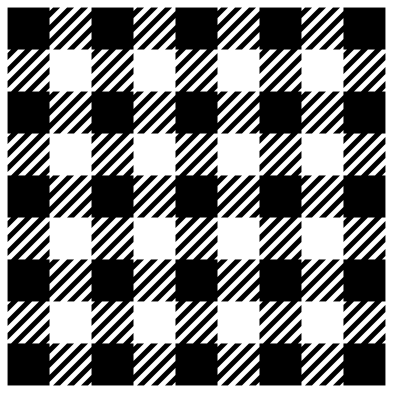 Buffalo plaid