Free halftone patterns: vector and PNG
Free halftone patterns as vector files: dot gradients, flat tints, radial fades and line screens. Every dot is a real circle sized by the tone at that point, and no two touch. Each pattern comes as SVG and as a transparent PNG.
19 designs. Free for personal and commercial use, no sign-up. What you can do with them.
-
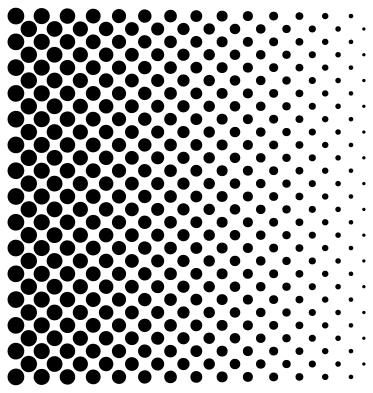 Halftone dot gradient Solid · 406 pieces
 -
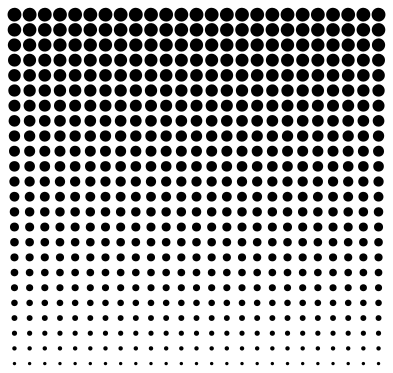 Halftone fade from top to bottom Solid · 600 pieces
 -
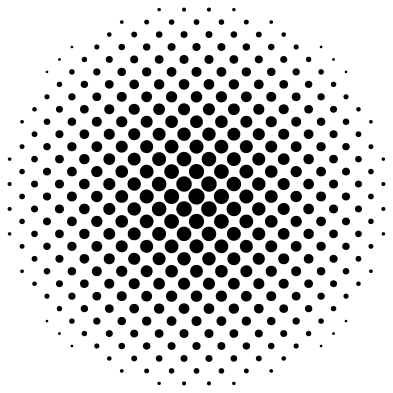 Radial halftone circle Solid · 385 pieces
 -
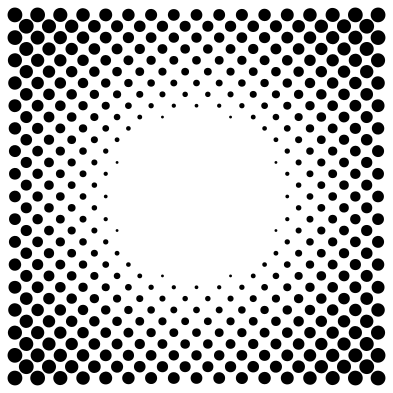 Halftone vignette frame Solid · 456 pieces
 -
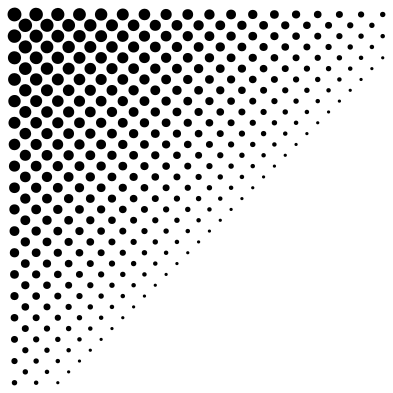 Halftone corner fade Solid · 388 pieces
 -
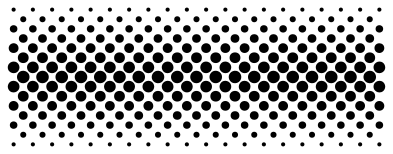 Halftone band Solid · 293 pieces
 -
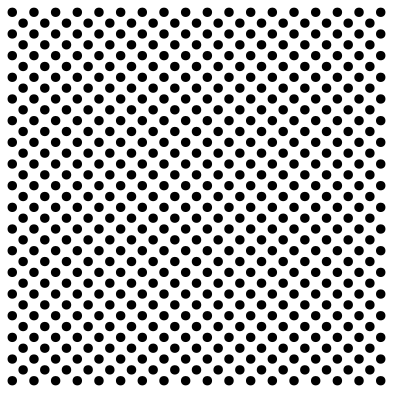 Even halftone dots at 30 percent Solid · 613 pieces
 -
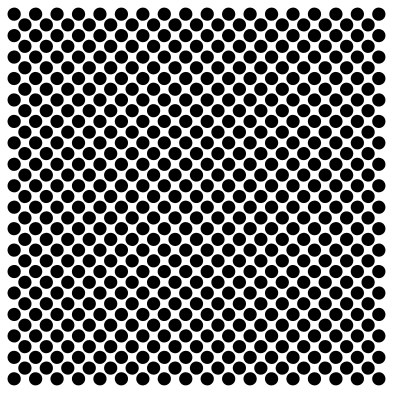 Even halftone dots at 60 percent Solid · 613 pieces
 -
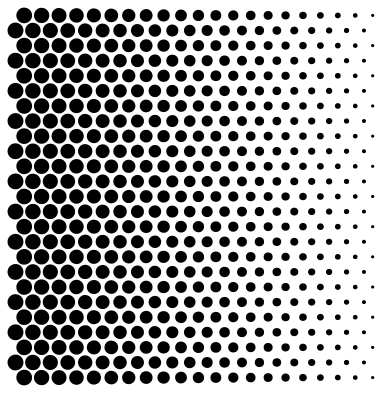 Hexagonal halftone gradient Solid · 525 pieces
 -
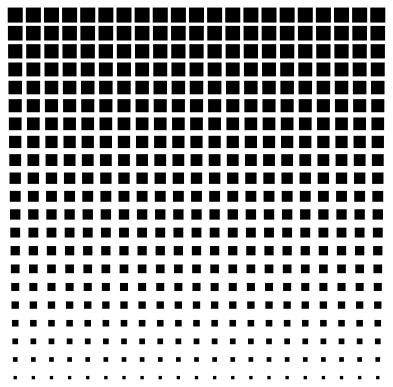 Square-dot halftone gradient Solid · 441 pieces
 -
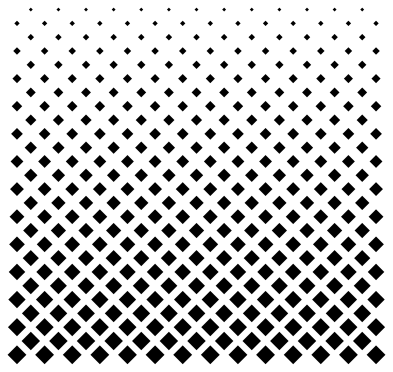 Diamond halftone gradient Solid · 351 pieces
 -
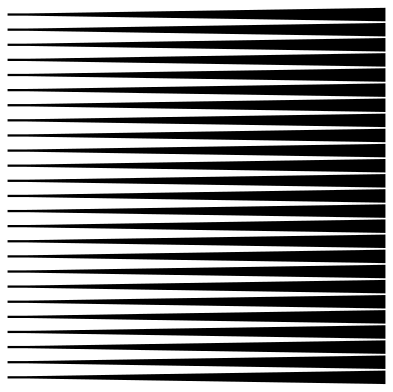 Line halftone gradient Solid · 25 pieces
 -
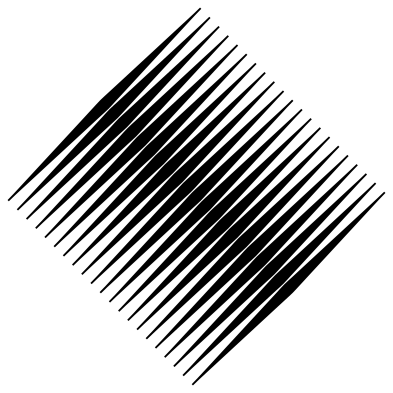 Diagonal line halftone Solid · 21 pieces
 -
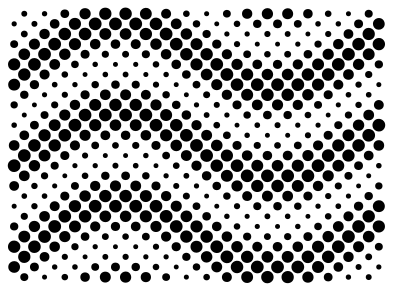 Halftone wave Solid · 499 pieces
 -
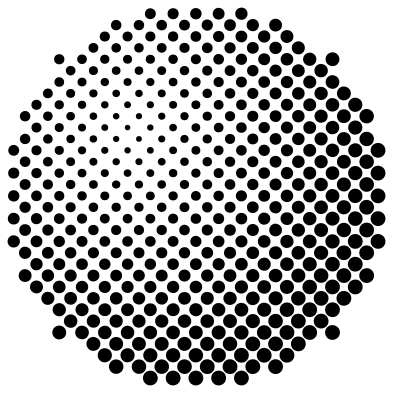 Halftone sphere Solid · 441 pieces
 -
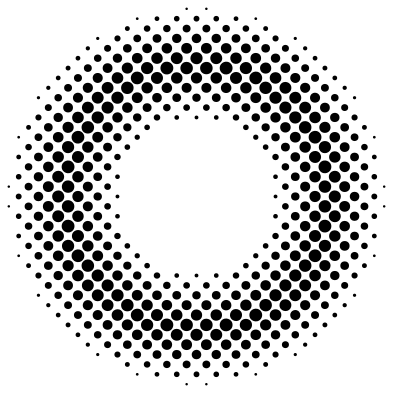 Halftone ring Solid · 480 pieces
 -
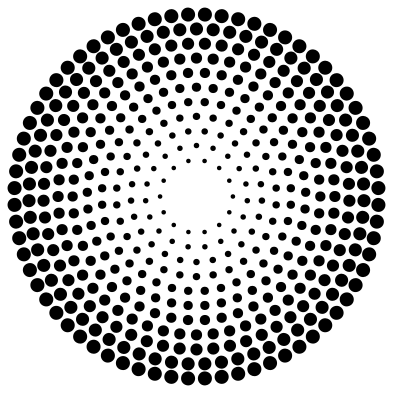 Halftone burst Solid · 451 pieces
 -
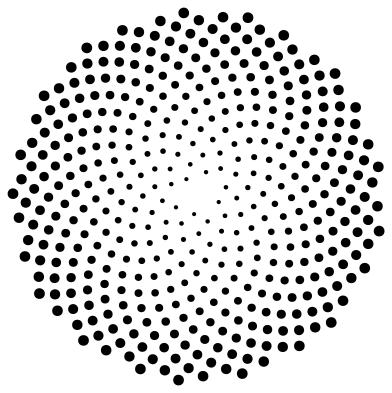 Sunflower-spiral halftone Solid · 416 pieces
 -
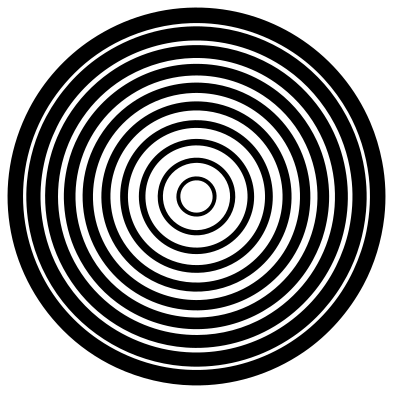 Concentric ring halftone Solid · 10 pieces
How these halftones are built
A halftone prints a tone with dots of one colour: big dots read as dark, small dots as light. These patterns are made the way a printer’s screen is. Dot centres sit on a grid, usually turned 45 degrees because the eye notices a diagonal grid least, and each dot’s area follows the darkness wanted at that spot.
The largest dot stops just short of its neighbours, so the pattern is a field of separate circles with no merged blobs. That keeps it clean to recolour, to scale, to screen print as one ink, and to cut as a stencil.
Using a halftone pattern
For print and screens, place the SVG over or under your artwork and give it any colour: it is a single path, so one fill changes every dot. The PNG has a transparent background and drops straight onto a photo as an overlay.
For screen printing, lasers and cutters, mind the smallest dot. Each pattern’s page lists it at seven sizes. Dots under about half a millimetre will not hold on a screen or survive a blade, so scale the pattern up until the smallest dot clears that.
How to open the files
- Cricut Design Space: choose Upload, pick the SVG, and add it to the canvas. Set the width you want; the shape is already welded.
- Silhouette Studio: Designer Edition and above open the SVG. The free Basic Edition does not, so open the DXF instead.
- LightBurn, xTool Creative Space and Glowforge: import the SVG, then set the layer to cut, score or engrave.
- Inkscape, Illustrator and Affinity: open the SVG. It is a plain filled path, so you can recolour it, add a stroke or combine it with your own work.
- Printing or sublimation: use the PNG, which has a transparent background.
Each design page lists the file’s narrowest part at seven sizes, so you can tell whether it will survive at the size you plan to cut.
Questions
How do I change the colour of a halftone pattern?
Open the SVG in any vector editor and set the fill. All the dots are one compound path, so they change together. In CSS, use the SVG as a mask and set the background colour.
Can I turn my own photo into a halftone?
Yes. The Dither style in the editor turns a photo into dots, with Bayer screens for a regular halftone look, and saves it as SVG dots or as a 1-bit PNG.
What is the difference between a halftone and dithering?
Both fake tones with dots of one colour. A halftone varies the size of dots on a fixed grid. Dithering keeps the dots one size and varies how many there are. What is dithering? explains the second.
 Spiral vectors
  Leopard print
  Cow print
  Zebra print
  Mermaid scales
  Buffalo plaid