Free zebra print SVG patterns
Free zebra print as vector files: square swatches at three scales, upright, diagonal and wavy stripes, a tile that repeats without a seam, and the print cut to a heart, a circle and a star, with tiger stripes as well. The stripes wander, fork and taper as real ones do, and every one is a smooth closed shape.
14 designs. Free for personal and commercial use, no sign-up. What you can do with them.
-
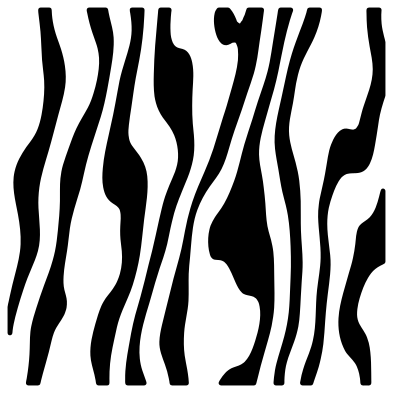 Zebra print pattern Solid · 9 pieces
 -
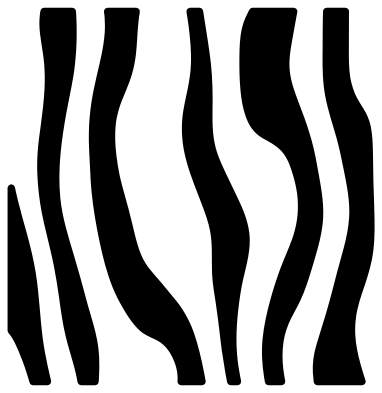 Large zebra print Solid · 6 pieces
 -
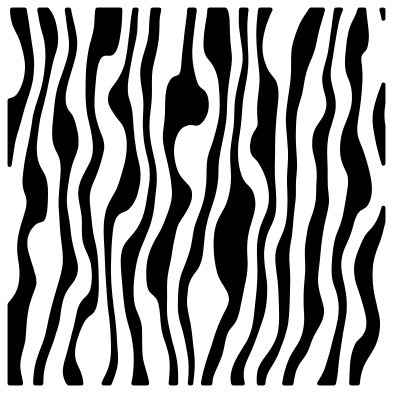 Fine zebra print Solid · 16 pieces
 -
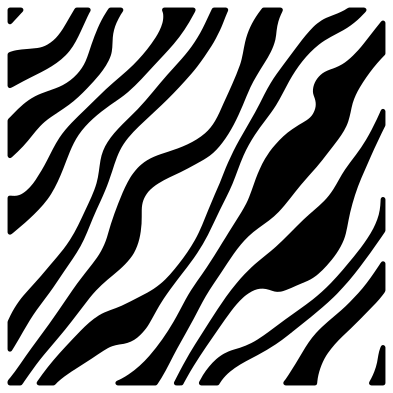 Diagonal zebra print Solid · 12 pieces
 -
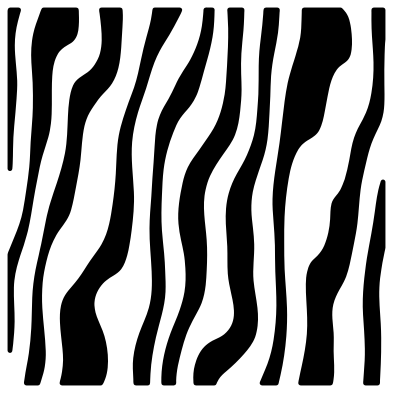 Wavy zebra print Solid · 10 pieces
 -
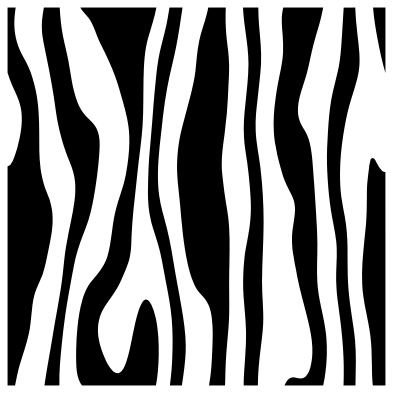 Seamless zebra print tile Solid · 10 pieces
 -
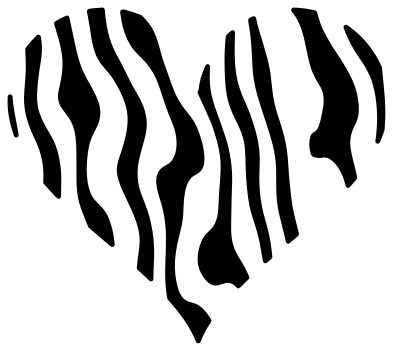 Zebra print heart Solid · 10 pieces
 -
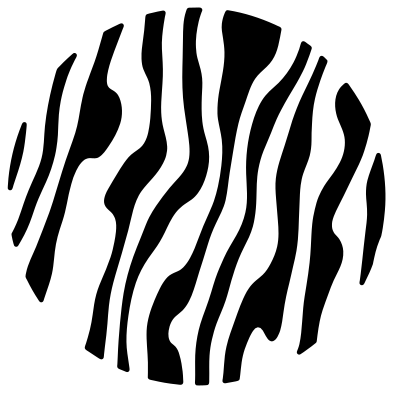 Zebra print circle Solid · 10 pieces
 -
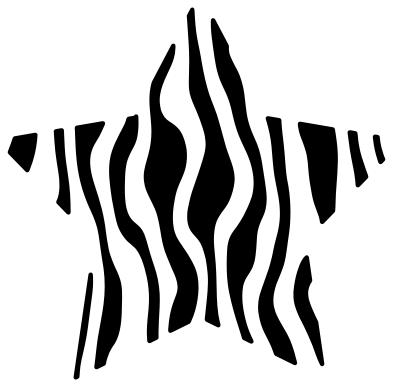 Zebra print star Solid · 13 pieces
 -
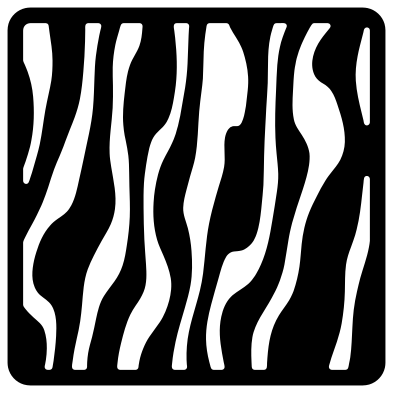 Zebra print stencil panel Solid · one piece
 -
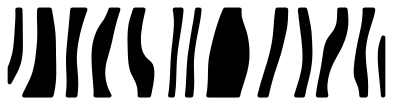 Zebra print border strip Solid · 13 pieces
 -
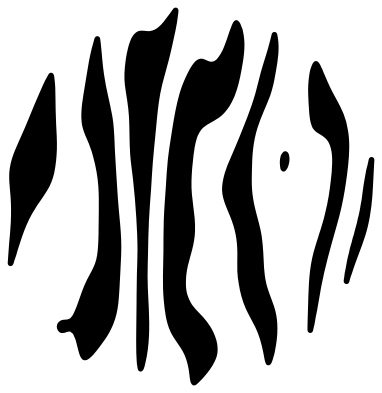 Zebra stripes Solid · 8 pieces
 -
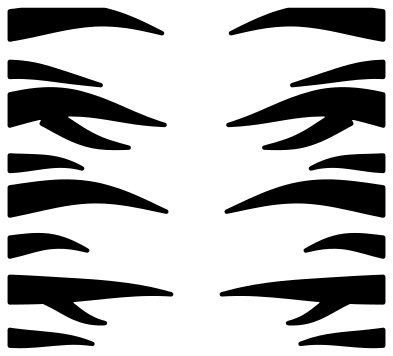 Mirrored tiger stripes Solid · 16 pieces
 -
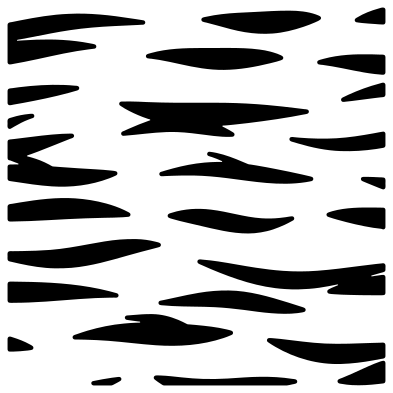 Tiger stripe pattern Solid · 26 pieces
Using zebra print
Zebra print is about half black and half white, so you only ever cut one of the two. Cut the stripes in black vinyl and put them on a white shirt, mug or sign and the base supplies the white stripes. For hot pink or neon zebra, change the base and keep the stripes black. The stripes are long loose pieces, so lift the whole pattern with transfer tape to keep the spacing.
To fill a word or a shape, lay a swatch over it in your cutting software, select both, and use Slice in Cricut Design Space, Intersect in Silhouette Studio or Path, Intersection in Inkscape. Turn the swatch first if you want the stripes to run another way. Use the fine print for letters and the large print for anything bigger than a sheet of paper.
What to watch for when cutting
Long thin stripes are the easiest thing in vinyl to stretch or lose while weeding. Each design page lists its narrowest stripe: keep that above about 1 mm after scaling, and weed along the stripes, not across them. The points where stripes taper out are blunted so they do not lift. In card or wood, use the stencil panel, which is one piece with the stripes as slots.
How to open the files
- Cricut Design Space: choose Upload, pick the SVG, and add it to the canvas. Set the width you want; the shape is already welded.
- Silhouette Studio: Designer Edition and above open the SVG. The free Basic Edition does not, so open the DXF instead.
- LightBurn, xTool Creative Space and Glowforge: import the SVG, then set the layer to cut, score or engrave.
- Inkscape, Illustrator and Affinity: open the SVG. It is a plain filled path, so you can recolour it, add a stroke or combine it with your own work.
- Printing or sublimation: use the PNG, which has a transparent background.
Each design page lists the file’s narrowest part at seven sizes, so you can tell whether it will survive at the size you plan to cut.
Questions
What is the difference between zebra stripes and tiger stripes?
Zebra stripes are broad, close together and cover about half the hide, and they run mostly unbroken. Tiger stripes are thinner and further apart, with more of them ending in a point or splitting into a fork. This set has both, each under its own name.
How do I make the stripes run sideways?
Turn the file a quarter turn in your cutting software before you use it. The square swatches are the same width and height, so they still cover the same area. The diagonal print is already on a slant, and the tiger stripes already run level.
Does the seamless tile really repeat?
Yes. A stripe that runs off the right edge carries on at the same height on the left edge, and the same top to bottom. Place copies edge to edge, 100 mm apart at the original size, and weld them into one sheet.
 Halftone patterns
  Spiral vectors
  Leopard print
  Cow print
  Mermaid scales
  Buffalo plaid